Glimmer of the Month subscription, month ’25

I’ve decided to dive into the hot foiling trend. I never expected to actually do it. The cost of a foiling machine, the cost of new foiling plates, the space to store it all and getting caught up in the latest and greatest were all a bit overwhelming. And yet. And yet I was feeling a sense of FOMO. It was almost akin to the early days of die cutting; it was the latest and greatest. But would it be an expensive fad to fade away? Die cutting ended up being a staple crafting method. I believe hot foiling is as well.

My shifting thinking toward hot foiling collided with a ridiculously cost saving Black Friday deal. I accidentally ran across a hot foiling machine for a discontinuing price of $25. I was stunned. And also sold! The next step was how to go about adding some hot foiling plates to my stash in a reasonably affordable way.

Enter another collision of events. I had been subscribing to the Freckled Fawn memory keeping kit and cancelled it back in November due to poor customer service. I thought I would take a break from subscriptions for a while again. However, the Spellbinders kits have been in my periphery for a while. When I found the hot foil machine, signing up for a monthly foil plate subscription just seemed to make sense. I could slowly add to my supplies and also some monthly happy mail. I may even try to keep the goodies a surprise if I can manage to avoid all the social media reveals!

So, on with my first happy mail goodies. I received the December “kit” near to Christmas and held off making the unboxing video until after the holidays. So here is what the December set involved.

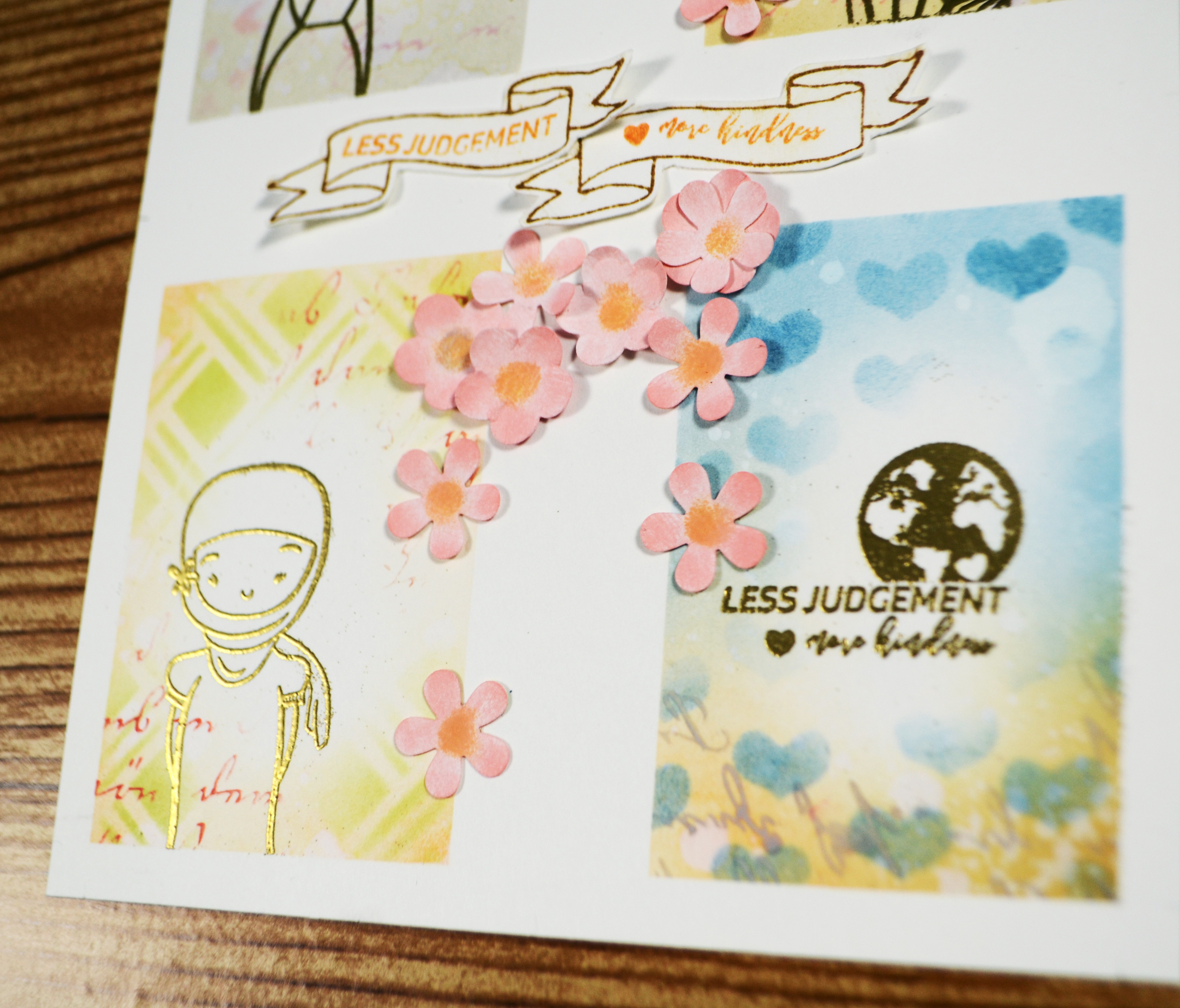
On the left you can see the outlines of all the pieces included: The larger floral corner, two sentiment plates and the coordinating three dies to cut out the pieces. The center shows off how things will look when used as designed. To complete the monthly kit there is a roll of hot foil. This time it was matte gold. How can you have shiny foiling that is also matte? I don’t know the magic they use, but the results are beautiful!

I had a learning curve to overcome when setting to work. After a few mistakes I got the hang of it and the results were amazing. I quickly got ideas on projects and made it happen. I created a set of cards for Galentine’s Day as well as a scrapbook layout using some scraps.
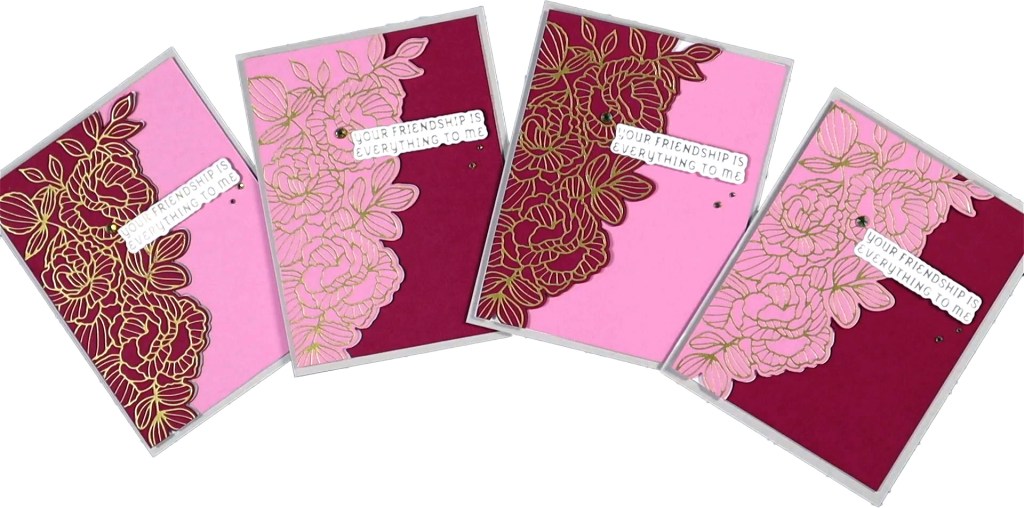
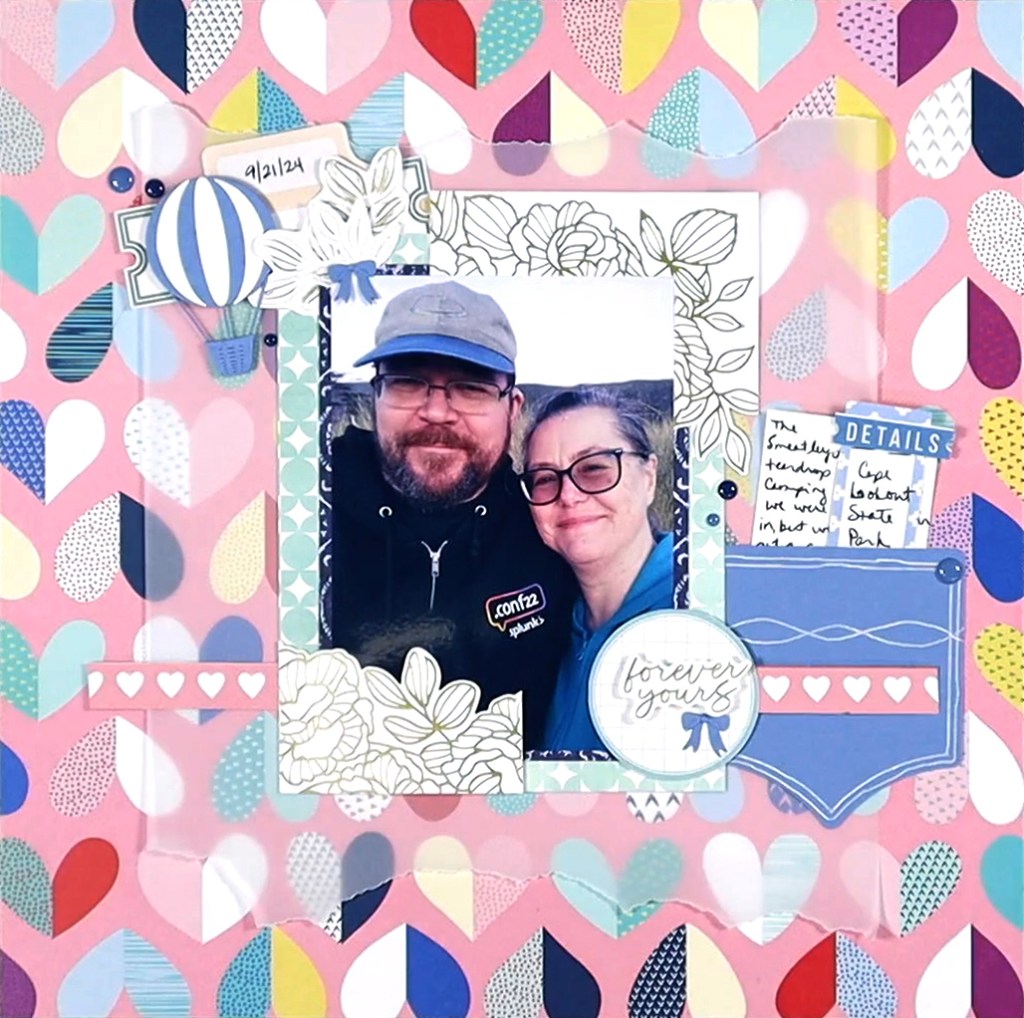
Neither of these images do justice to the shine of the foiling. You should watch the video to get the full effect.

I hope you’ll join me later in the moth as I unbox and explore the January glimmer products. I’m looking forward to adding more shiny goodness to my projects this year.

Until next time, have an artful day!

October Makes

I’ve been jamming in a bunch of design team work after spending 4 fun-filled days at the Crop & Create Delivered Card making “retreat”. It is an online event if you aren’t familiar with C&C. But it is jam packed. I buy special meals, snacks and treats, clean my room and prep for a week in advance. So to me this IS a retreat. It just means I don’t have to pay for hotels or flights. ๐Ÿ˜‰

At any rate, that means my other crafty life had to play catch up. On the design team at CKC we create our own products each month and offer mini kit inspiration. I was tasked with both jobs this month and combined them up nicely.

The Makes

Fist here are my makes for October. Fabric flowers created two ways. Denim was upcycled to create the flowers on the left in pleated style and rolled style. On the right, felt was die cut to create sunflowers.

If you want to see more of that in action, plus a peek at one of my fails, then check out this video.

The Mini Kit

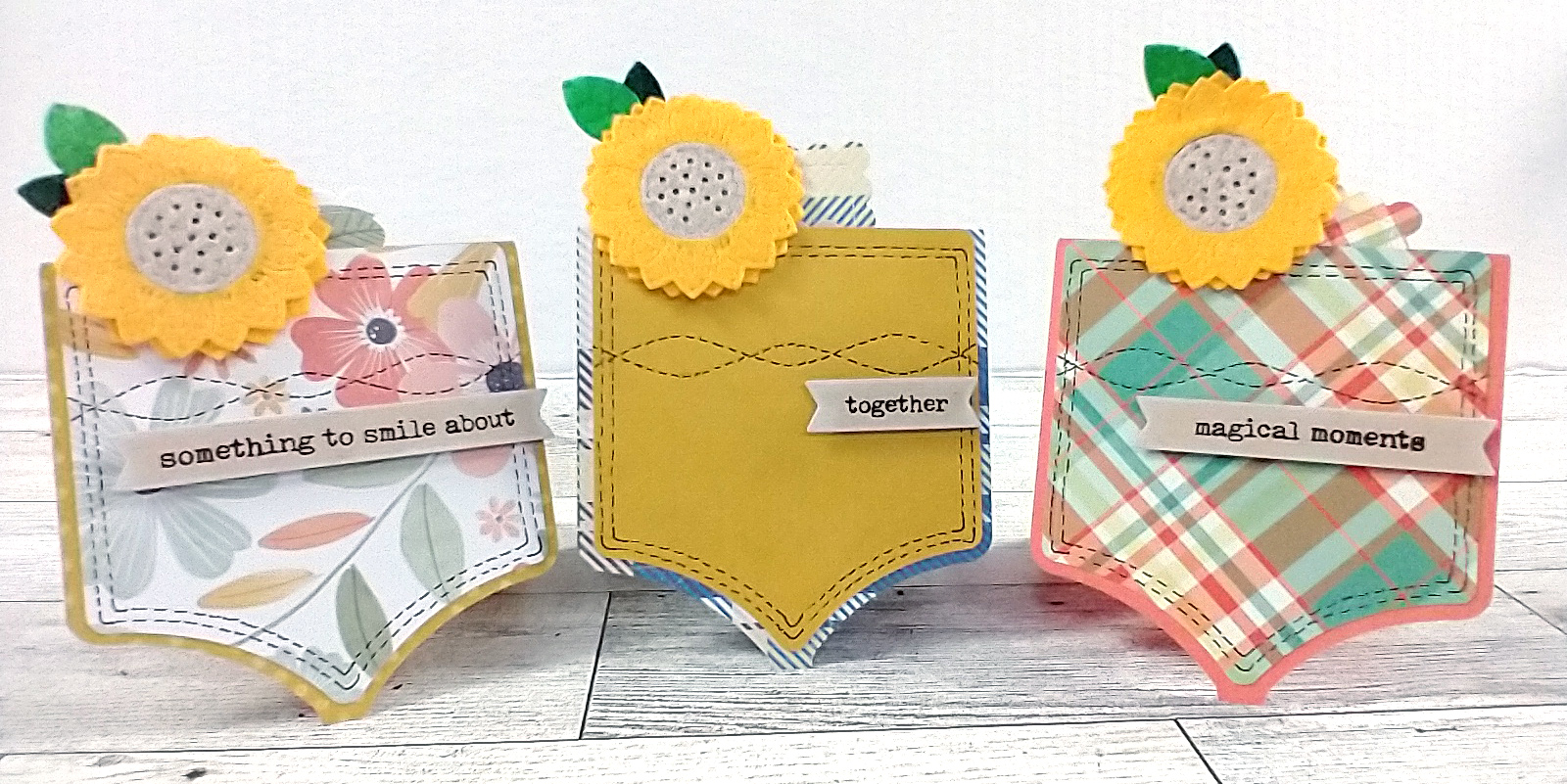
A couple of days later I put those sunflowers to use in my mini kit. I took some of the supplies that did not make it into my main kit for the month and included them in this mini kit. I knew what I wanted to make and since I didn’t own the products to make it happen, I designed some myself. In fact I’ve already release that brand new, FREE cut file for all of you to download. It is featured in this blog post.

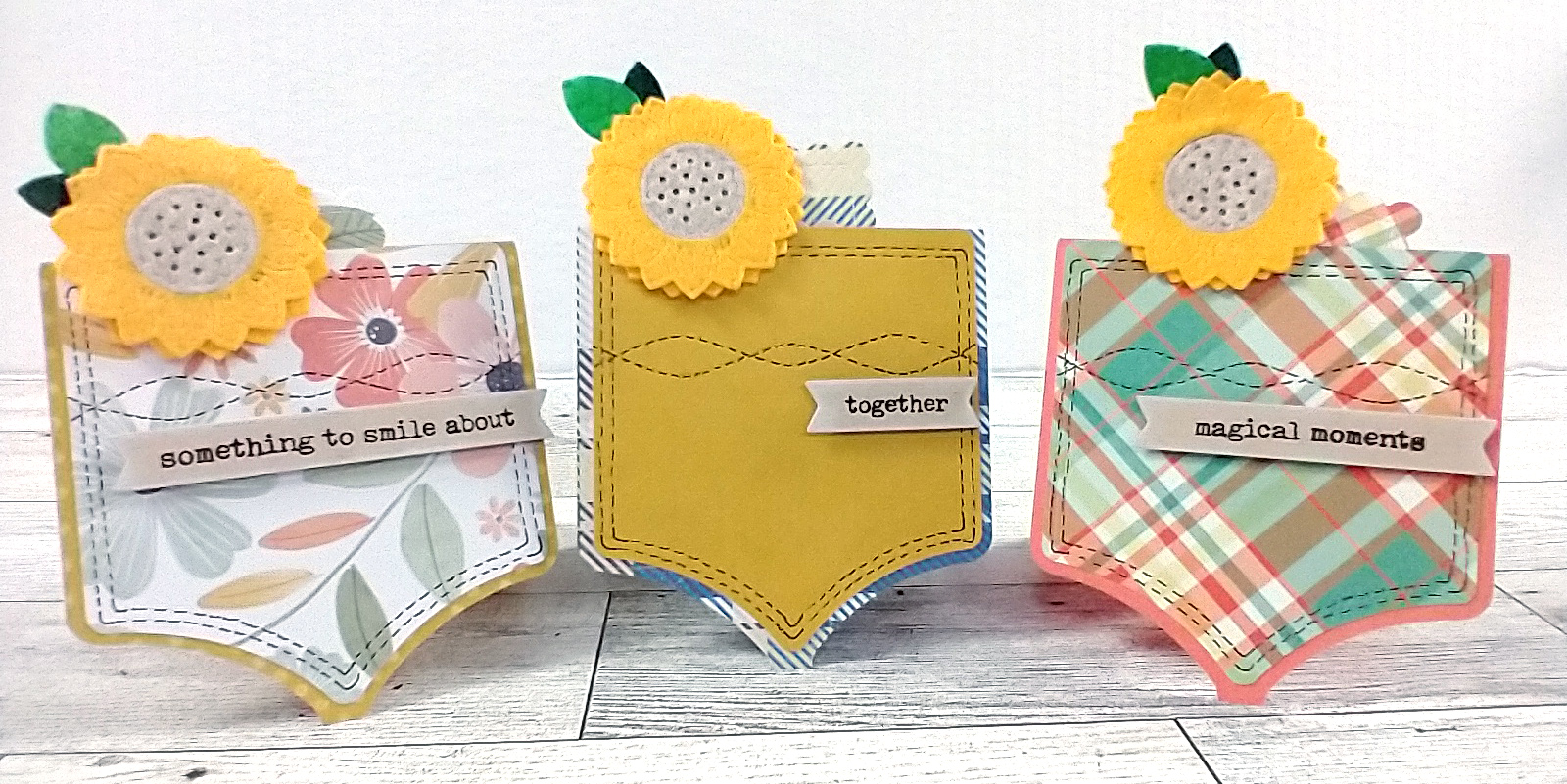
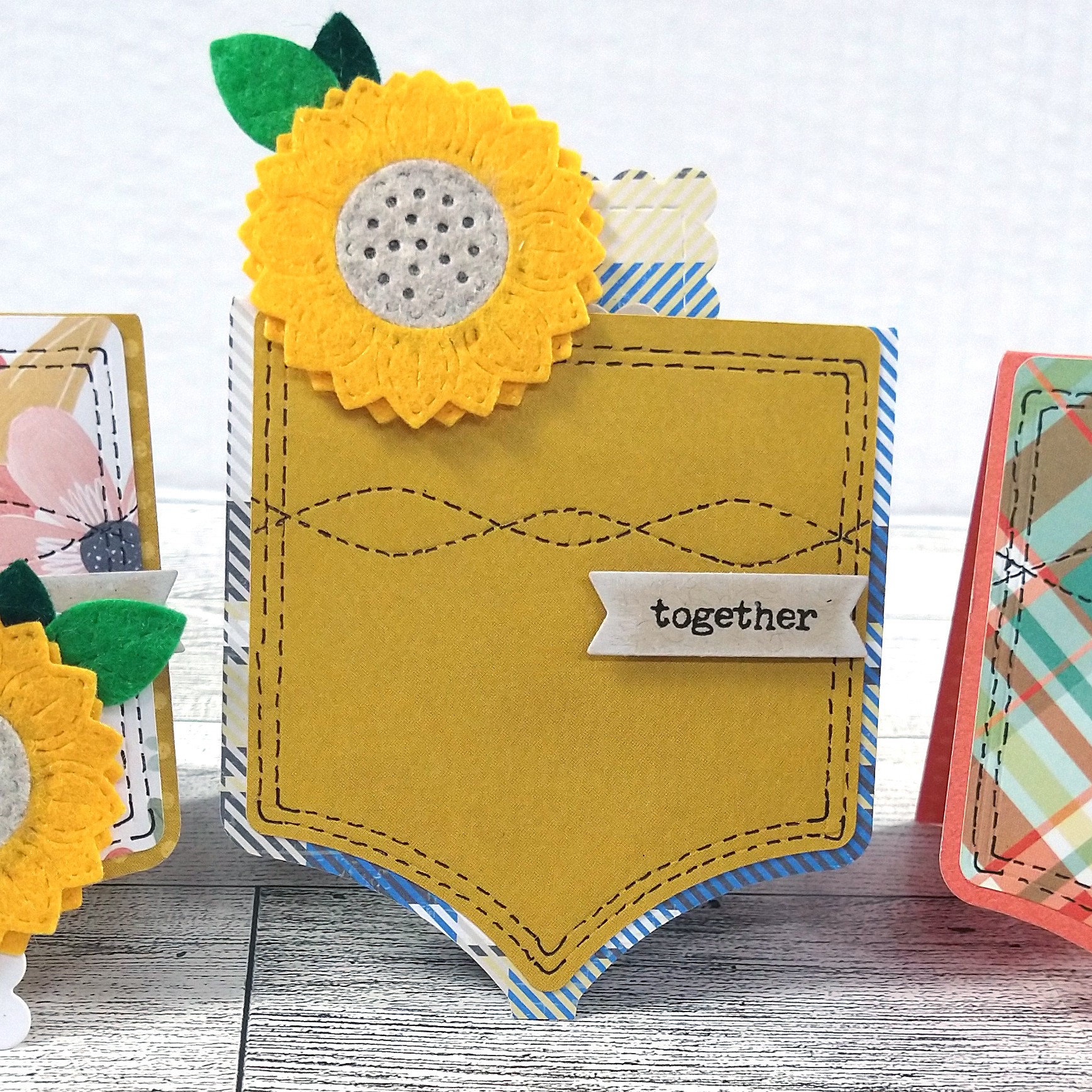
With my kit and cut file ready I set to work. I created these fun table decor items. But don’t limit yourself to just table decor. These would make great notecards to sent as well.

I do share some tips and tricks in the video where I created these. Check it out.

I hope you enjoyed this bit of early Thanksgiving crafting. Until next time, have an artful day.

Freebie Release!

It has been a few months since my last freebie release. I was super excited when I got this idea and had to create it right away. I created a small notecard with a pocket design. There is a top layer that you can glue on to create and actual pocket. This is great for making table decor as place settings or name tags.

I have many ideas to go with this pocket and look forward to creating more of these sweet projects. I’m hoping to work with this cutfile more in the future! Until then, if you want to see how I created this table decor project you can check out that process video.

Now if you want to see how to use these cutfiles in Cricut or Silhouette, please check this out. These tutorials assume you know basic features and functions of your software and gives you specific tips on using and adjust the various layers of this cutfile to produce a final cut.

Pocket Notes

  • Download
  • File types include:
    svg, png, Silhouette Studio
  • See release video
  • Released July/Aug ’23
  • This is a small notecard with a layer to create an actual pocket. Extra accessories not included.

If you want to see more of my freebies, from cutfiles to printables, check out my Freebies page.

Until next time, I hope you have an artful day.

Final March projects

Just a couple more things to share with you as I wrap up the month. The second item is my fav so don’t miss that one.

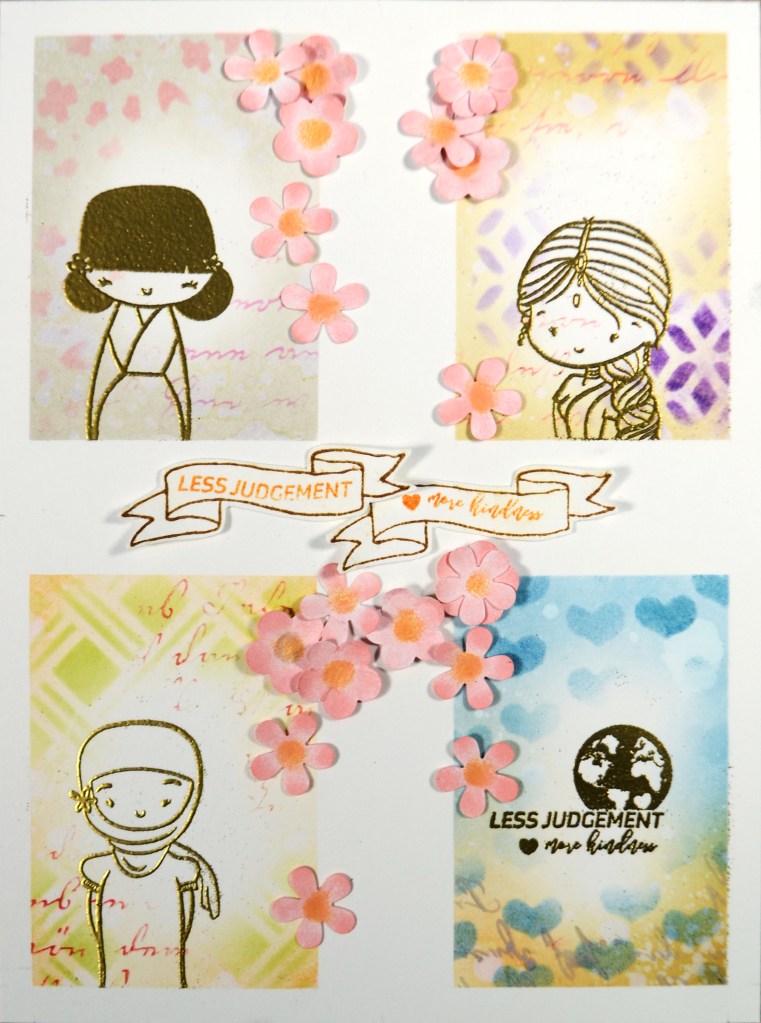
First up I did my Mystery Box Monday project. This is where I’ve purchased a grab bag of discounted supplies and I pull out three things from the box without looking. Then I have to put all of those to use on a project. It is just a silly creativity stretcher and a good excuse to purchase a box of random supplies.

I pulled out two ink pads and I was starting to feel nervous. Luckily, the third item was a stamp set. Whew! I had something more to work with. Although, now that I think about it, I totally could have gotten inky with stencils or stamps from my stash. As it was, I pulled way more inks and other supplies and went well beyond what my three mystery ingredients were!

I had fun creating this 5×7 art piece. I’ve been thinking about doing something like this for a while to hang on my wall. This feeling of artfulness outside of the scrapbook page is growing in my brain more and more lately! I did decide to give this one away as I still have more ideas for MY walls! (More on this project in this video.)

Speaking of artfulness, the next one gets very arty indeed. But it isn’t hard! It just needs a few specific supplies. I talk all about it in the video, which is the best way to get the hang of the whole process. However, if you want the step by step blog post, that is all over on the ScrapHappy.org blog where I am a creative team member.

Oh my! Just playing with all that color is fun. Who cares about turning it to anything in the end. Yet, I did have this layout in mind, so my alcohol inked background did make it to a finished product!

Okay, that is it for March. I know Easter is in a couple of day from posting this. If you celebrate, I wish you a Happy Easter. Until next time, have an artful day!

Iron Crafter Hop, February ’24

I play along with a couple of online scrappy challenges each month, including the Iron Crafter Challenge hosted over at the Peace Craft Love Facebook group. It is a fun & free group if you want to check them out.
Each month we are given a mystery ingredient to use in our crafting recipes. If you know me, this is right up my crafty fun-loving ally. Let’s check out what we’ve got going on this month…

This time our mystery ingredient is… pocket cards.

Usually I have a pretty easy time with the challenges as I am an bit of an eclectic scrapper. However, pocket cardsโ€“and pocket scrapbookingโ€“are not something I do much. I had to really dig in my supplies to find a small stash of these cards. I really appreciated being challenged to come up with a fun way to use these supplies. I like what I did. I hope you do too!

I used those pocket cards in three ways. First, the larger card creates a grounding mat for my first two photos. Next, smaller cards layer to form a space for my journaling. Finallyโ€“an the idea that is the star of the showโ€“I used the cards to create borders at the top & bottom of my layout.

Normally I’d just smack down a single card as the sole embellishment or a bit of a base to an embellishment cluster. This idea of cutting/tearing them to create a border is an idea I would like to return to. Perhaps this challenge will get me using those pattern papers with all the cut out pocket cards!

Of course if you want to see more, the video has more details.

Thanks so much for stopping by and checking out my latest project. I hope you will come back next time as well. Until then, have an artful day!
LOAD Featured Designer

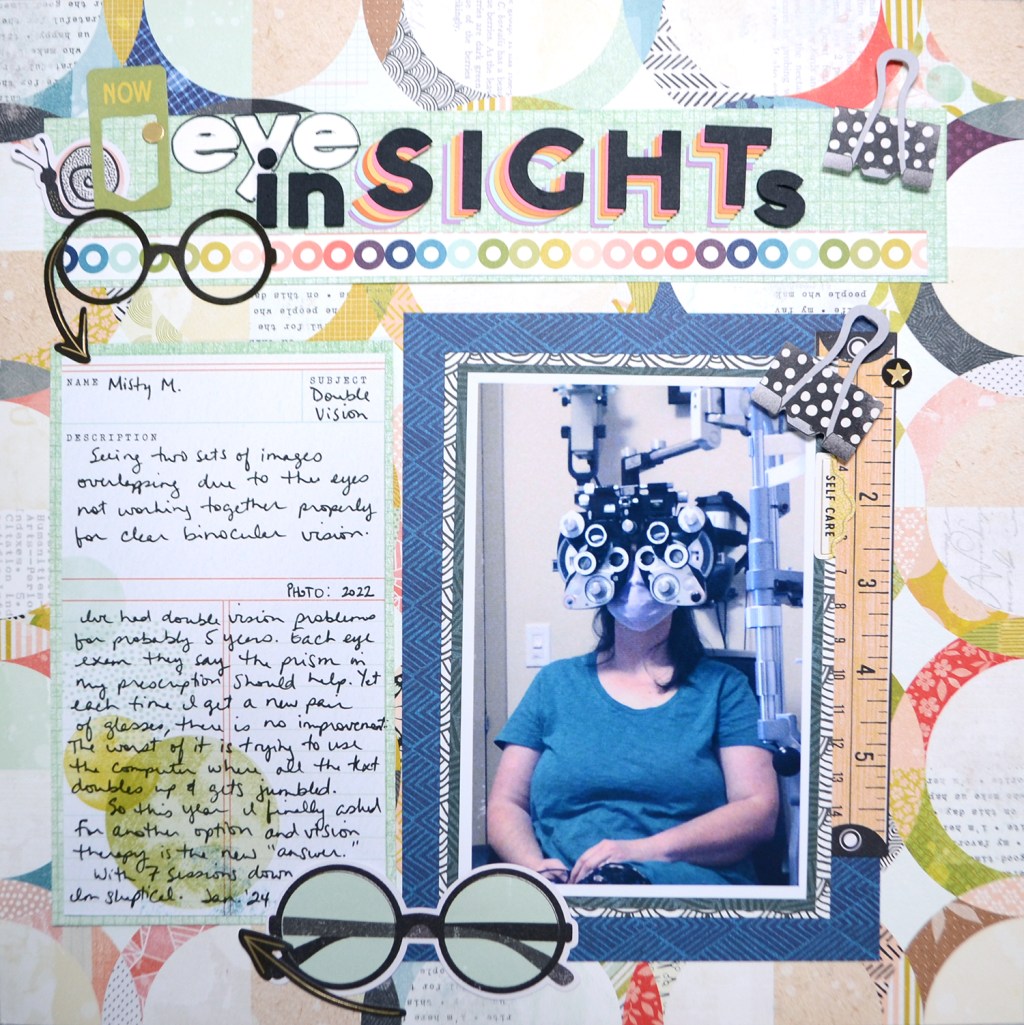
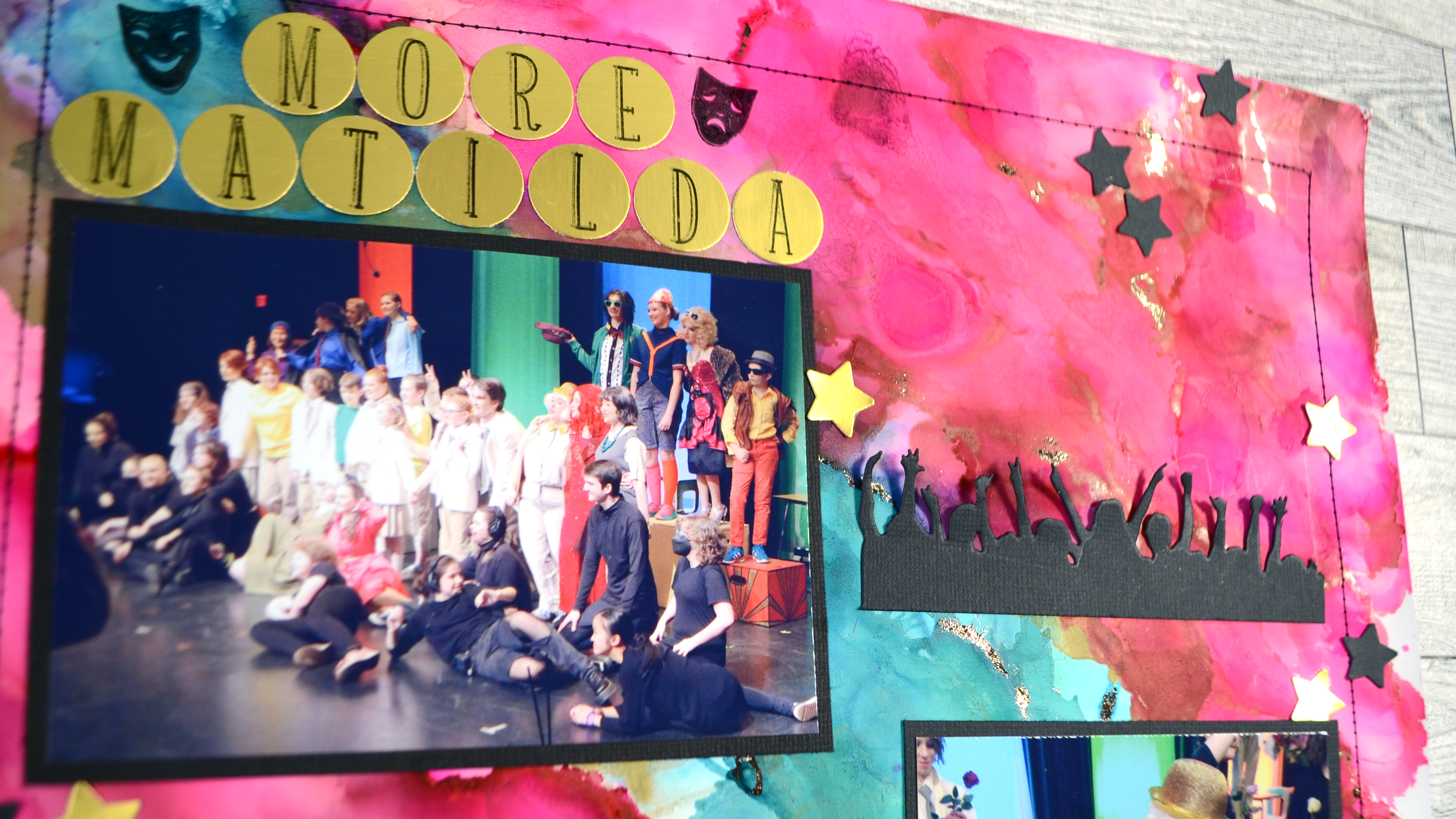
Hello all. Today I’m sharing the layout I created as part of the LOAD challenge. Each LOAD month, Alice asks for community members to volunteer their talents to share a layout based on day’s prompts. I received Day 13 as my task and it featured a prompt to tell a story about precision and to use an embellishment that requires precision.

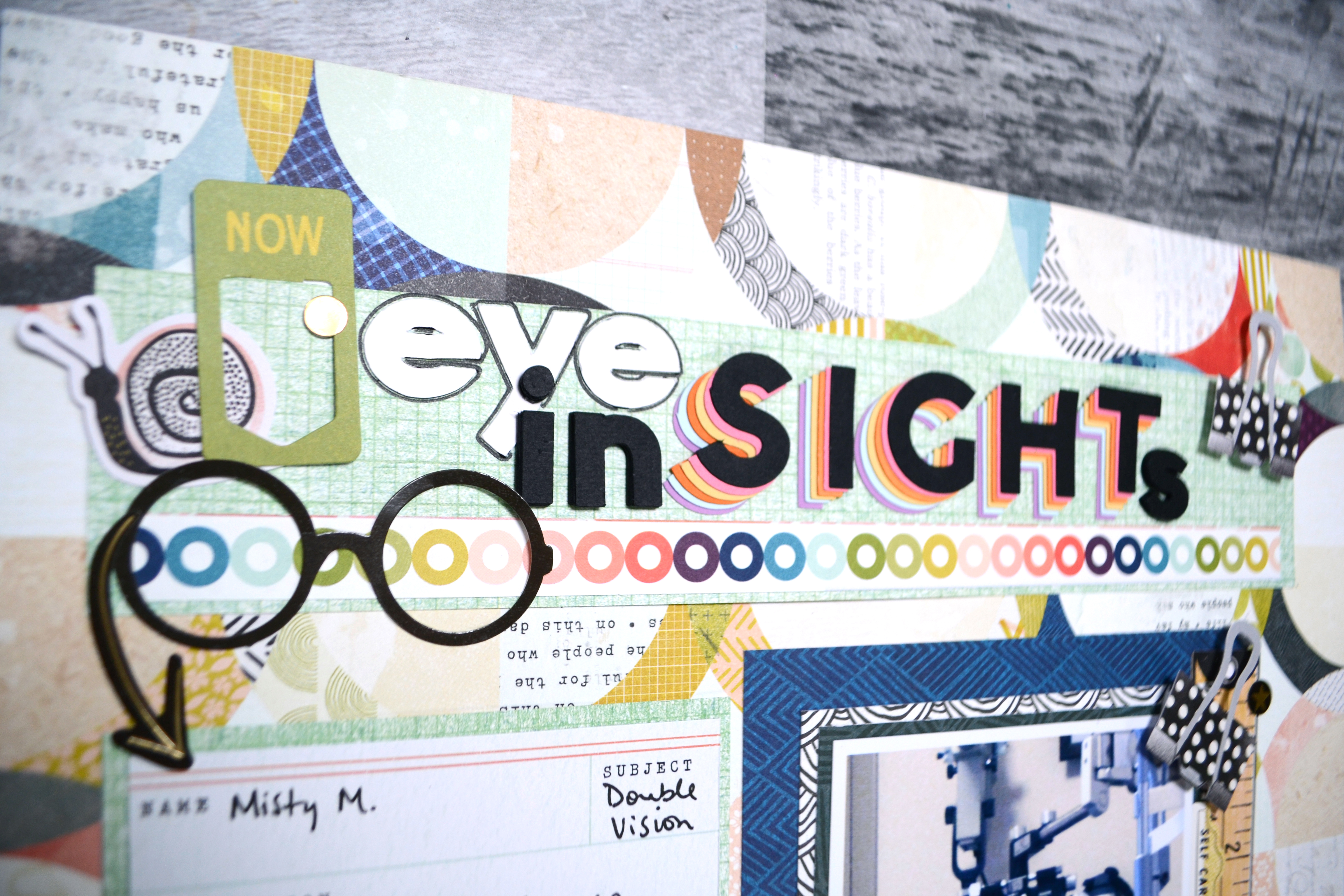
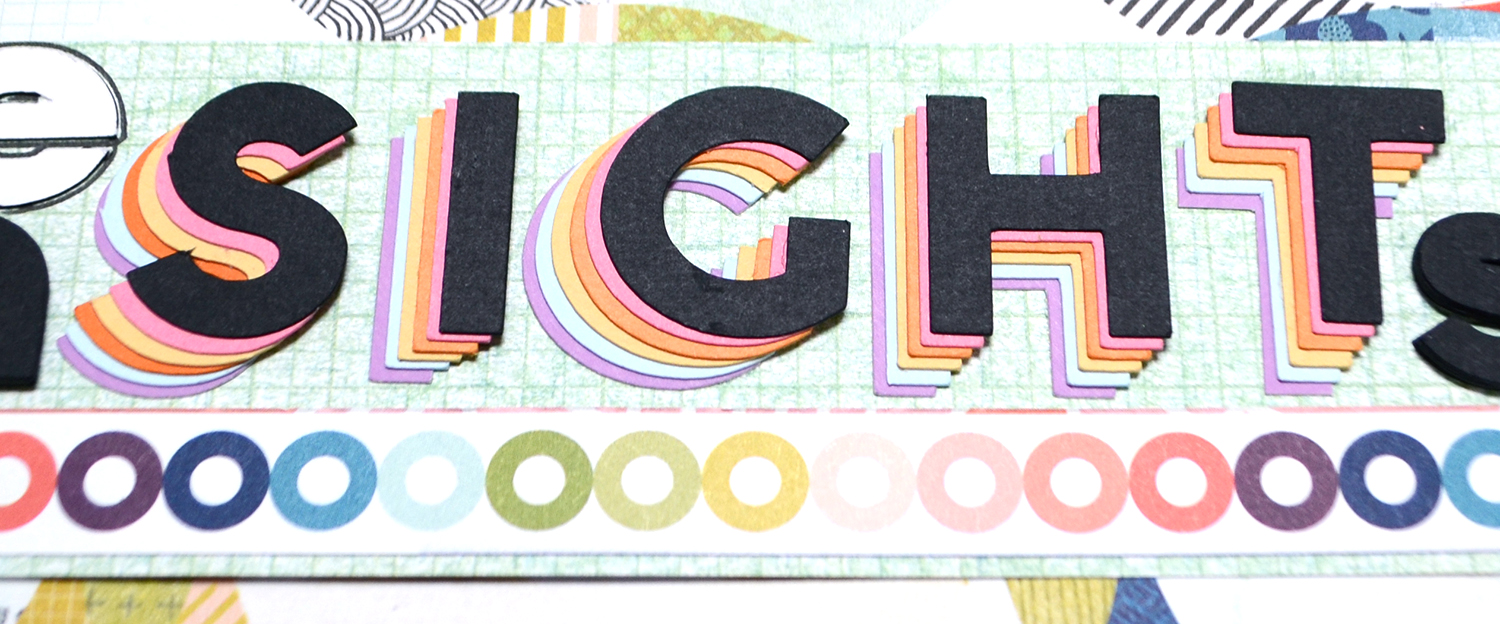
After just a bit of thinking I had a story in mind. But what kind of embellishments require precision to use? That one took a little more thinking. When I spied a paper strip that had rows of colorful circles I realized that I could do a stacked die cut title in multiple colors. That would require a lot of precision to get all the letters aligned, stacked and glued in place!
Here is my story about how my eyes don’t precisely work together for clear vision. Instead I end up with doubled vision in certain situations. My title work mimics the physical problem in a way. If you want to see the full process video for this project, keep scrolling.

Okay, that wraps up a simple post for today. Until next time, have an artful day.

Double challenges!

It is the first challenge of the month over on the Counterfeit Kit Challenge blog. It also happens to land on the Mix It Up Monday (aka MIUM) challenge hop day. Luckily for me both challenges fit snuggly together, so I’m saving time and energy and combining the two!

The CKC challenge was to use TWO types of mixed media.
And as usual the MIUM challenge was to use a sketch and add in mixed media.

So you can obviously see how they fit together!

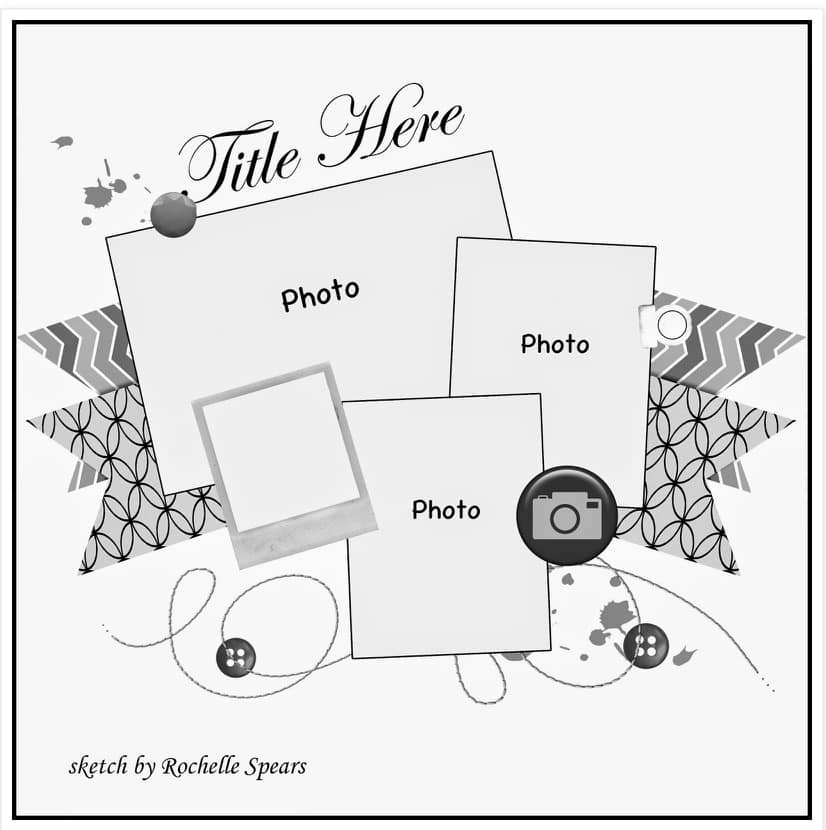
For reference here is our sketch from Rochelle Spears. I liked that it had three photos with an option for a fourth in that little polaroid frame. I went to my story binder, found a story with four photos and it was a story that would work well with my CKC kit colors and textures.

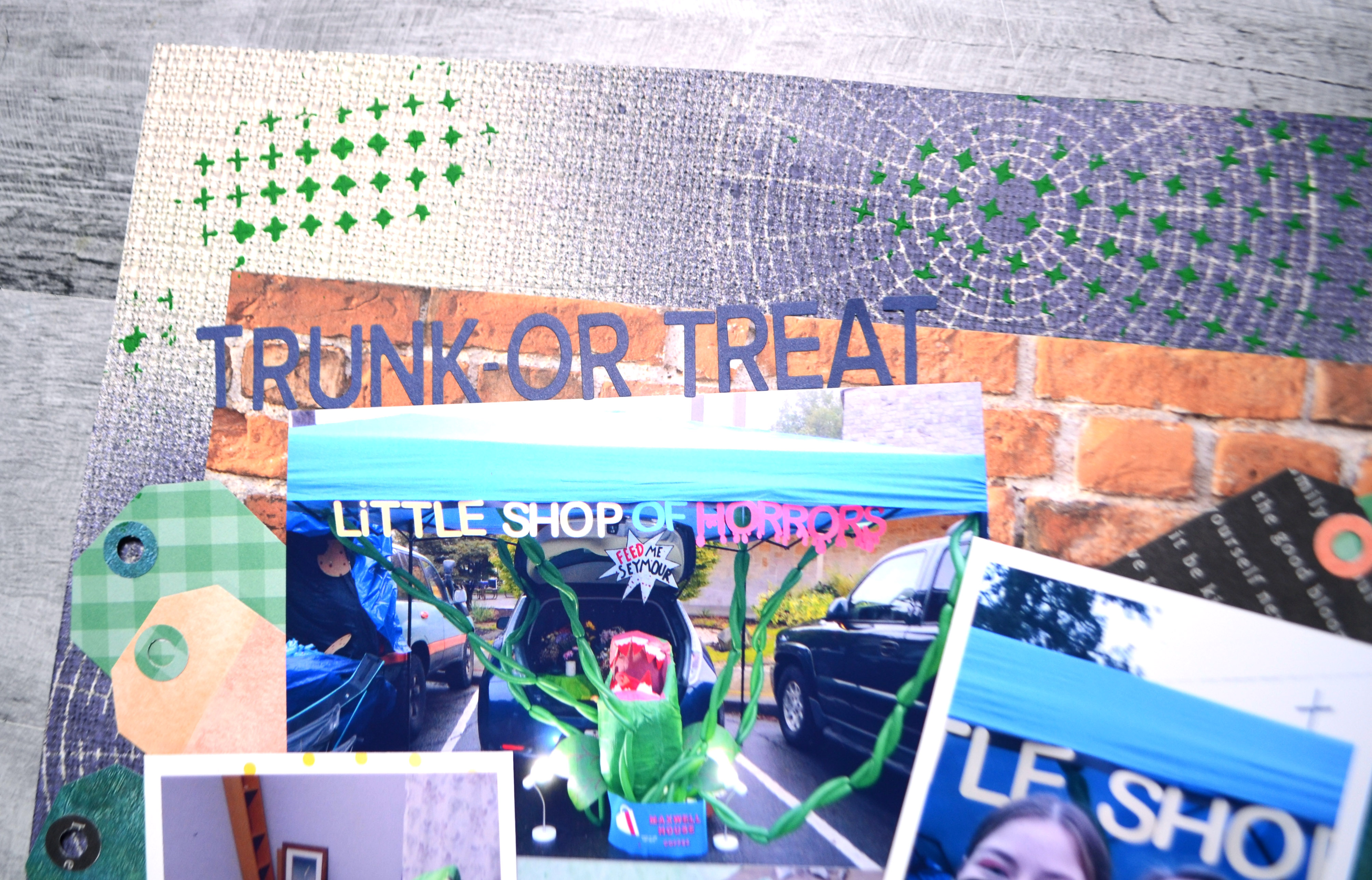
I told this story of creating decorations for a school trunk-or-treat even. My daughter and I designed our trunk based on the Little Shop of Horrors musical (specifically the movie from the 80’s as that is my era!). As the movie is set in the inner city the brick paper felt like a perfect base for the photos. I did change out the banners for tags. My mixed media was acrylic paint (green pluses) and spray mist. Both were chosen for their messy textural nods to all the materials that went into building our Audrey II monster.

If you want to hear more of my thinking behind layout decisions, check out the video.

I hope you can check out both the CKC team’s take on the blog, and follow along with the MIUM hoppers listed below.

MIUM YouTube hoppers
** Kristen from @scrappingonthefly1217
** Christine from https://youtu.be/ea9o0yvxCLI
** Tara from @thepapersnob
** Karen from @alittlekinder
** Mel from https://youtube.com/@MelWScrapping
** Briana from https://www.youtube.com/channel/UCKzjIl4GZHauK29x8EvFCUw
** Lynda from https://www.youtube.com/@thescrapbookingphotographe3607
** Shannon B from https://www.youtube.com/@scrappingwithShannon
** Cheryl from https://www.youtube.com/@WatchCherylScrap/
** Misty {{{ YOU ARE HERE

MIUM Instagram hoppers:
** Brandi Jo https://instagram.com/scrappy.boymama
** Tina https://instagram.com/tinamcmmvr
** Simera https://instagram.com/scrappysimi/
** Laurie https://www.instagram.com/scrapbookingbits
** DawnLyn https://www.instagram.com/dawnlynsdesigns/

Until next time, have an artful day.

January Wrap Up

I have been struggling to keep up with life these days. Have you ever been there? Well, in an effort to stay active here I’m going to wrap up January in a bit of a gallery style, so let’s dive in.

CKC Challenge #1: Tell about a cozy adventure.

Video

I went back to 2018 or 2019 for this story of exploring a new-to-me town while my daughter was at an event. Despite the rain, it was a lovely adventure.

This is from my ongoing Mystery Box Monday series. I have a grab bag of supplies that I ordered. “Grab bag” means I have no idea what is in the box! I reach in without looking (a challenge!), pull out three items, and put them to use on a project. This is just a fun and creativity stretching exercise. Are the projects always great? Nope. Do I learn something each time? Yep.

Video

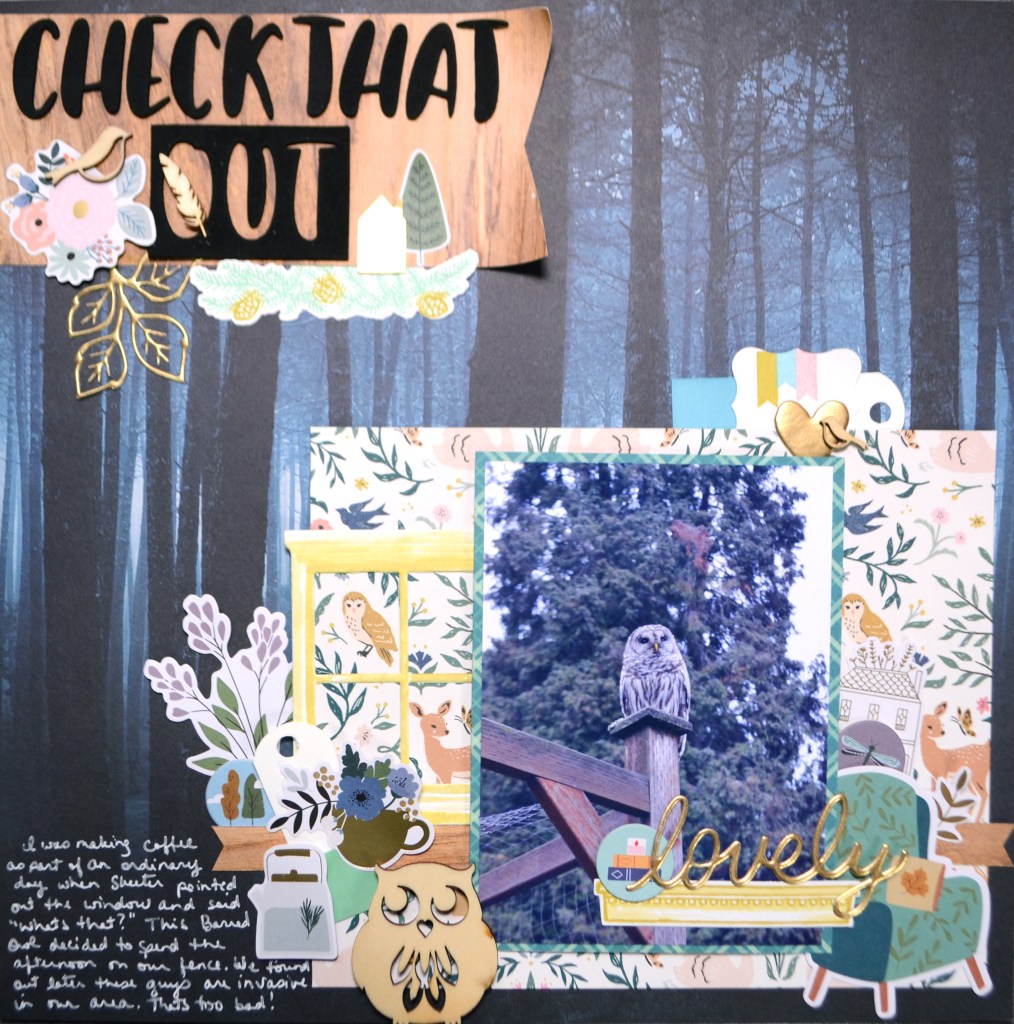
CKC Challenge #2: Tell a story of a special moment.

We happened to have this owl visit our yard one day for several hours. My whole family was in awe and we spent a good amount of time just staring at this guy.

Video

Iron Crafter Challenge: Use Stamping

Iron Crafter is all about putting underutilized supplies to use. I wouldn’t say my stamps are under used, but one thing I don’t do much is stamp my titles. So along with other stamping, I also stamped part of my title.

Video

CKC#3: Use a sketch.

The CKC group has added two extra challenges to our array of inspiration each month. Sketches are one such addition. If you want to see the sketch and how I worked it to this layout, check out the video.

Video

New for 2024: Freckled Fawn Kit unboxing + project

Since my SCT Sampler kits were discontinued, I went on a quest to find a new kit subscription. I landed on Freckled Fawn! Here is my first project from my January kit. The video shows the entire unboxing, thoughts on why I chose Freckled Fawn and the project creation.

Video

Mixed Media Mayhem

I love the Mixed Media Mayhem group, but as I am struggling with time in my days, this is the one YouTube project that I may need to drop from my calendar. I’m still thinking this over. At any rate, I was really happy with how this one turned out.

Video

CKC Challenge #4: Use your scraps

At the end of each month, CKC is now offering the “use your scraps” challenge. While I have a go-to list of using up scraps, I’m not sure I have 12 ideasโ€“one of each month of 2024. I will be learning along the way with everyone! As my ideas run out, I may skip doing videos on this project as well. Again, decisions need to be made!

Video

So, that wraps up my January. If you have any questions or comments, just drop me a note and I’d be happy to get back to you.

Until next time, have an artful day.

Freebie Friday, Dec 2023

I’ve been trying to offer freebies to you every month from sketches to cut files to printable papers & embellishments. Well… my energy fell away over the summer and I have not been able to get anything new out. However, I am here to release a couple of items for the Christmas season.

Sketch

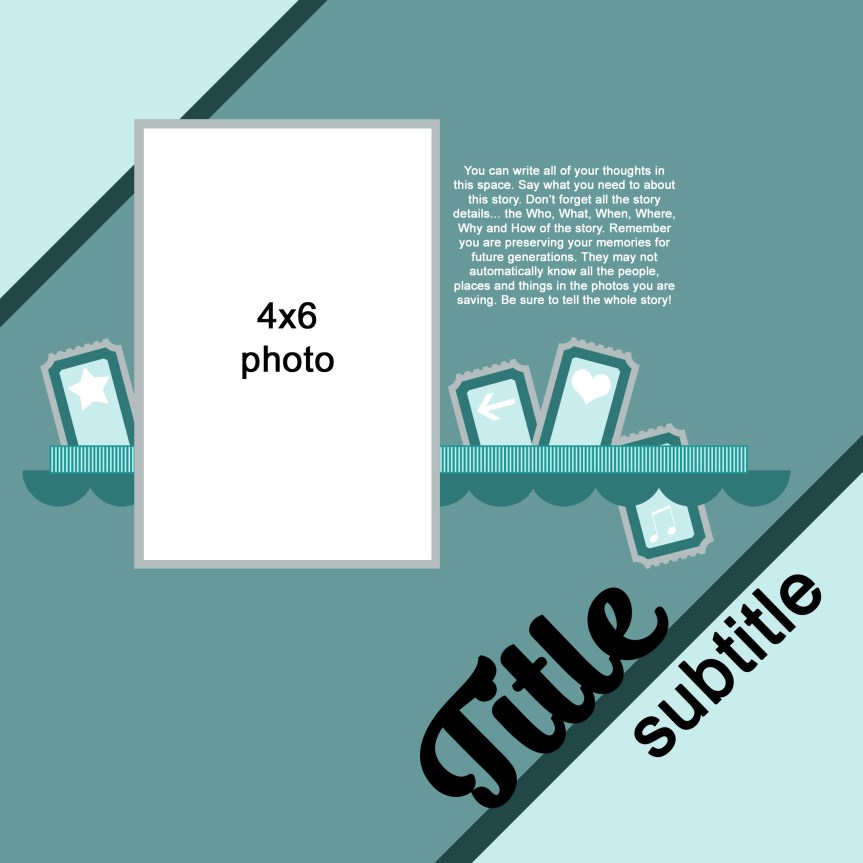
First up I have a lovely holiday sketch for you

This one definitely takes the holiday seriously. However, if you don’t celebrate Christmas, OR if you want more flexibility for this sketch, turn it sideways! Once it is sideways it looks like an arrow which can be used for many stories. Take a look at the two ways I put it to use.

If you want more thought process on how I put these layouts together, I have a video for you.

If you’d like to download this one, here are the links. If you want more sketchy fun, check out my entire back catalog of sketches.

DECEMBER 2023

  • Download
  • files types include:
    pdf, psd, jpg
  • Released Dec ’23
  • See video

๏ปฟ

Cut File

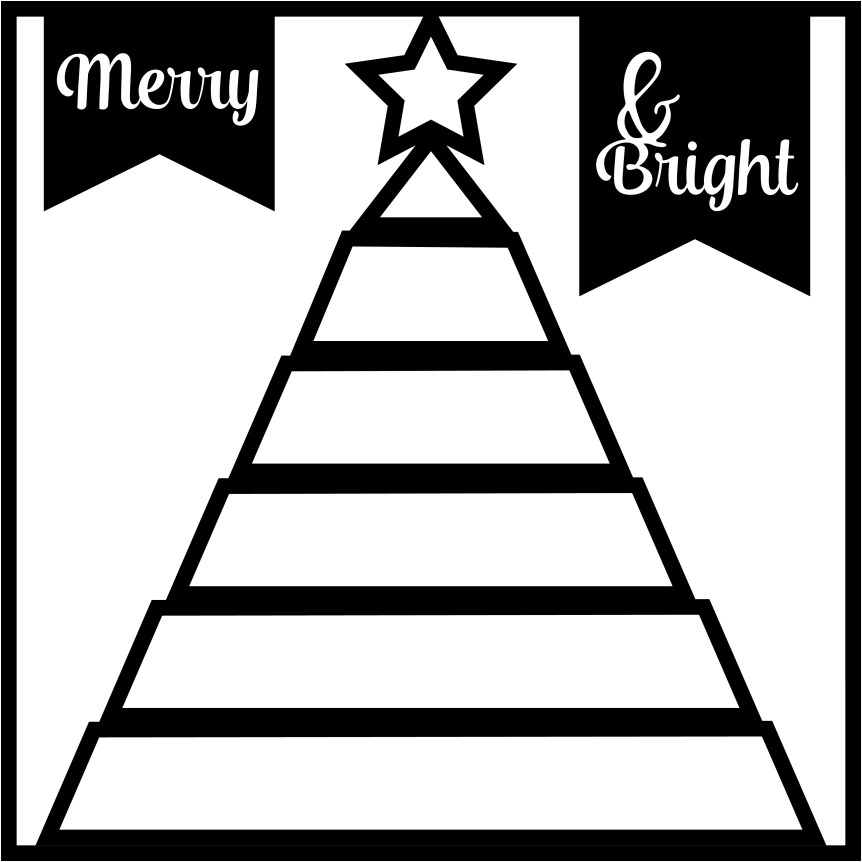
If you are a cut file lover, I’ve got you covered! I’ve created a cut file very similar in feel and style to the sketch above. Check it out.

Christmas Tree

  • Download
  • File types include:
    jpg, svg, png, Silhouette Studio
  • Released Dec ’23

That’ll wrap up this post, as well as this year. Happy holidays to everyone. See you in the new year.

Freebies Aug ’23

I love learning, creating and sharing. That is why I offer freebies up to you each month. I have both a layout sketch (in printable pdf as well as editable photoshop) and an electronic cut file (in svg) for your electronic die cut machines.

Here is some further exciting news… new for 2023 are PRINTABLES.!! You can print them at home, cut apart the embellishments and use them to create your projects. This month I was inspired by the upcoming Mother’s Day holiday here in the US. You can see all the details in my reveal video, or read on for the short version.

I’m very happy to report that I have the August freebie files ready. After being so late with July, I thought August would never make it. However, I’ve put in extra hours to get things done and I can now present to you this latest release called New Adventures.

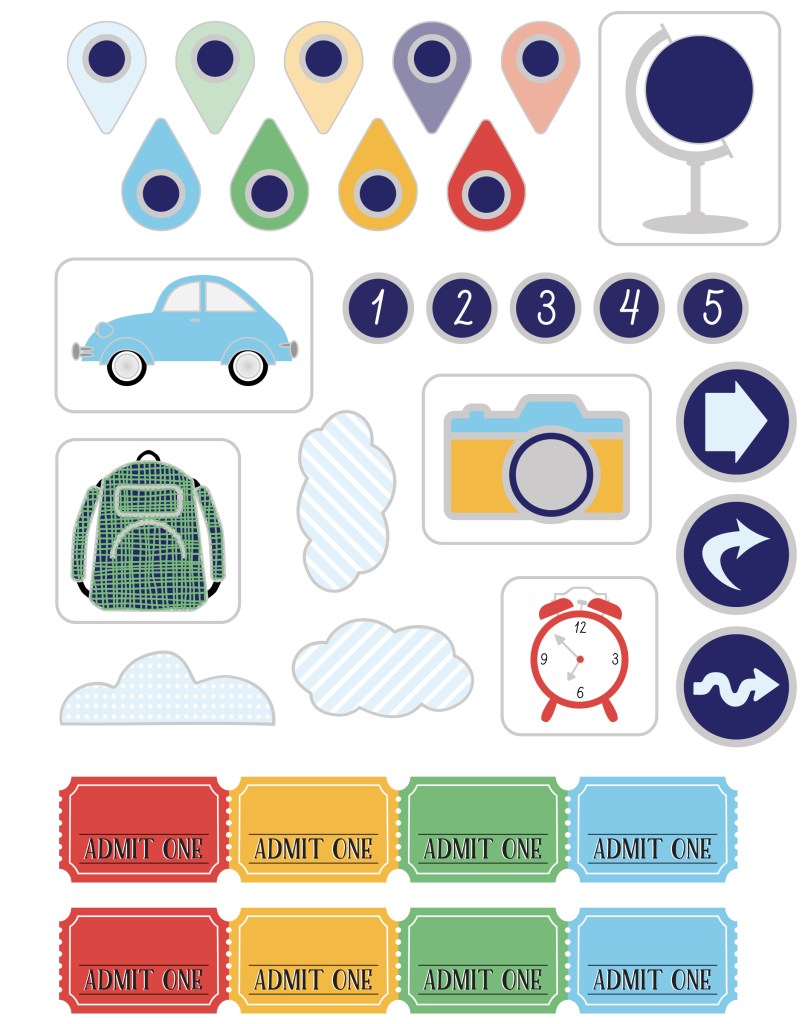
I’ve combined the idea of small trips with back to school through the key word of adventure! You can see this collections is full of icons and word art that can work for both travel and the new school year. I hope you enjoy this two-for-one collection as much as I do.

๏ปฟ

Sketch

Once upon a time I started my freebie creation life by offering sketches. And I continue to offer them to this day, so let’s start here. This sketch features ticket embellishments to capture those special events from concerts to school plays!

JULY 2023

  • Download
  • files types include:
    pdf, psd, jpg
  • Released Aug ’23

๏ปฟ

Cut File

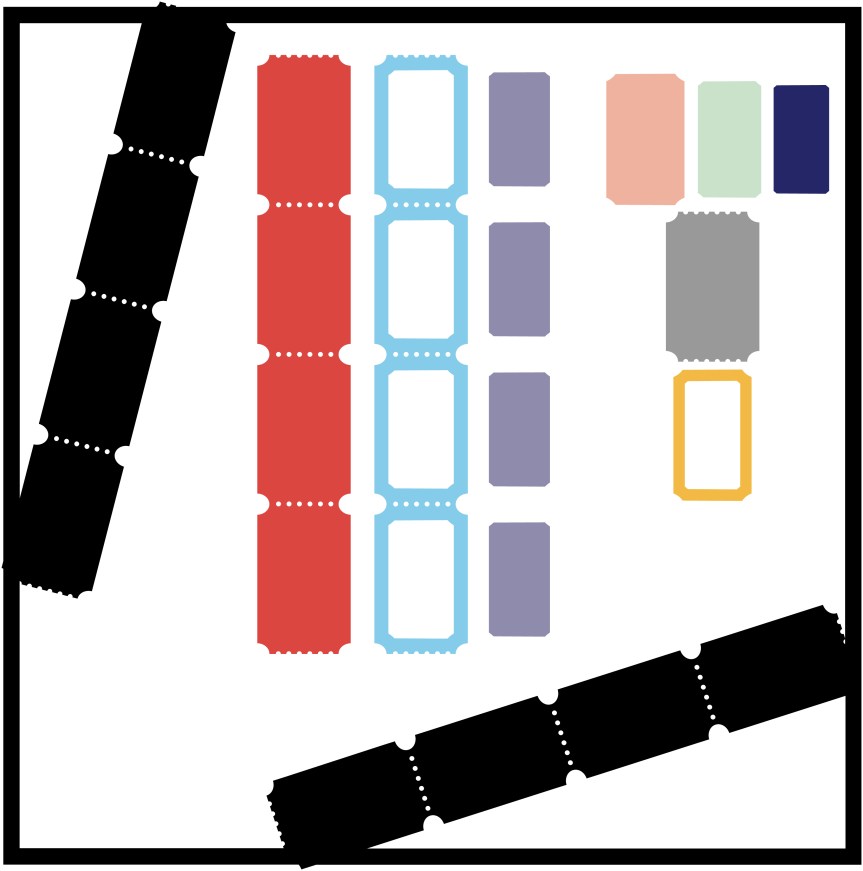
If you are a cut file lover, I’ve got you covered! My video covers any details for this file and any tips and tricks I have to share. Be sure to get all the info by watching above. This one has lots of layering options for building fun tickets. You can frame out your layout or build up individual tickets for embellishing.

New Adventures cut file

  • Download
  • File types include:
    svg, png, Silhouette Studio
  • See release video
  • Released Aug ’23

๏ปฟ

Printables

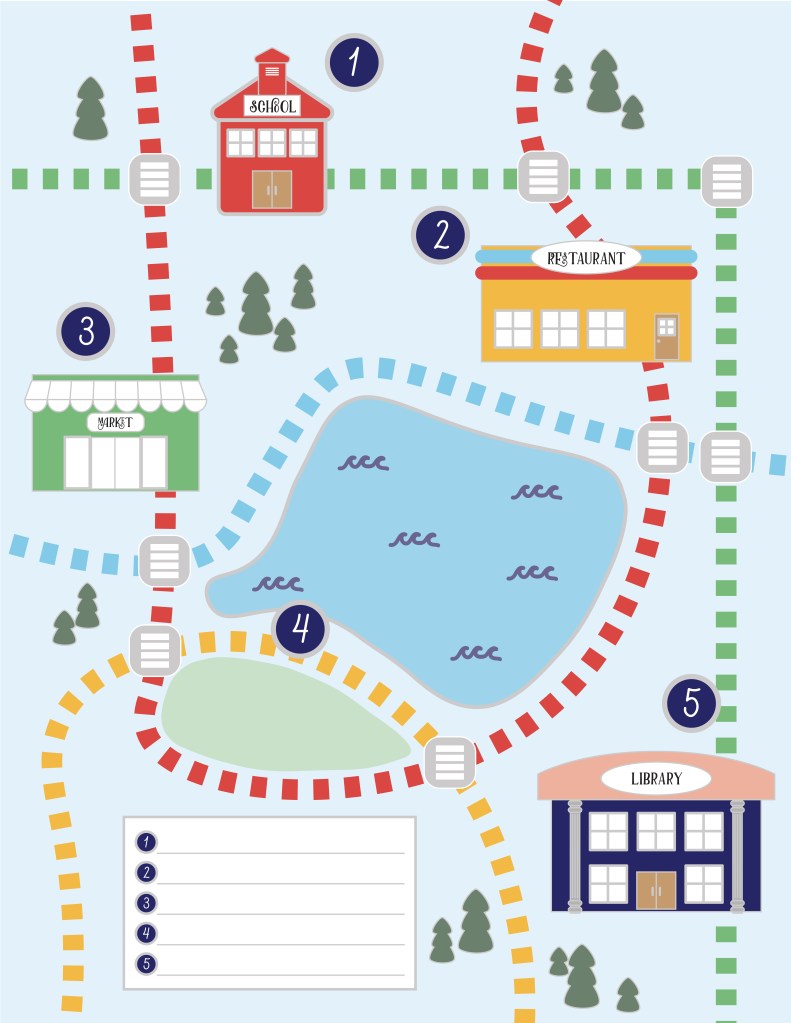
These files come to you in an 8.5×11 inch format for easy at-home printing. Keep in mind that monitor/screen colors and printed colors will NOT be the same! Screen colors often appear more vibrant. Colors even vary from printer to printer!

The pattern papers are ready to print and use. Embellishments will either need to be fussy cut, or you can use the print-then-cut version for your electronic die cut machine*. I try to keep the fussy cutting to simple shapes and basic circle elements can be punched out with a 1″ circle punch or die. Any cutting tips beyond these will be in the current video reveal!

New Adventures

  • Download
  • File types include:
    jpg, png, Silhouette Studio
  • See release video
  • Released Aug ’23

The download links have been included besides each image. However, you can always head over to my Freebies Page to peruse the catalog of files I have offered in the past. And if you have any ideas I’d love to hear them. I can’t make promises but I can take suggestions!


* Note, not all software can use the print-then-cut svg file. I have included a native Silhouette Studio file to avoid some current Silhouette software issues.