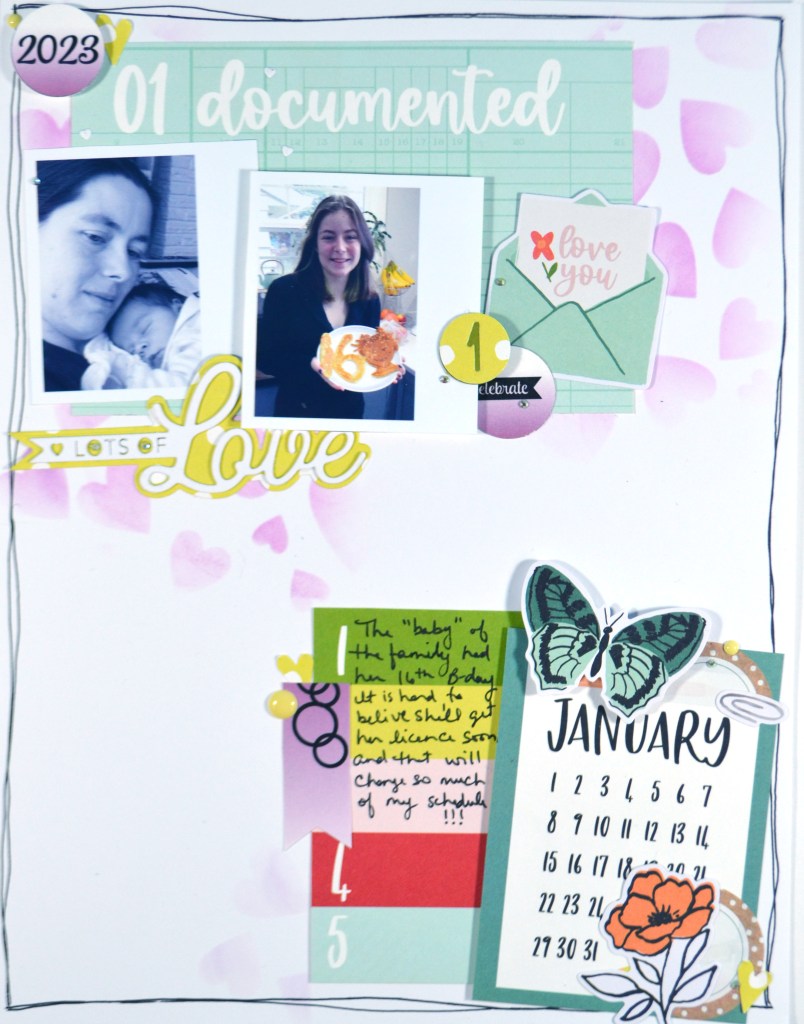
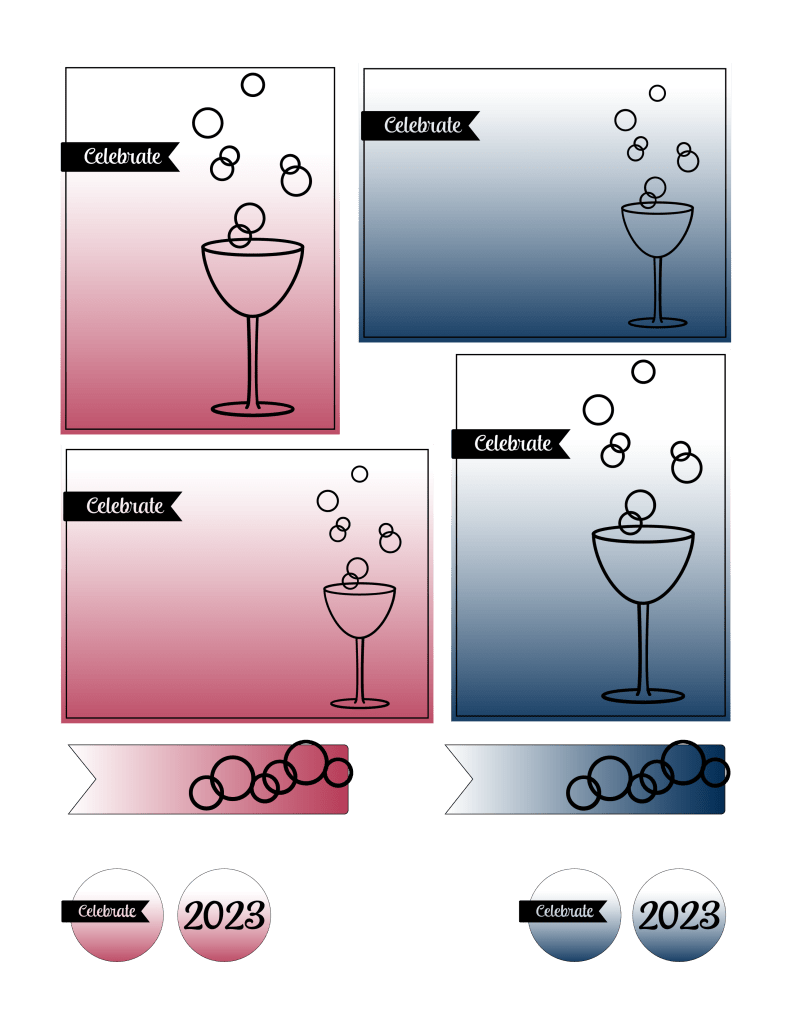
Freebies from July ’23 (Despite it now being August)

I love learning, creating and sharing. That is why I offer freebies up to you each month. I have both a layout sketch (in printable pdf as well as editable photoshop) and an electronic cut file (in svg) for your electronic die cut machines.

Here is some further exciting news… new for 2023 are PRINTABLES.!! You can print them at home, cut apart the embellishments and use them to create your projects. This month I was inspired by the upcoming Mother’s Day holiday here in the US. You can see all the details in my reveal video, or read on for the short version.

My apologies for posting these freebies from June here now in mid August. The process for this month was riddled with complications from my own lack of skills to accomplish certain things, to software oddities that I just couldn’t problem solve. Yet, with all of the slow downs, here we are with a new set of Freebies. Whew. I am glad to get this out to you finally! I hope you enjoy them.

I have also simplified my upload process by combining each category into a single downloadable folder. You’ll have several file types to choose from, so you’ll need to know which will work for you. If you have any questions on this, please reach out to me in the Contact tab!

Now if you want all the info in one place, please do watch the video. Otherwise, all the images and downloads are listed below.

๏ปฟ

Sketch

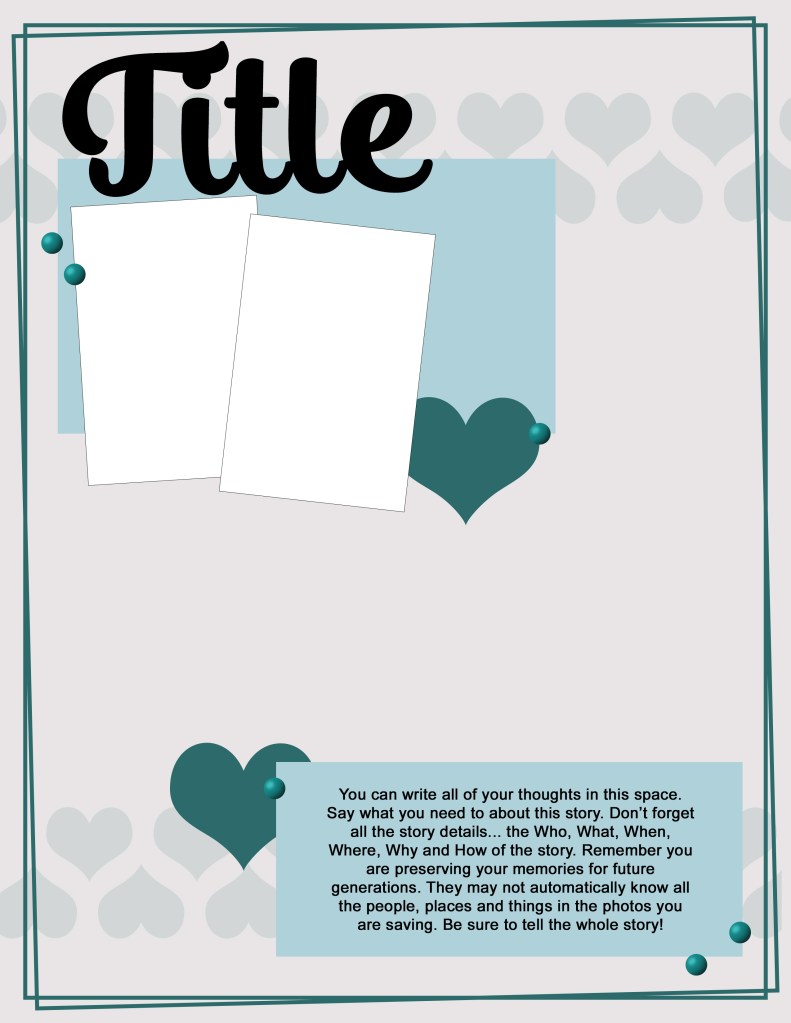
Once upon a time I started my freebie creation life by offering sketches. And I continue to offer them to this day, so let’s start here.

JULY 2023

  • Download
  • files types include:
    pdf, psd, jpg
  • Released July/Aug ’23

๏ปฟ

Cut File

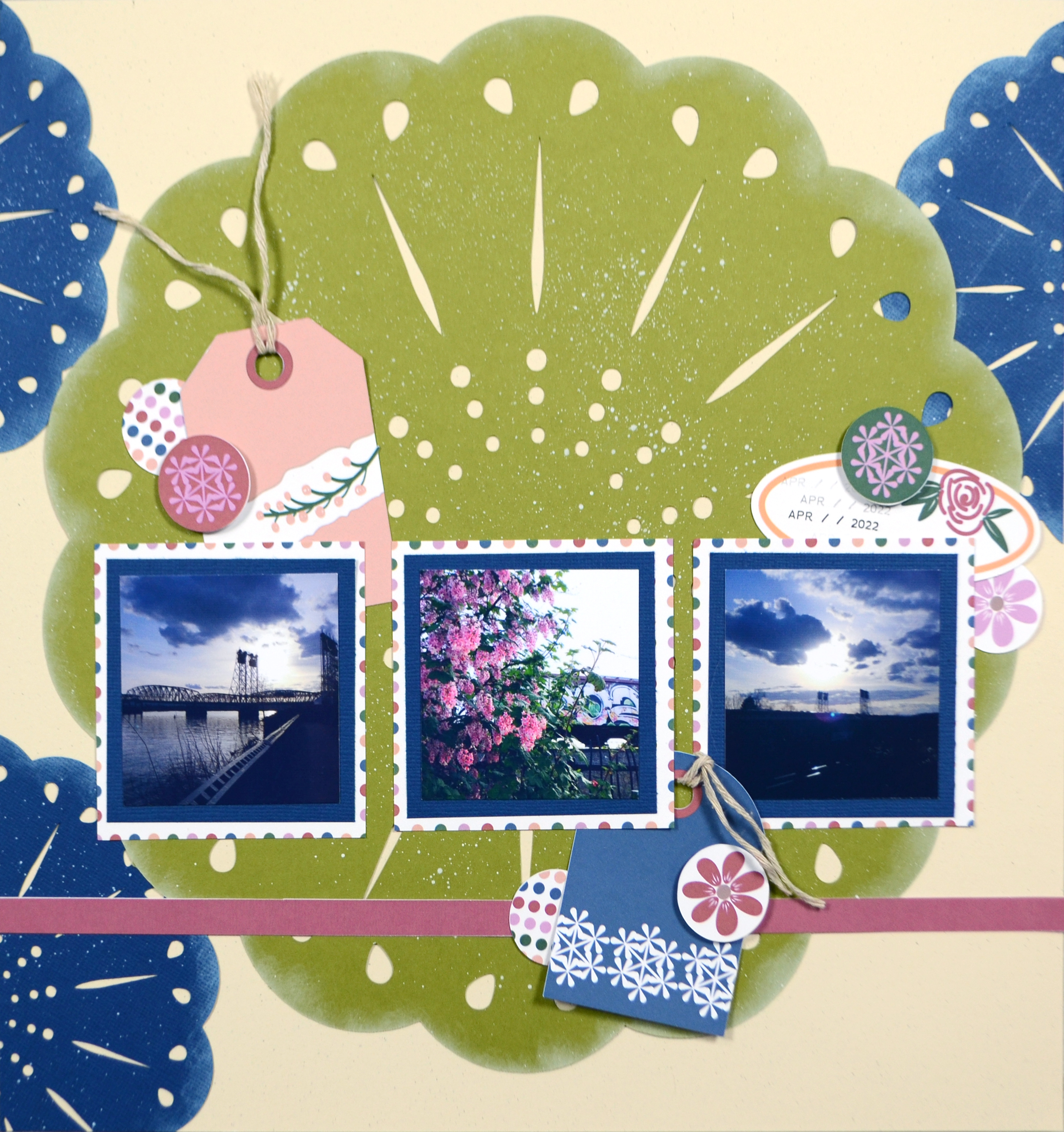
If you are a cut file lover, I’ve got you covered! My video covers any details for this file and any tips and tricks I have to share. Be sure to get all the info by watching above.

Growing Strong cut file

  • Download
  • File types include:
    svg, png, Silhouette Studio
  • See release video
  • Released July/Aug ’23

๏ปฟ

Printables

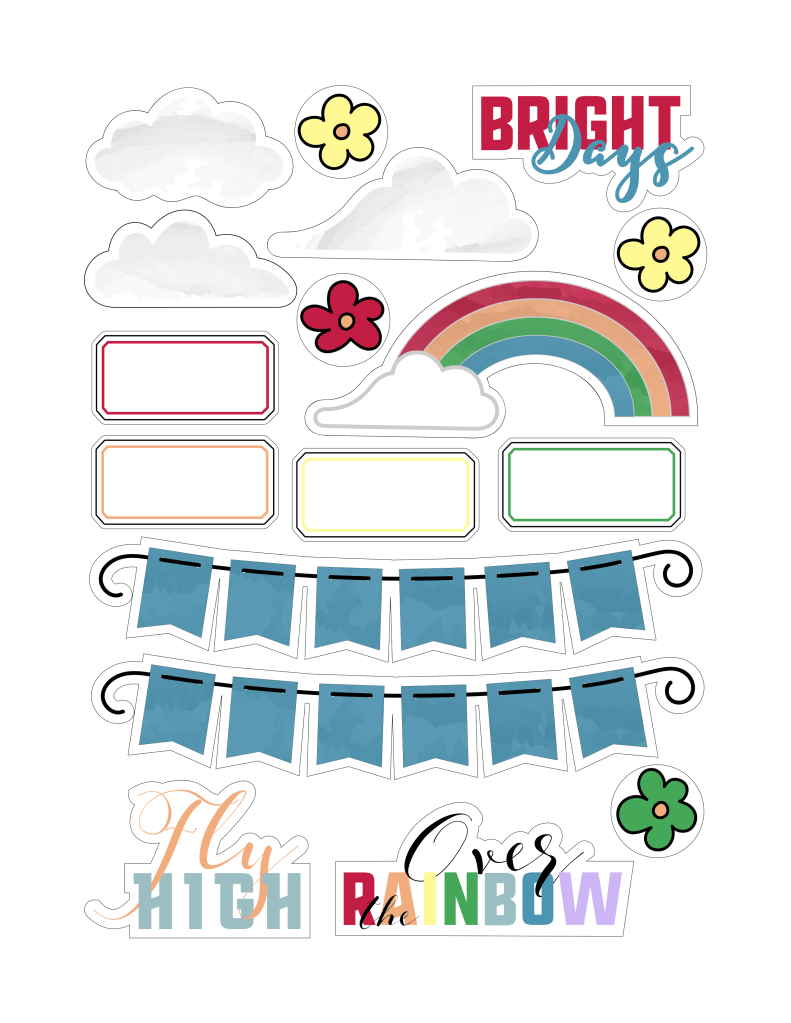
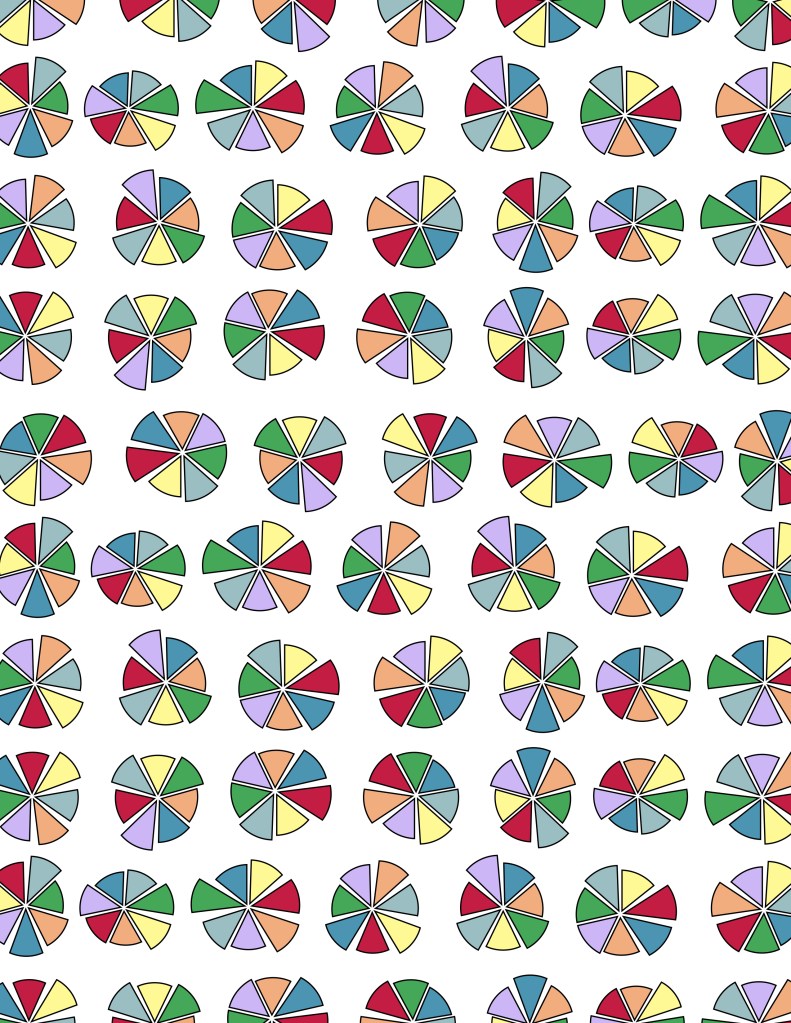
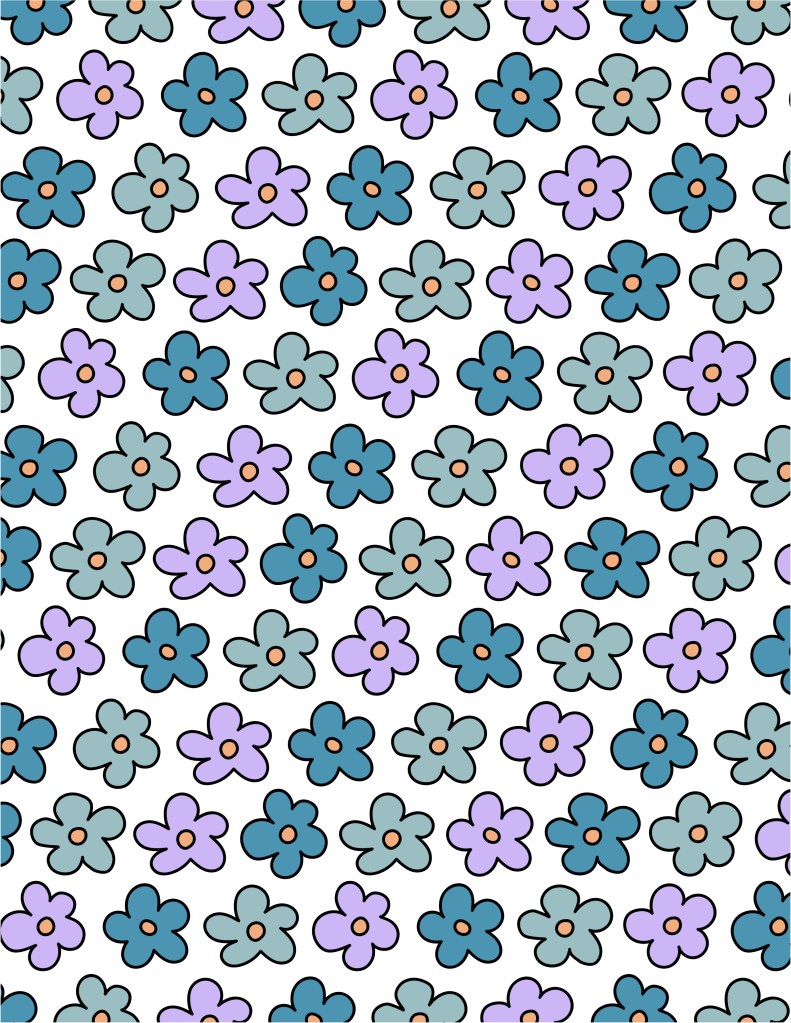
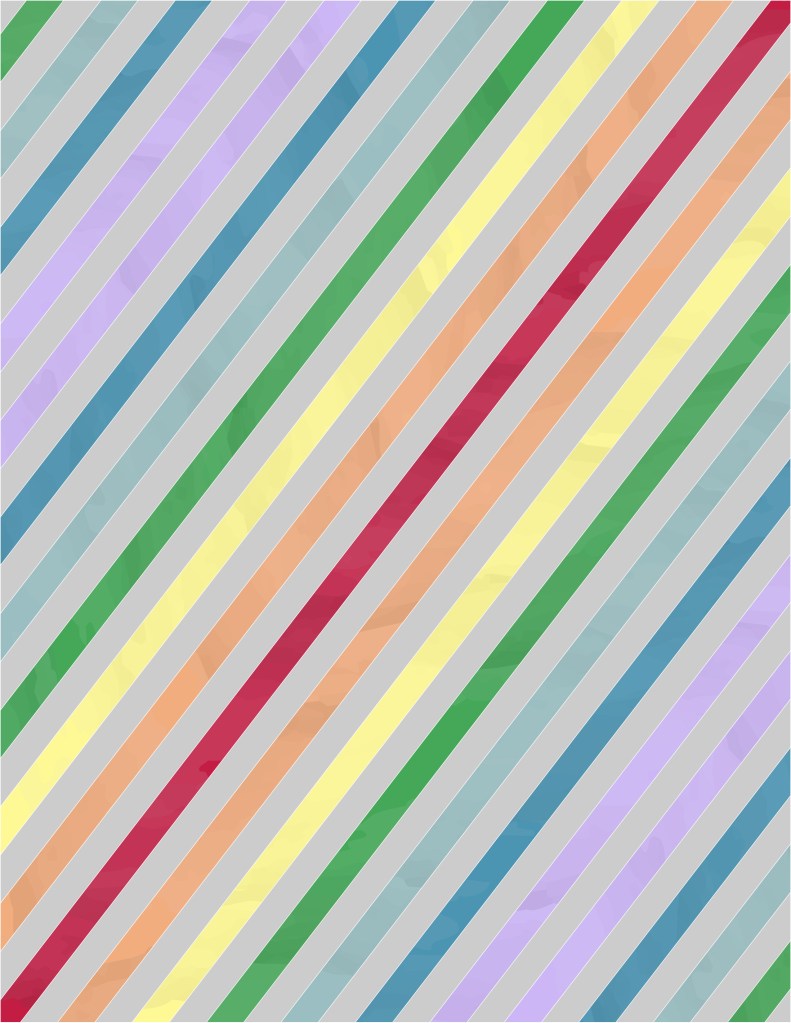
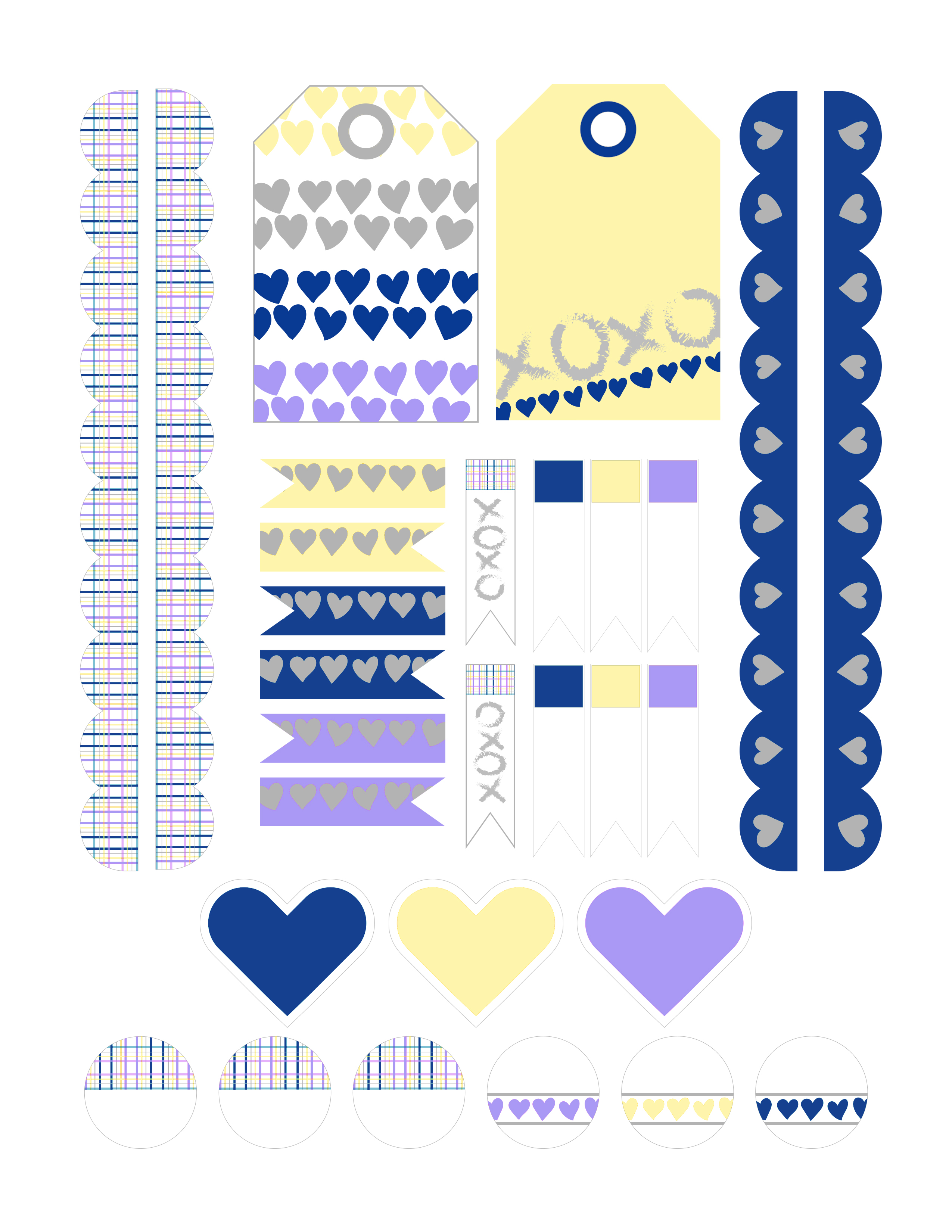
These files come to you in an 8.5×11 inch format for easy at-home printing. Keep in mind that monitor/screen colors and printed colors will NOT be the same! Screen colors often appear more vibrant. Colors even vary from printer to printer!

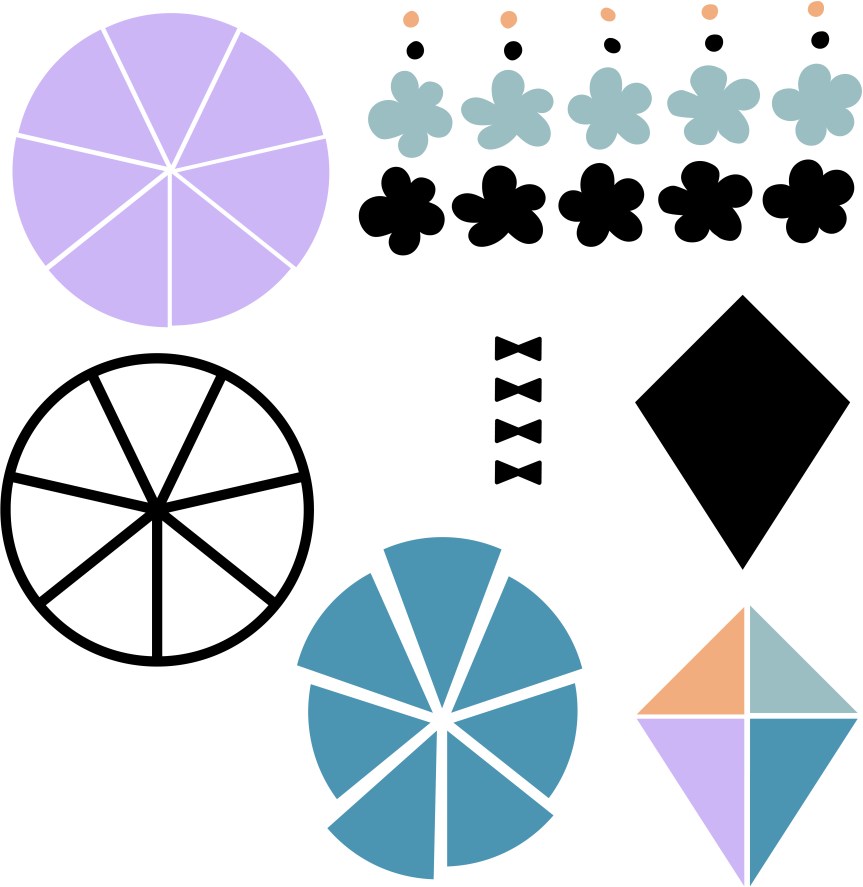
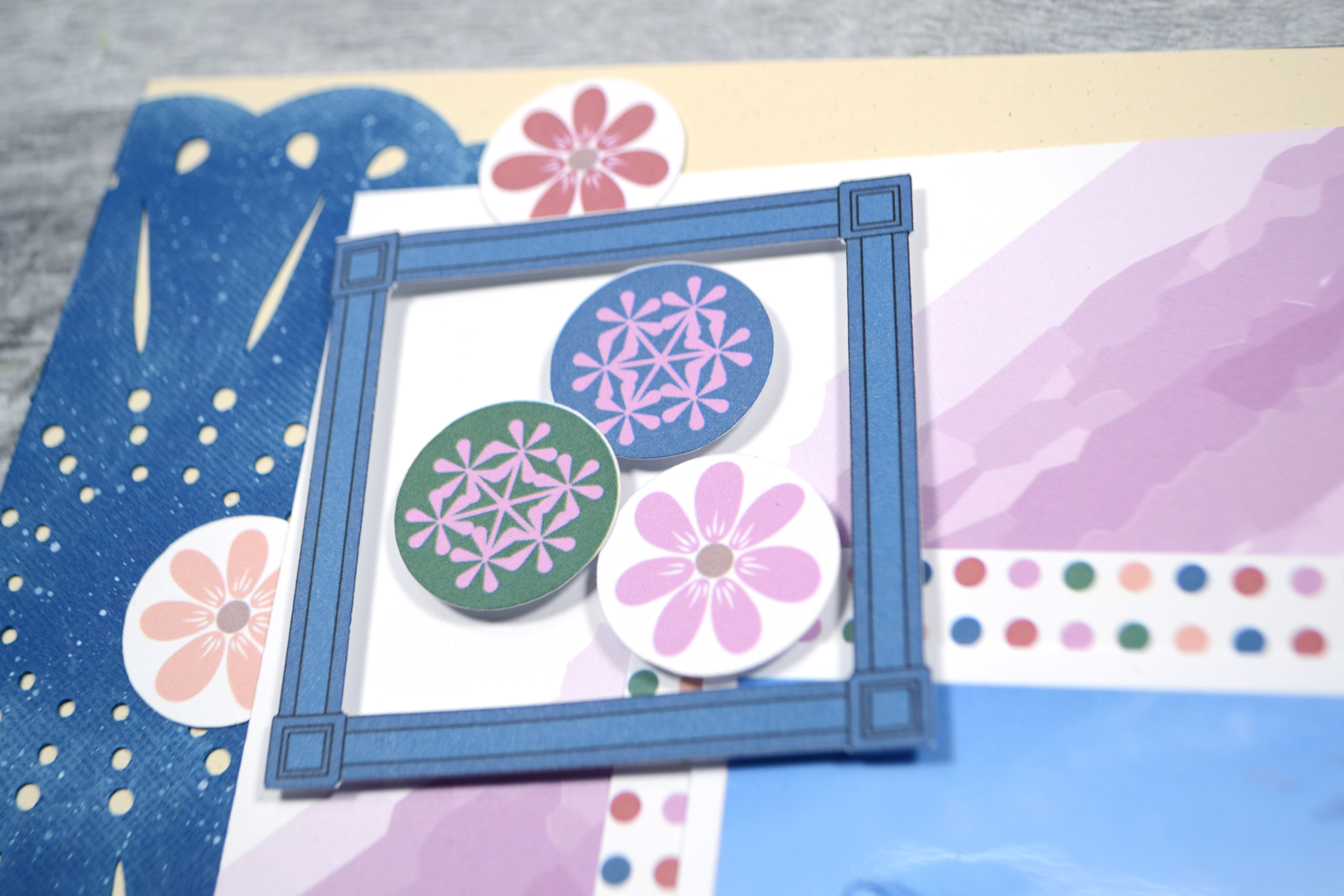
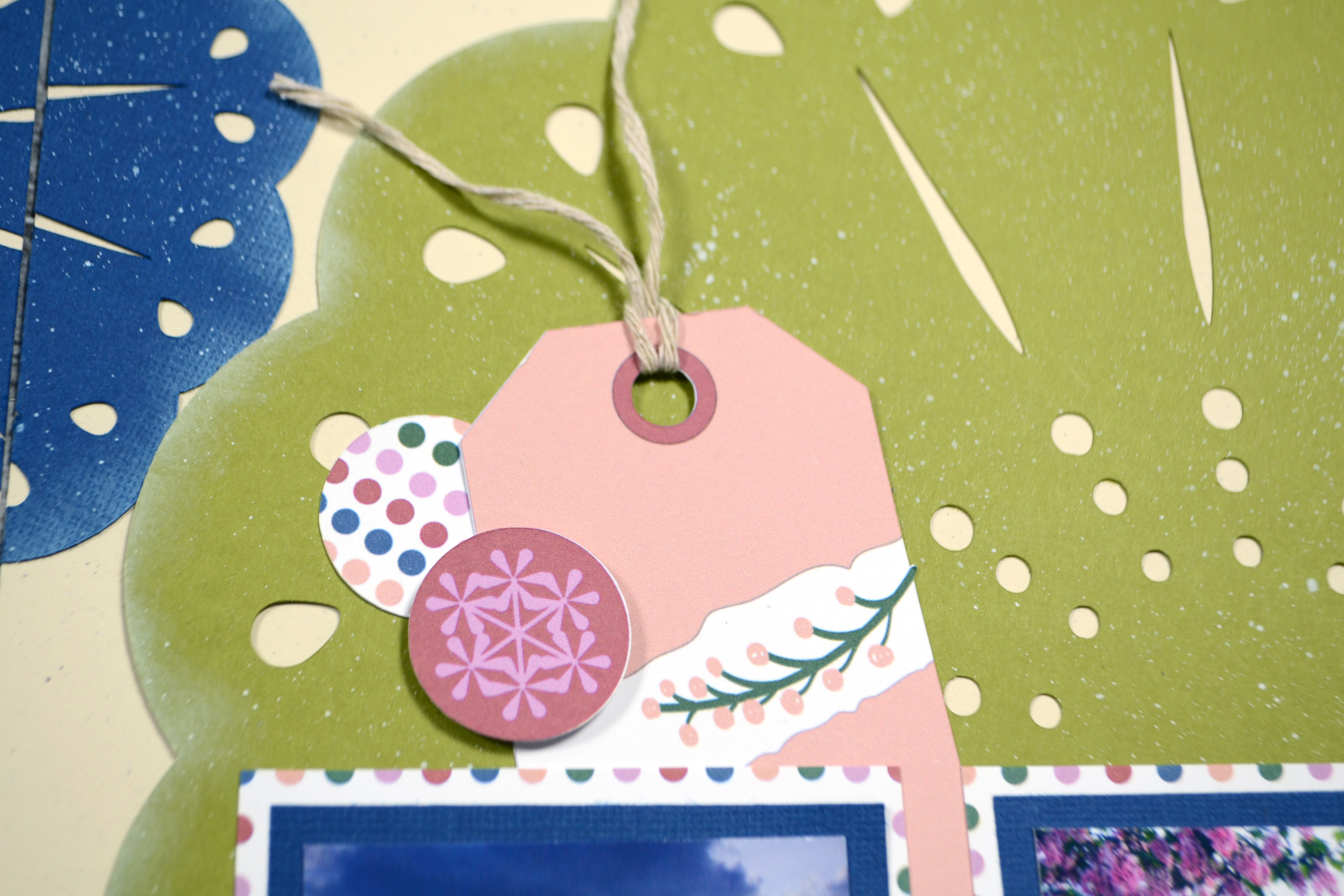
The pattern papers are ready to print and use. Embellishments will either need to be fussy cut, or you can use the print-then-cut version for your electronic die cut machine*. I try to keep the fussy cutting to simple shapes and any circle elements can be punched out with a 1″ circle punch or die. Any cutting tips beyond these will be in the current video reveal!

Growing Strong

  • Download
  • File types include:
    jpg, png, Silhouette Studio
  • See release video
  • Released July/Aug ’23

The download links have been included besides each image. However, you can always head over to my Freebies Page to peruse the catalog of files I have offered in the past. And if you have any ideas I’d love to hear them. I can’t make promises but I can take suggestions!


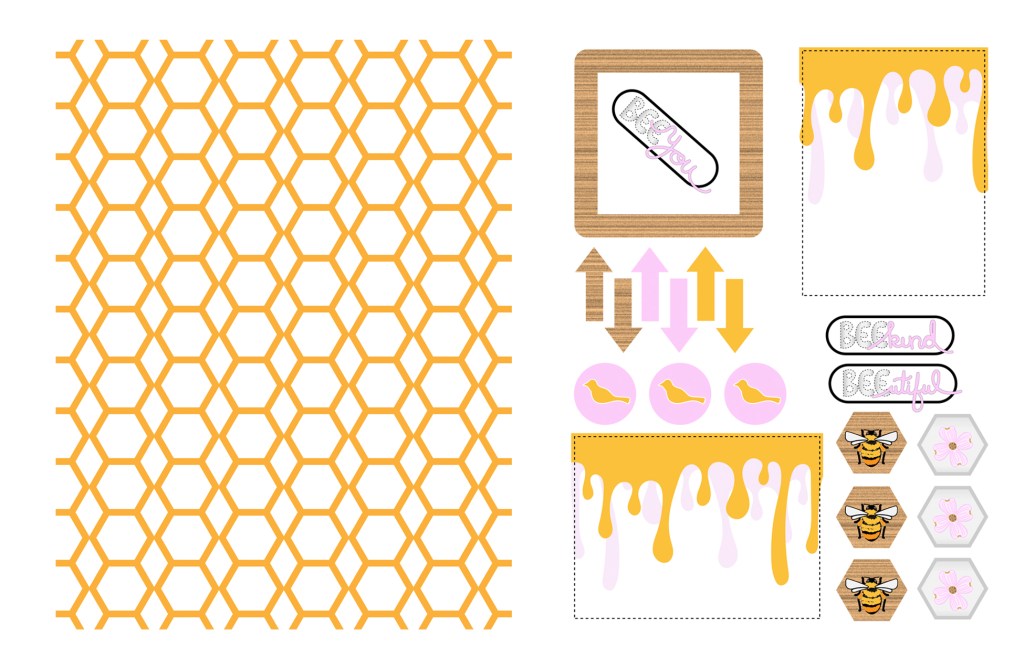
* Note, not all software can use the print-then-cut svg file. I have included a native Silhouette Studio file to avoid some current software issues.

Freebie Friday, June 2023

I love learning, creating and sharing. That is why I offer freebies up to you each month. I have both a layout sketch (in printable pdf as well as editable photoshop) and an electronic cut file (in svg) for your electronic die cut machines.

Here is some further exciting news… new for 2023 are PRINTABLES.!! You can print them at home, cut apart the embellishments and use them to create your projects. This month I was inspired by the bees and hexagons which have been a part of my work lately! You can see all the details in my reveal video, or read on for the short version.

๏ปฟ

Sketch

Here is a closer look at the sketch. I created a layout with this sketch as part of a secondary video for another group. I’ve linked you up in the description if you want to check it out! You can see a photo gallery of that project at the bottom of this post as well.

JUNE 2023

๏ปฟ

Cut File

If you are a cut file lover, I’ve got you covered too! My video covers any details for this file and any tips and tricks I have to share. Be sure to get all the info by watching above.

Birds ‘n Bees coordinating cut file

๏ปฟ

Printables

These files come to you in an 8.5×11 inch format for easy at-home printing. Keep in mind that monitor/screen colors and printed colors will NOT be the same! Screen colors often appear more vibrant. Colors even vary from printer to printer!

The pattern papers are ready to print and use. Embellishments will either need to be fussy cut, or use the print-then-cut version for your electronic die cut machine. I try to keep the fussy cutting to simple shapes and any circle elements can be punched out with a 1″ circle punch or die. Any cutting tips beyond these will be in the current video reveal!

Birds ‘n Bees

The download links have been included besides each image. However, you can always head over to my Freebies Page to peruse the catalog of files I have offered in the past. And if you have any ideas I’d love to hear them. I can’t make promises but I can take suggestions!

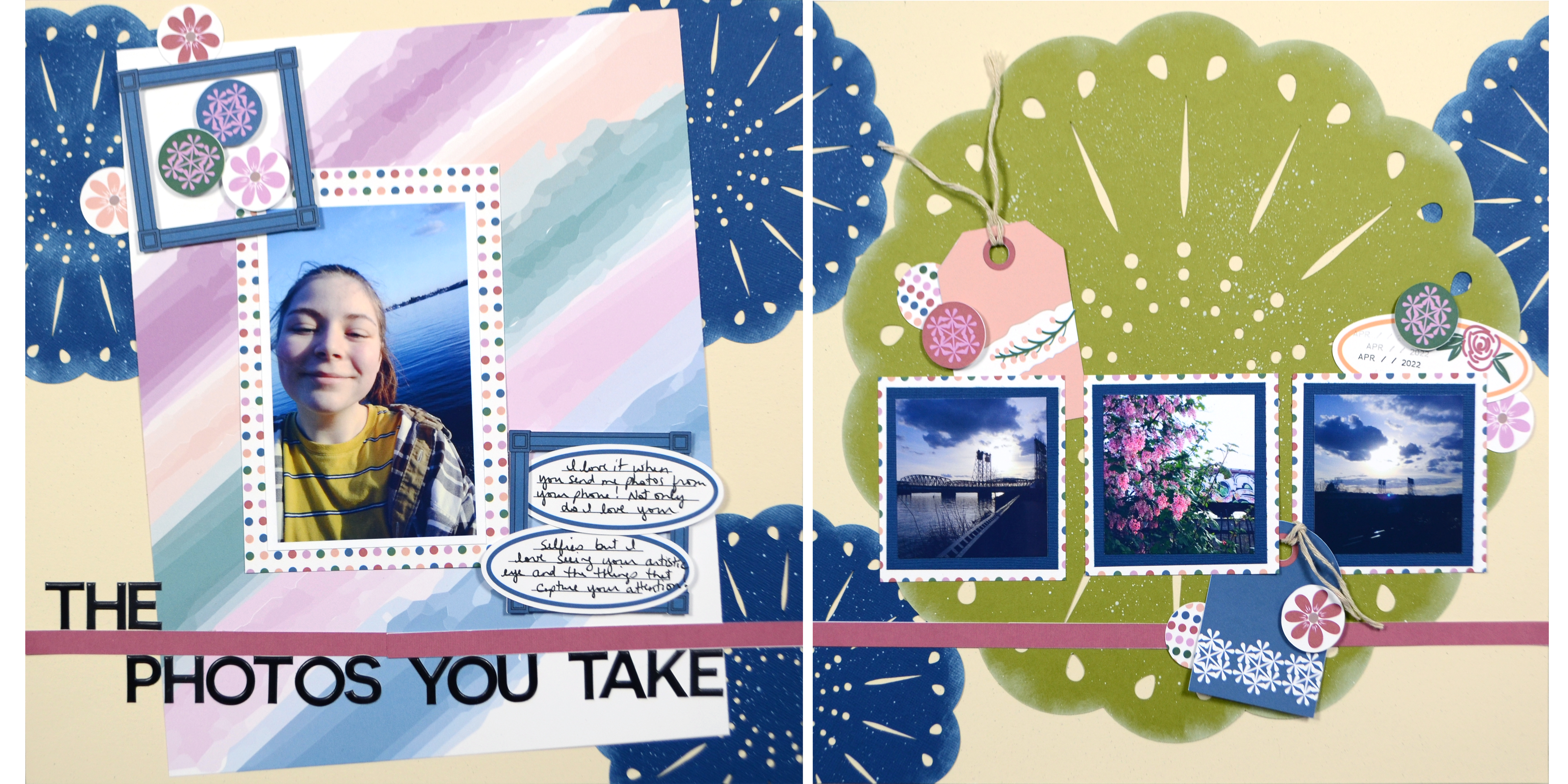
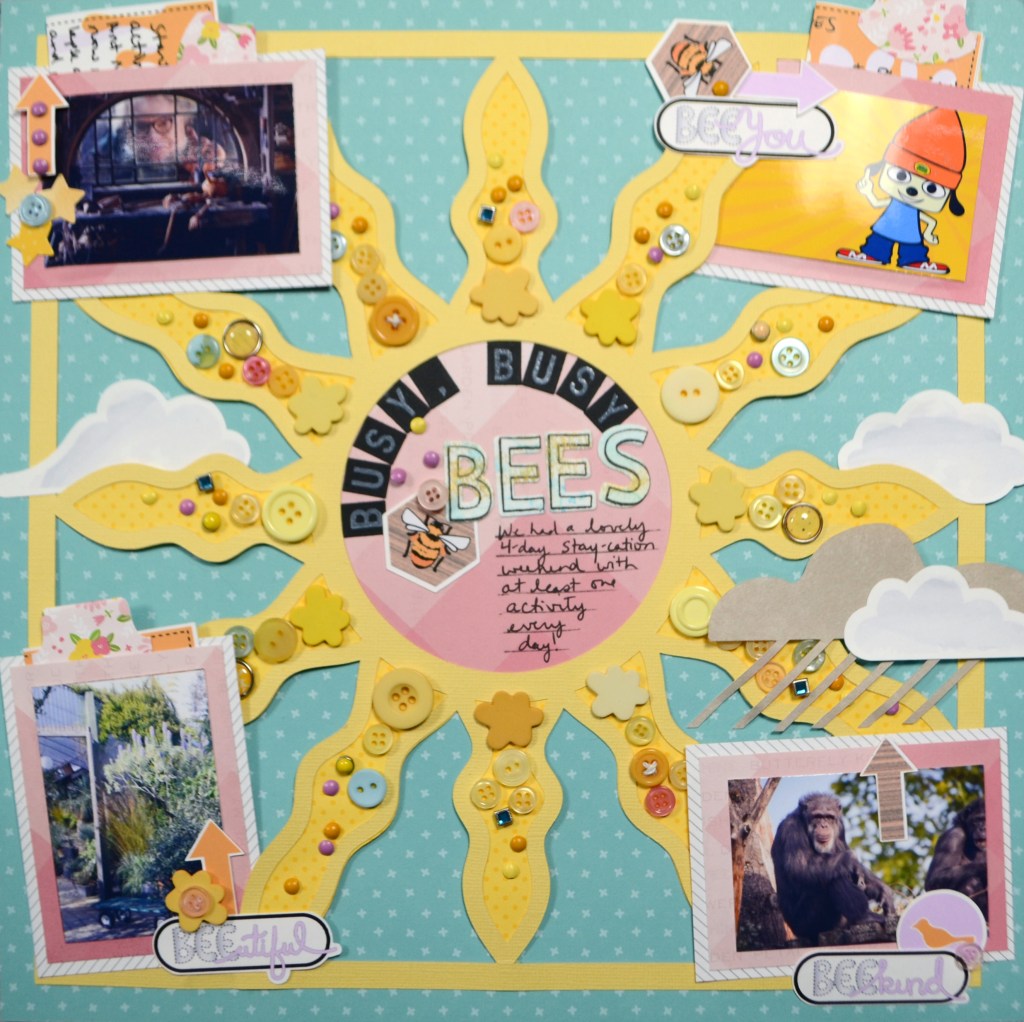
Before we go, here is the photo gallery of the project I created using some of these supplies. The process video is also available. Until next time, have an artful day. (NOTE: The clouds on this layout are from a previous freebies — May ’23 printables and April ’21 cut files– so you may want to check out my whole freebie catalog!)

MIUM Hop

I’ve been participating in the Mix It Up Monday hope hosted over at the Peace Craft Love Facebook page. Anyone in the community can participate in the hop on any social media platform you use, not just YouTube.

The last couple of mixed media video’s I’ve done have felt pretty simple, and that is again true this time. But sometimes we just need simple! And if you are at all intimidated by mixed media, having simple ideas can be encouraging. Here is the full video (and don’t forget the video description has links to the other hoppers!!)

But if you want the quick version, here is how my layout turned out.

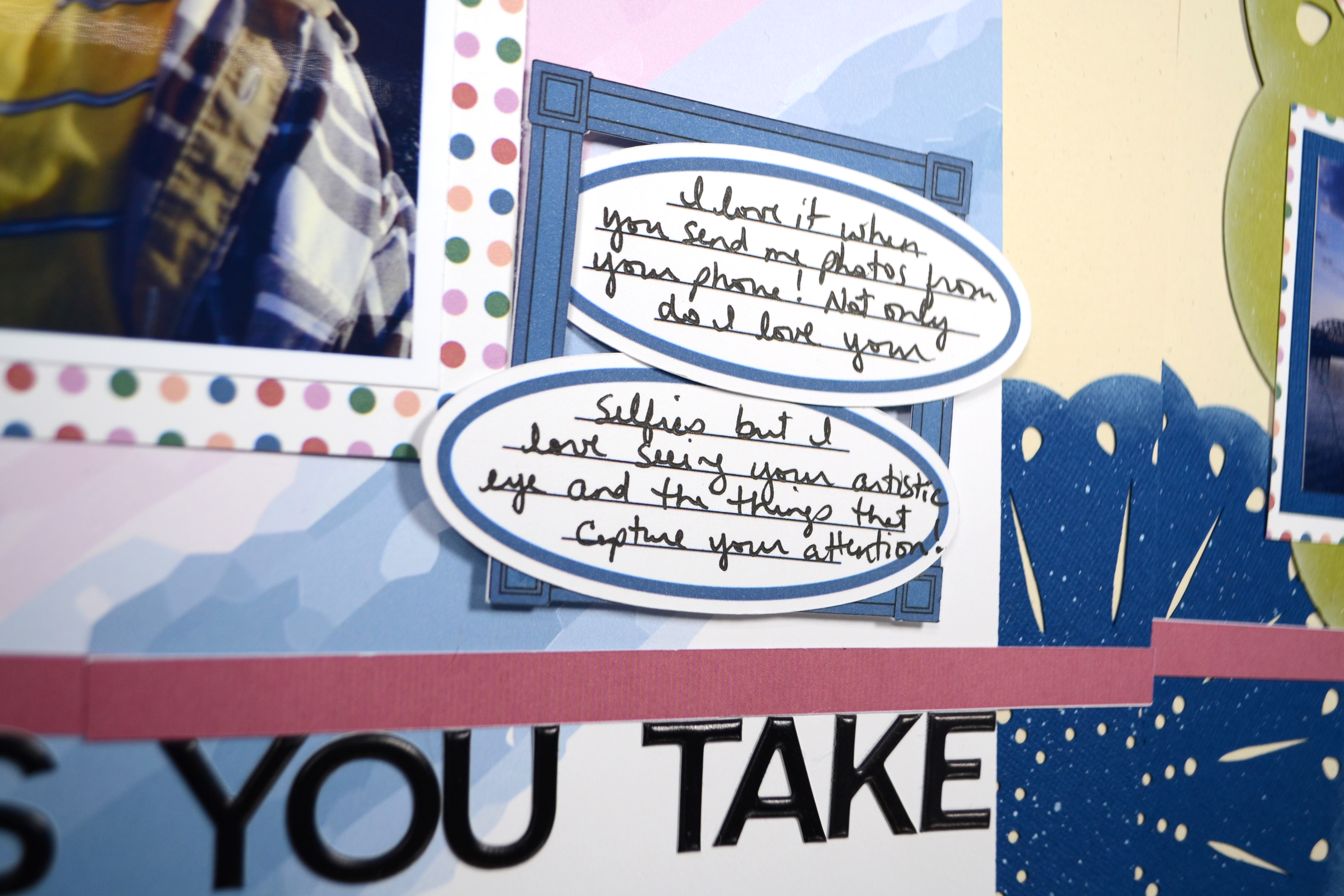
Notice that I used the pattern paper, photo frame, and speech bubbles I created in my previous post on doodling your own embellishments. All that counts as mixed media too in my opinion. But the main mixed media consists of watercolor penciling in scribbles on the background and to color in the title.

These simple, slightly messy techniques work well for this story. And don’t worry, she was A-OK after a couple of days!

Until next time, have an artful day.


PRODUCTS USED

Disclaimer: I offer affiliate shopping linked products when possible. This shopping won’t cost you anything extra, but I get a small kick back from the companies for sending business their way. It is an easy way to tell me “Thank You” for the content I provide. I appreciate you using my links!

Freebie “Friday” for (inter)National Scrapbooking Day

I love learning, creating and sharing. That is why I offer freebies up to you each month. I have both a layout sketch (in printable pdf as well as editable photoshop) and an electronic cut file (in svg) for your electronic die cut machines.

Here is some further exciting news… new for 2023 are PRINTABLES.!! You can print them at home, cut apart the embellishments and use them to create your projects. This month I was inspired by the upcoming Mother’s Day holiday here in the US. You can see all the details in my reveal video, or read on for the short version.

For iNSD this year I am releasing a full collection kit! I’m very excited to share this complete 8.5×11 digital and printable scrapbooking kit called Fly High.

๏ปฟ

Printables

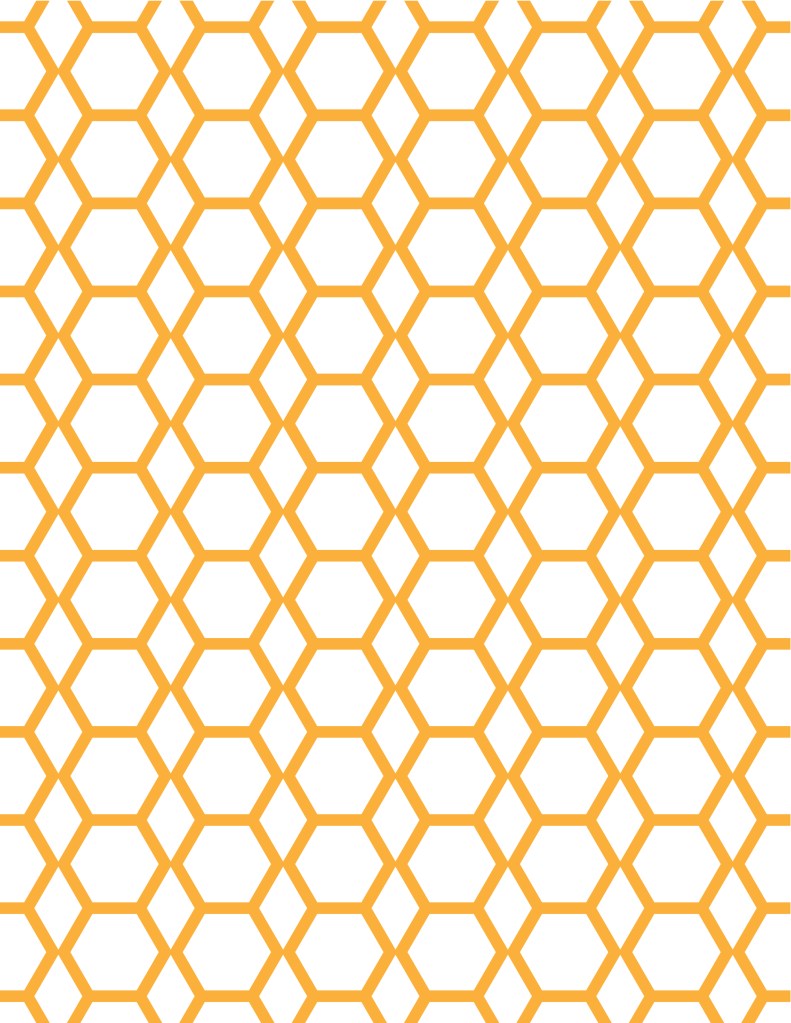
Since I am most excited about this printable collection, let’s start here. These files come to you in an 8.5×11 inch format for easy at-home printingโ€”or use them digitally. Keep in mind that monitor/screen colors and printed colors will NOT be the same! Screen colors often appear more vibrant. Colors even vary from printer to printer!

The pattern papers are ready to print and use. Embellishments will either need to be fussy cut, or use the print-then-cut version for your electronic die cut machine. The file names help you know which is which. Fussy cut files will have the work “fussy” in the name! I try to keep the fussy cutting to simple shapes. Plus, any circle elements can be punched out with a 1″ circle punch or die. Any cutting tips beyond these will be in the current video reveal!

Fly High
Embellishments & Pattern Paper

  • download the bundle
  • Released May ’23
  • Embellishments come in fussy-cut and electronic machine-ready files.
  • See the video reveal

Cut File

If you are a cut file lover, I’ve got you covered too! My video covers any details for this file and any tips and tricks I have to share. Be sure to get all the info by watching above. This month I have a few items to compliment the paper line.

Fly High Cutfiles

  • download SVG file
  • download Silhouette Studio file — coming soon
  • See a video
  • released May ’23

Sketch

As the printables took me a long time to create, I have not created the sketch yet. It will be coming by the end of the week. And perhaps even a layout video featuring the Fly High collection, so stay tuned. ๐Ÿ˜‰

MAY 2023

  • Printable pdf version
  • Editable Photoshop version
  • See release & layout video

The download links have been included besides each image. However, you can always head over to my Freebies Page to peruse the catalog of files I have offered in the past. And if you have any ideas I’d love to hear them. I can’t make promises but I can take suggestions!
Until next time, have an artful day.

Freebie Friday, April 2023

I love learning, creating and sharing. That is why I offer freebies up to you each month. I have both a layout sketch (in printable pdf as well as editable photoshop) and an electronic cut file (in svg) for your electronic die cut machines.

Here is some further exciting news… new for 2023 are PRINTABLES.!! You can print them at home, cut apart the embellishments and use them to create your projects. This month I was inspired by the upcoming Mother’s Day holiday here in the US. You can see all the details in my reveal video, or read on for the short version.

๏ปฟ

Sketch

Here is a closer look at the sketch. I created a layout with this sketch as part of the reveal video! You can see a photo gallery of that below as well.

APRIL 2023

๏ปฟ

Cut File

If you are a cut file lover, I’ve got you covered too! My video covers any details for this file and any tips and tricks I have to share. Be sure to get all the info by watching above.

Modern Doily

๏ปฟ

Printables

These files come to you in an 8.5×11 inch format for easy at-home printing. Keep in mind that monitor/screen colors and printed colors will NOT be the same! Screen colors often appear more vibrant. Colors even vary from printer to printer!

The pattern papers are ready to print and use. Embellishments will either need to be fussy cut, or use the print-then-cut version for your electronic die cut machine. I try to keep the fussy cutting to simple shapes and any circle elements can be punched out with a 1″ circle punch or die. Any cutting tips beyond these will be in the current video reveal!

Celebrate Moms
Embellishments & Pattern Paper

  • download the bundle
  • Released April ’23
  • Embellishments come in fussy-cut and electronic machine-ready files.
  • See a video

The download links have been included besides each image. However, you can always head over to my Freebies Page to peruse the catalog of files I have offered in the past. And if you have any ideas I’d love to hear them. I can’t make promises but I can take suggestions!
Before we go, here is the photo gallery of this double page layout. Until next time, have an artful day.

CKC April Challenges

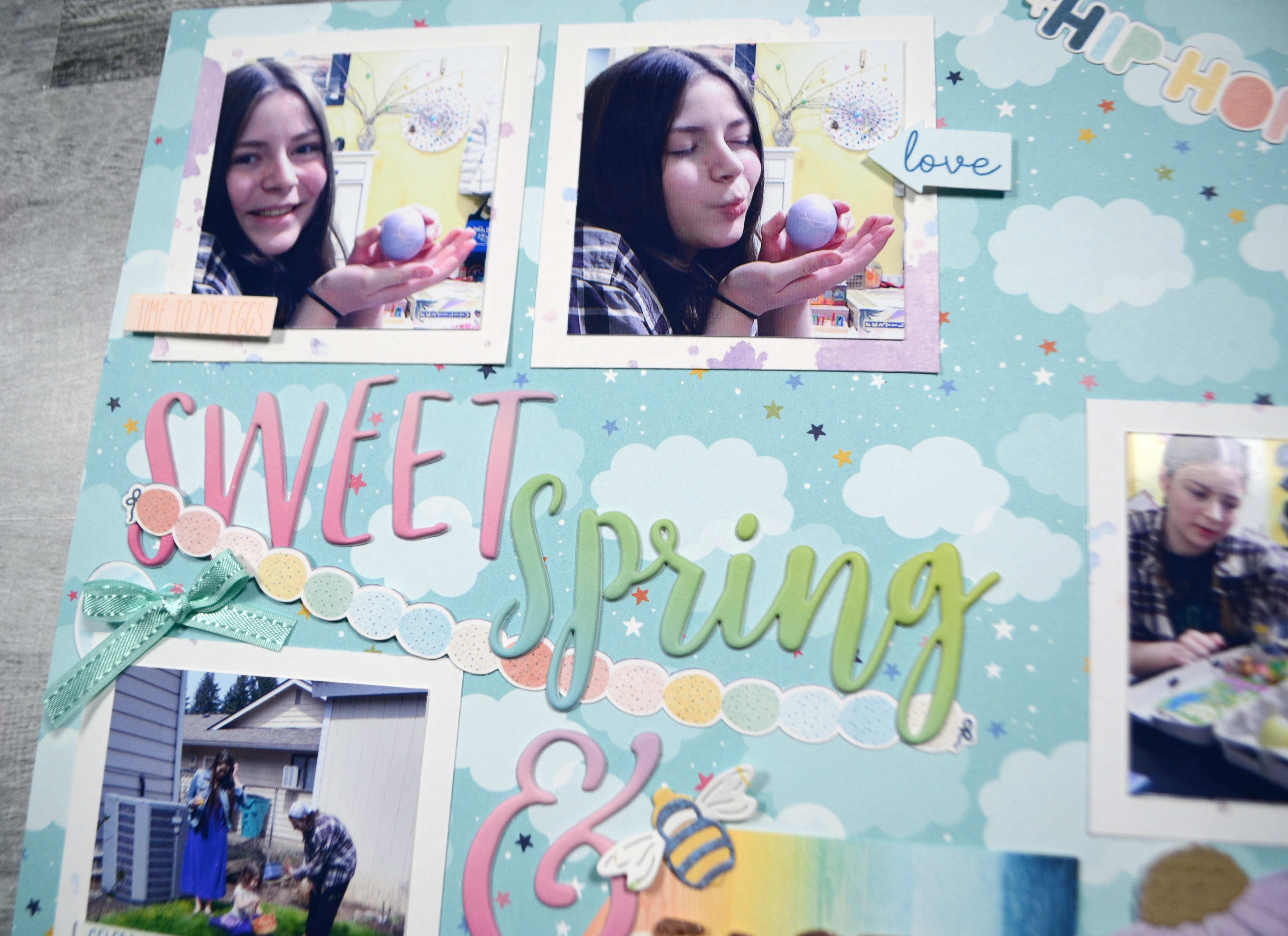
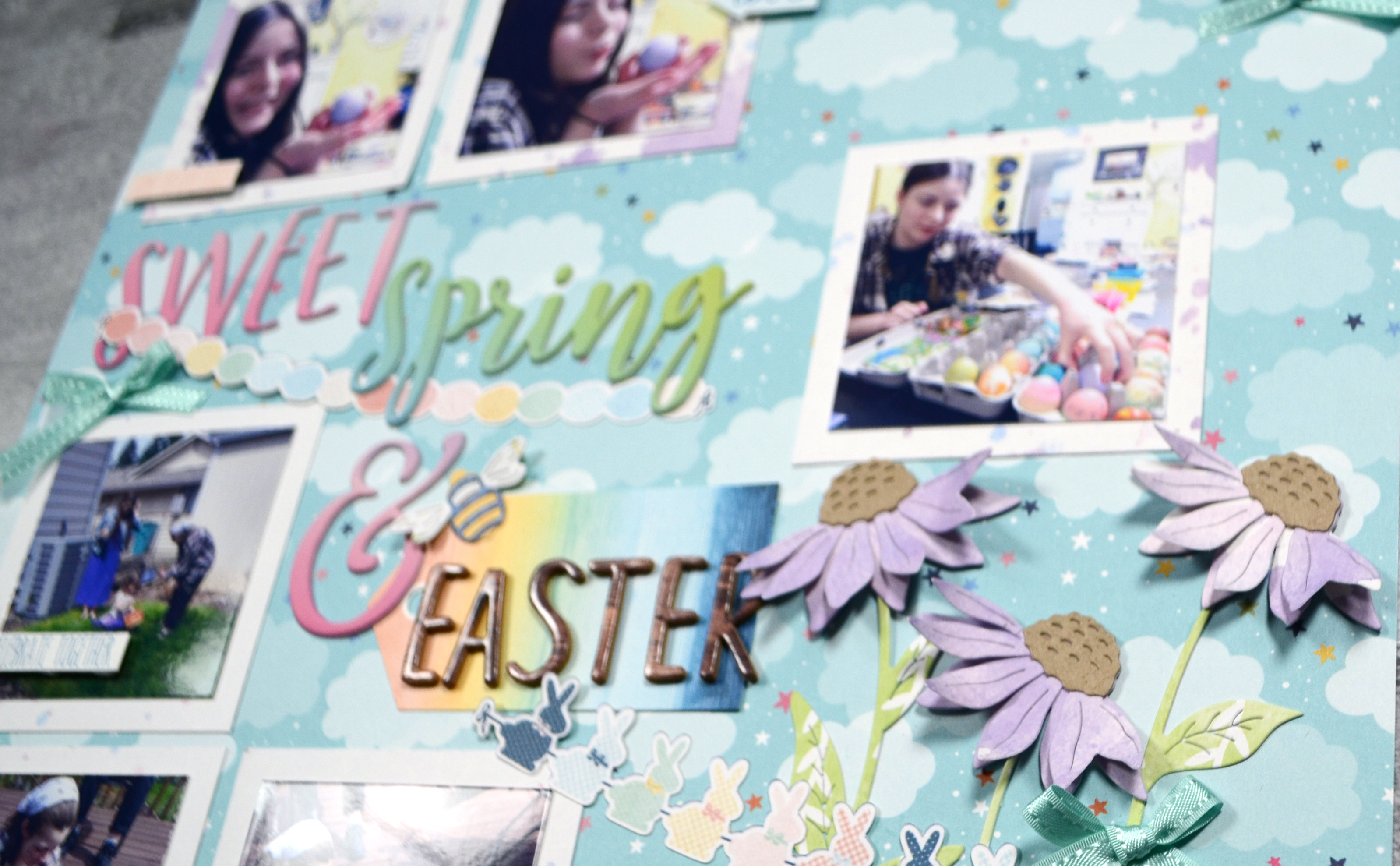
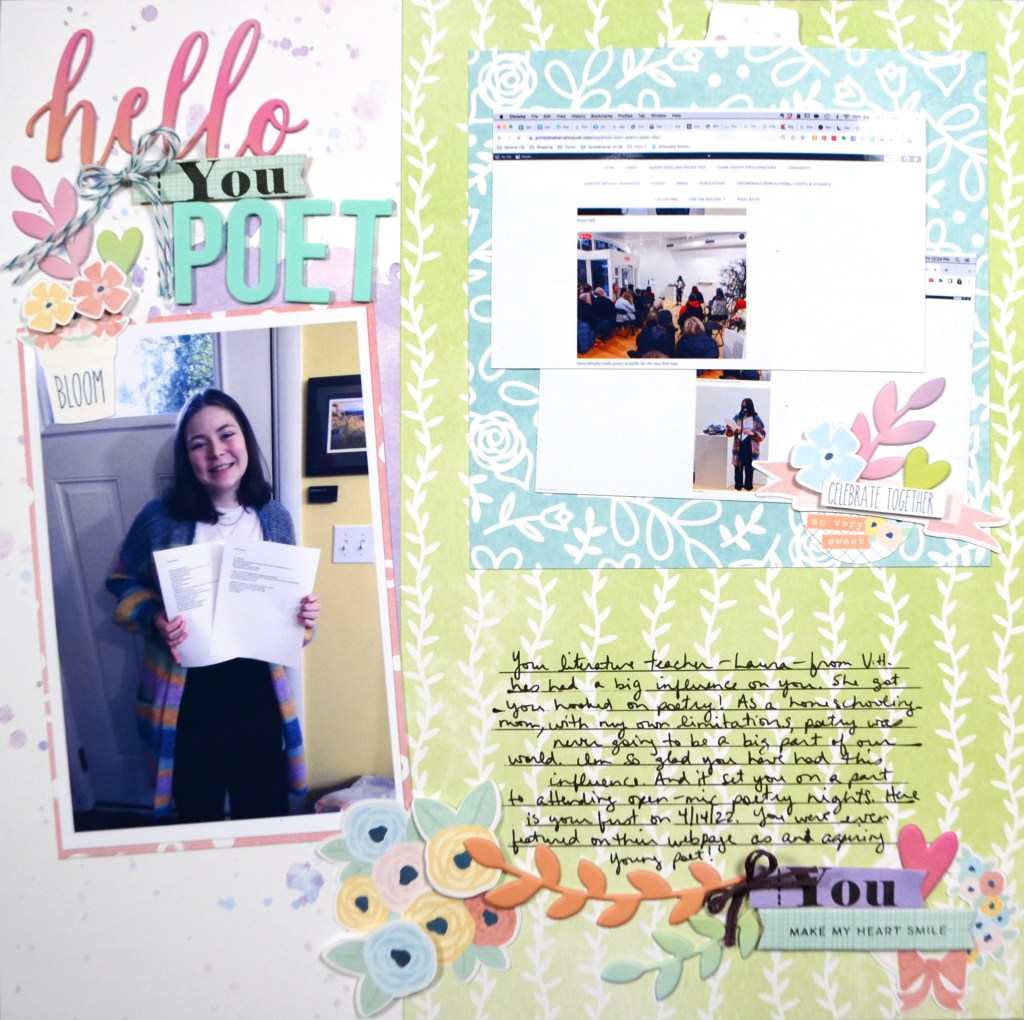
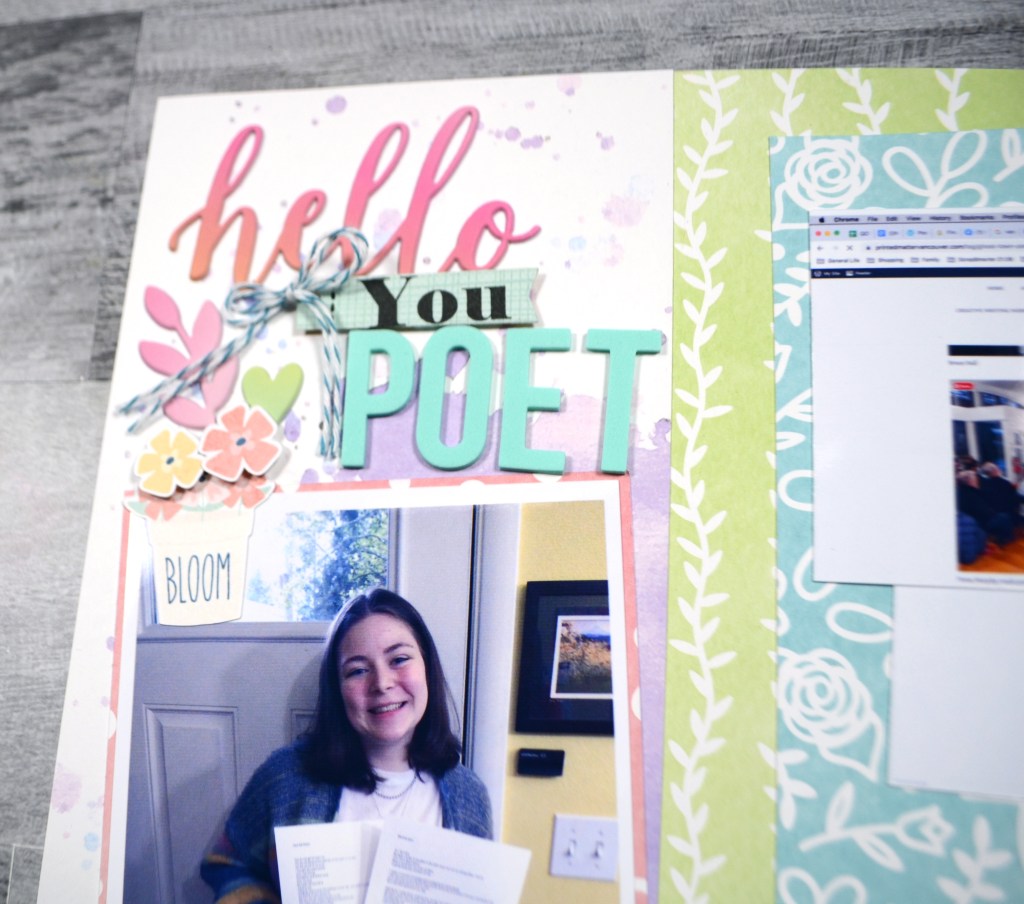
The two layout challenges for April have already been revealed over at Counterfeit Kit Challenge blog. As the hostess for the month I was inspired by several things in our inspiration kit (see kit reveal post!). With the challenges I wanted them to be broad enough to work for many people. So for challenge one, I took inspiration from the florals to get you to use a nature element on your layout. For challenge two I was inspired by the birthday theme to offer up a celebration layout challenge (birthday or not!).

Let’s take a look at how I approached those challenges

Challenge One

My nature was plentiful. From florals, to clouds & stars, and even one sweet little bee, I packed in as much nature as I had in my kit.

Challenge Two

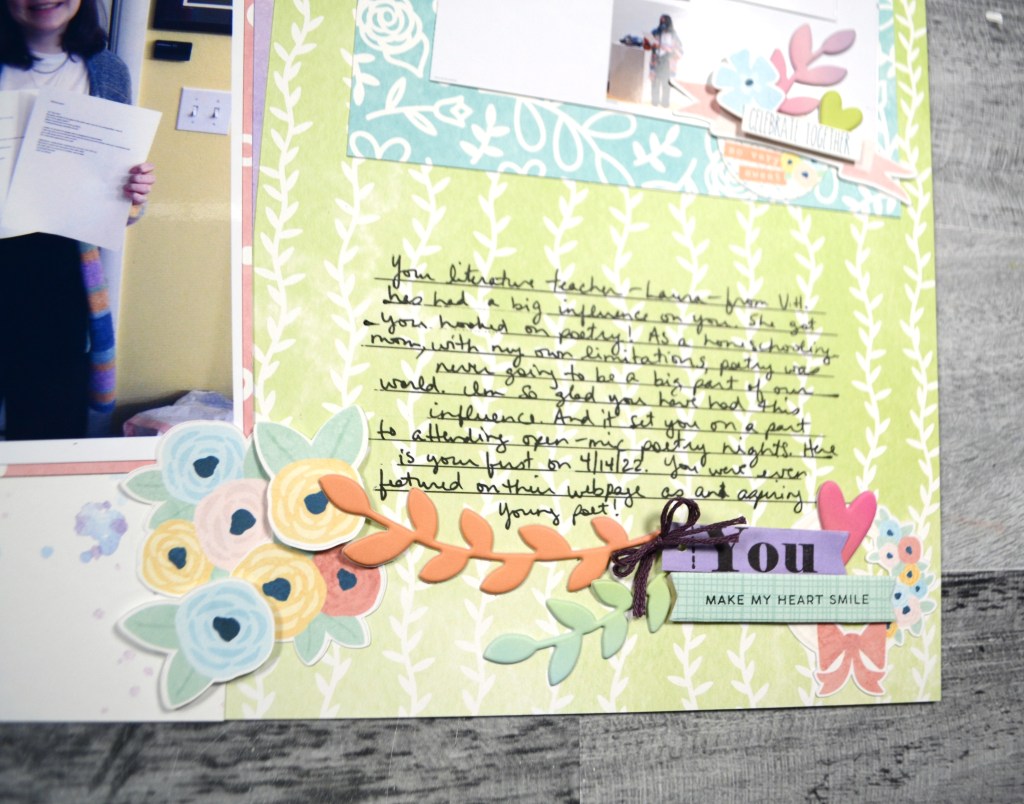
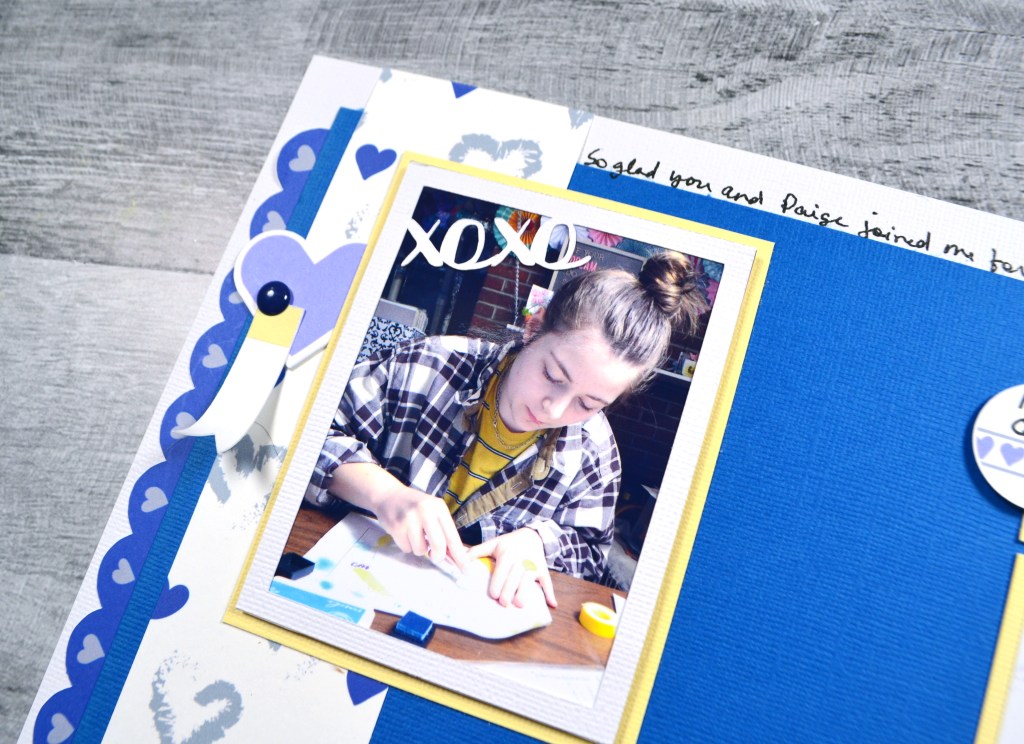
For the second project I wanted to remind you that celebrations go beyond the “milestone” moments. We can celebrate little life accomplishments as they come along. Here I was celebrating my daughter making it onto the front page of our local poetry meet up’s website. She was excited to be featured in their blog post for that week.

I do have videos up for each of these layouts, if you enjoy watching process videos.

I hope you can check out the other designers takes on these challenge! Don’t forget to show off your stuff over on the CKC Facebook group, or tag us on Instagram @counterfeitkitchallenge or use #counterfeitkitchallenge. We love to see your work!

Until next time, have an artful day.


PRODUCTS USED^^

^^ Disclaimer: I offer affiliate shopping linked products when possible. This shopping won’t cost you anything extra, but I get a small kick back from the companies for sending business their way. It is an easy way to tell me “Thank You” for the content I provide. I appreciate you using my links!

February Wrap Up

Wow, February just got away from me. I’m hoping to do better for March. Yet as I woke up today I realized it IS March 1st. Oh boy. So I need to bring February to and end before I move on to March.

My last post was back for CKC’s first layout challenge for Feb. 12th. I love that layout very much, so if you missed it, go check it out.

As for the rest of March, my schedule was fairly typical. Let’s walk through it.

I created a shiny mixed media layout for the Mix It Up Monday hop. Process video available.

I played with embossing powder for a technique share. One of the viewer favorite idea was embossing with water. Yes, water! That is the first technique of the video if you want to check it out.

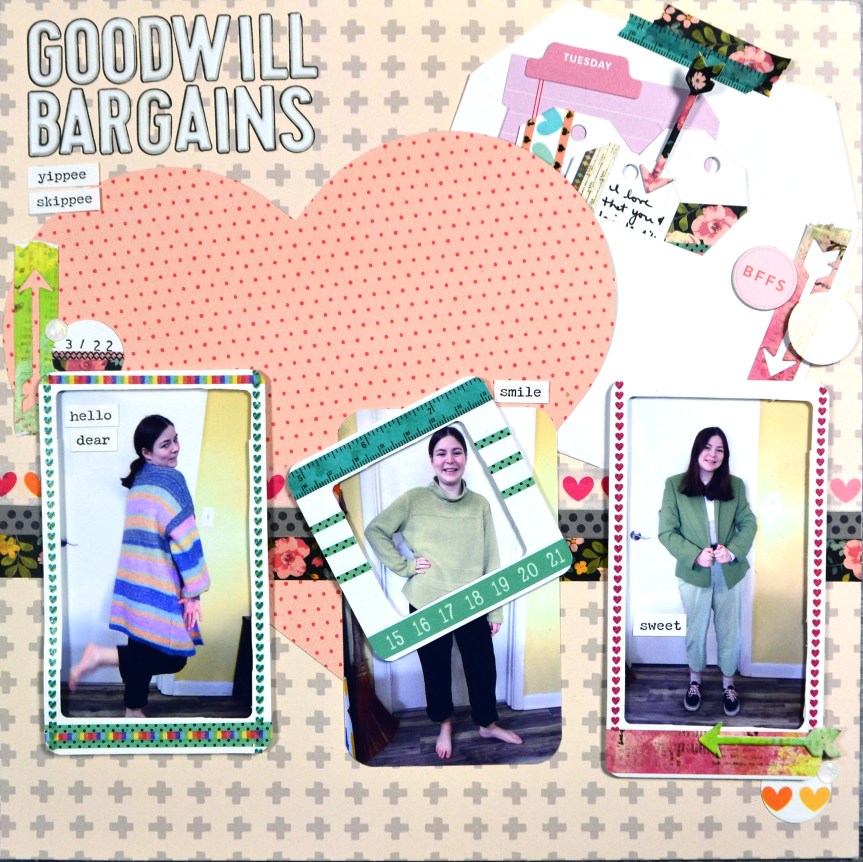
The second challenge for CKC was to use an envelope to hide journaling. I got that on there in the upper right corner and my journaling pulls out with a chipboard arrow “tab”. I also used the leftover heart from challenge number one!

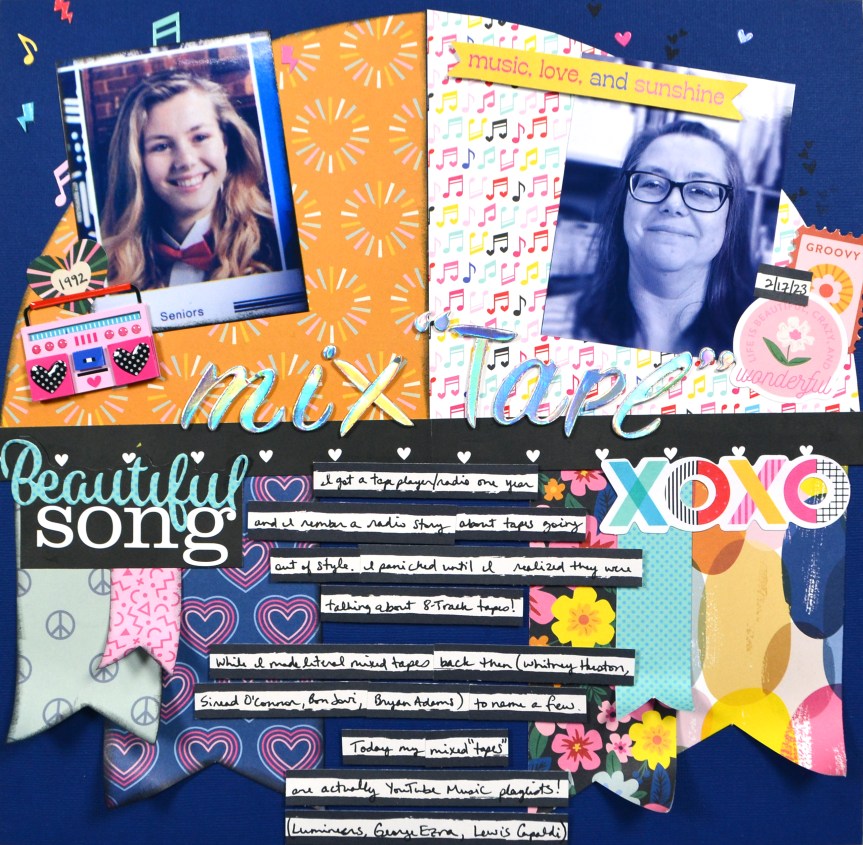
For this next one I unboxed my SCT Sampler kit and was inspired by the product to create a then-and-now themed layout all about music.

Next up I was over on the ScrapHappy.org blog along with my creative team discussing cascade design. A simple twistโ€”literallyโ€”on this concept is to turn the paper 90 degrees for a windswept look instead. And if you like watercoloring, this video has you covered.

Finally I was in on the Mixed Media Mayhem Hop that now overlaps with the Iron Crafter Challenge hop. The first was a recipe: inky background, no pattern paper and stamping. The latter was to use dimensional drops like Nuvo. And boy did I take on these challenges. This one is a bit busy, but sometimes the process of play is as important as the final product.

So that wraps up February. I’m hoping to be a bit more up to date for March. (Best laid plans, right?) However, you can start off with checking out my scrapbook kit build for March coming up next!

Have an artful day!

CKC Challenge #1, Feb ’23

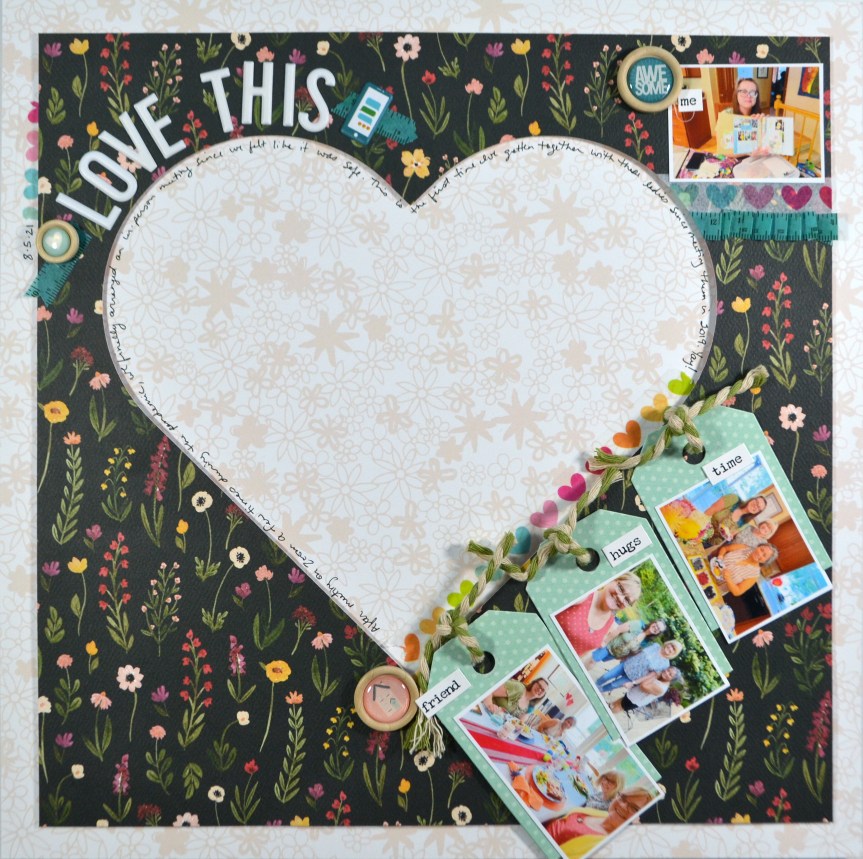
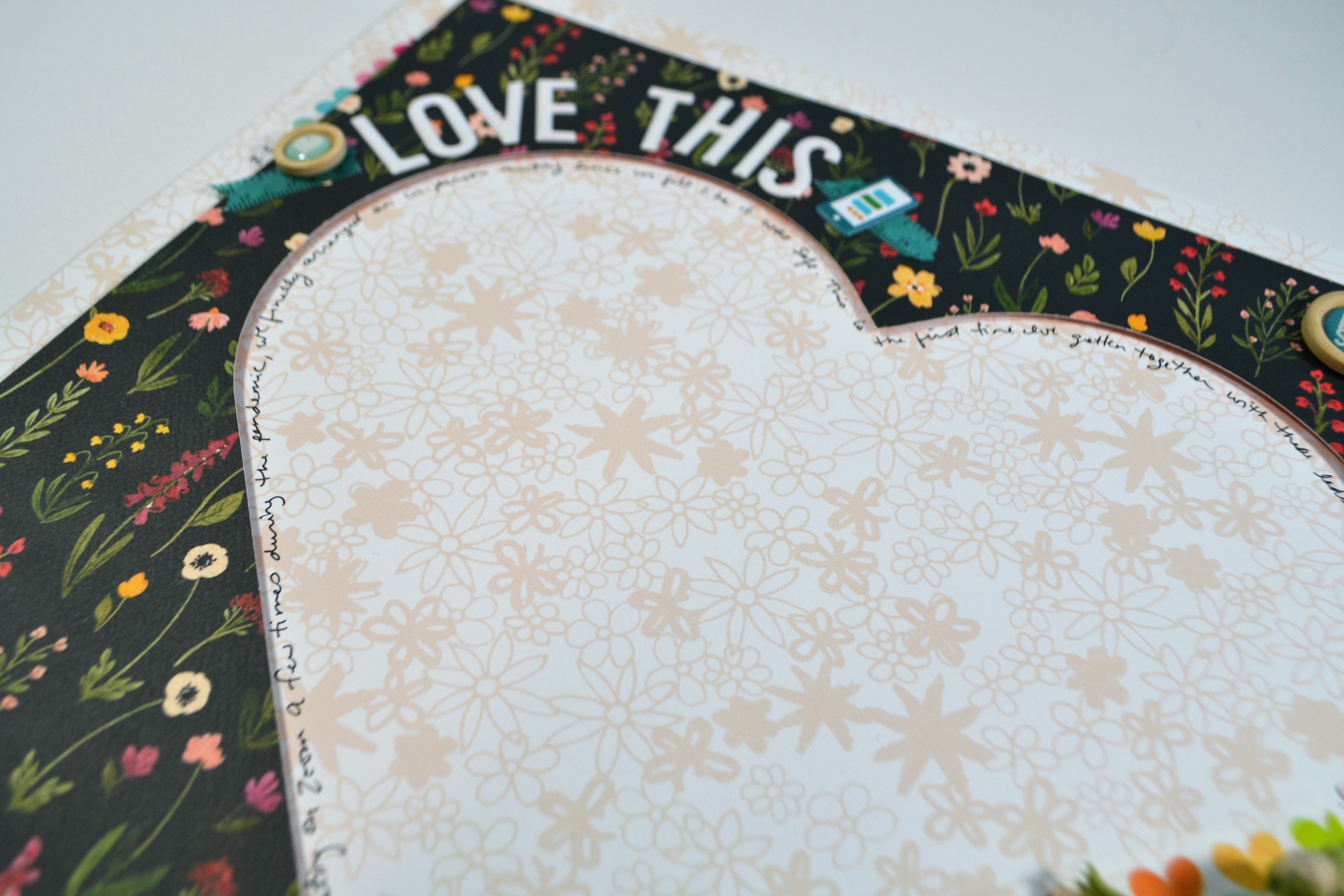
It is challenge time over on the Counterfeit Kit Challenge blog. Our hostess for the month, Cindy, gave us a nod to Valentines day with a simple challenge. We are going to “put a heart on it”! So easy and it doesn’t even have to have anything to do with Valentines day if that isn’t your jam.

If we are going to put a heart on it, then I am going to put a HEART on it! I went big with this one inspired by being bold with my heart and also about the design concept of white space that my ScrapHappy team has been discussing over on the bog. It is nice when I can get two ideas in one layout!

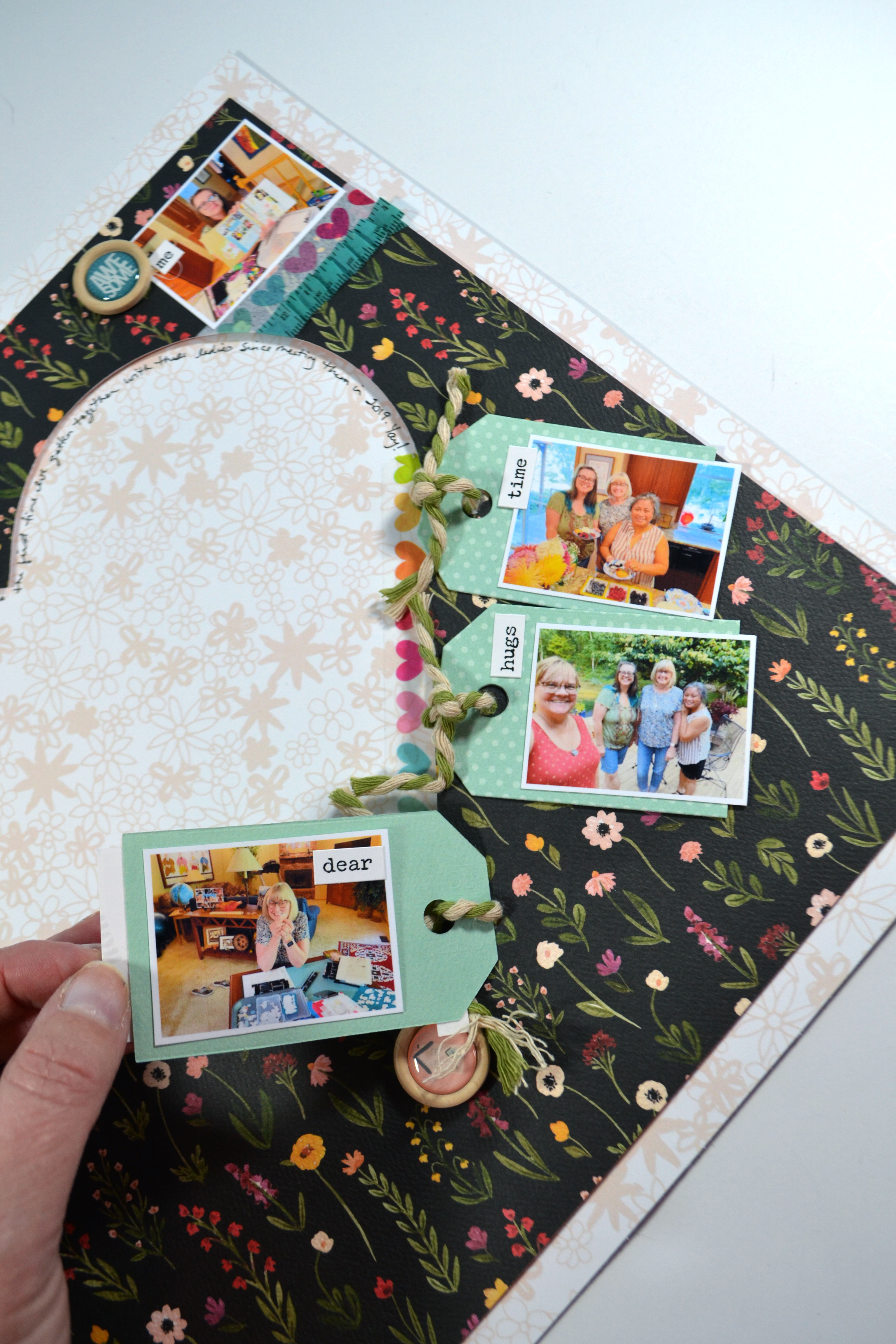
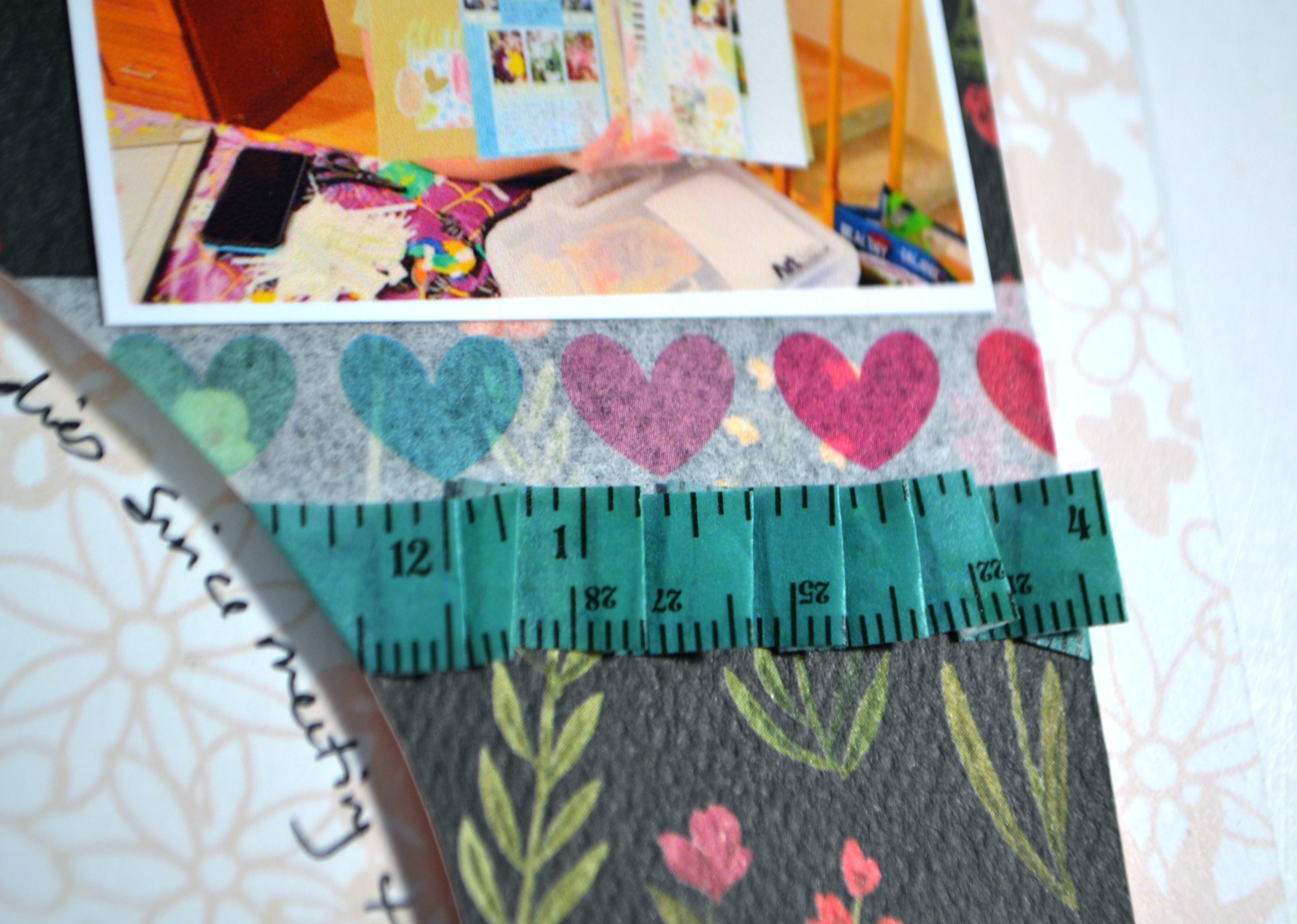
I was also playing with washi tape, which I haven’t done in a while, so that felt good. And I created some fun interactive tags. They are tied on to flip over and find more photos on the back. I’m super happy with how this one came out.

If you want to hear more of my thinking behind layout decisions, check out the video.

I hope you can check out the other designers takes on this challenge! Don’t forget to show off your stuff over on the CKC Facebook group, or tag us on Instagram @counterfeitkitchallenge or use #counterfeitkitchallenge. We love to see your work!

Until next time, have an artful day.


PRODUCTS USED^^

^^ Disclaimer: I offer affiliate shopping linked products when possible. This shopping won’t cost you anything extra, but I get a small kick back from the companies for sending business their way. It is an easy way to tell me “Thank You” for the content I provide. I appreciate you using my links!

Freebie Friday, Feb ’23

I love learning, creating and sharing. That is why I offer freebies up to you each month. I have both a layout sketch (in printable pdf as well as editable psd) and an electronic cut file (in svg) for your electronic die cut machines. Here is some further exciting news… new for 2023 are PRINTABLES.!! You can print them at home, cut them apart and use them to embellish your projects. This month I was inspired by the New Year holiday and the Pantone color of the year. You can see all the details in my reveal video, or read on for the short version.

You can check out the full video reveal release plus a project below. Or keep reading for just the pics!

๏ปฟ

Sketch

Here is a closer look at the sketch. I created a layout with this sketch in mind and gave it a few tweaks to fit more photos.

๏ปฟ

Cut File

If you are a cut file lover, I’ve got you covered too! My video covers any details for this file and any tips and tricks I have to share. Be sure to get all the info by watching above. This month I have photo frames for in in the 4×6 and 3×4 size. They are simple but coordinate nicely with the printables below.

๏ปฟ

Printables!!

These files come to you in an 8.5×11 inch format for easy at-home printing. Keep in mind that monitor/screen colors and printed colors will NOT be the same! Screen colors often appear more vibrant. Colors even vary from printer to printer as well.

If you need any tips on cutting this apart my original post talks a little about those plans to simplify how much cutting you need to do. Any tips beyond that will be in the current video reveal!

This time around I have pattern paper to go along with the embellishments. The paper comes in the horizontal and vertical orientations to make it more flexible for your crafting. I do have new tutorials up on my YouTube channel on how to use the embellishment .png file in electronic die cutting software so that you don’t have to fussy cut. You can find the Cricut tutorial or the Silhouette tutorial. Since those are the only machines I know how to use I can’t offer help with other brands. But many machines have options if you search on YouTube.

Download…

  • Sketch: printable pdf version here,
  • Sketch: Photoshop version here
  • Cut File: svg version here
  • Cut File: for Silhouette here
  • Printable bundle is here

Or… head over to my Freebies Page to peruse the catalog of files I have offered in the past. And if you have any ideas I’d love to hear them. I can’t make promises but I can take suggestions!

Until next time, have an artful day.

Freebie Friday, Jan ’23!

I love learning, creating and sharing. That is why I offer freebies up to you each month. I have both a layout sketch (in printable pdf as well as editable psd) and an electronic cut file (in svg) for your electronic die cut machines. Here is some further exciting news… new for 2023 are PRINTABLES.!! You can print them at home, cut them apart and use them to embellish your projects. This month I was inspired by the New Year holiday and the Pantone color of the year. You can see all the details in my reveal video, or read on for the short version.

Sketch

Here is a closer look at the sketch. I created a layout with this sketch in mind in a separate video!

Cut File

If you are a cut file lover, I’ve got you covered too! My video covers any details for this file and any tips and tricks I have to share. Be sure to get all the info by watching above.

Printables!!

I’m starting off January very simply, but I have bigger plans moving forward so I hope you’ll stick with me. Be sure to watch the video to get the tips on how I will be setting up these files to make ease of use for you a priority.

These files come to you in an 8.5×11 inch format for easy at-home printing. Keep in mind that monitor/screen colors and printed colors will NOT be the same! Screen colors often appear more vibrant. Colors even vary from printer to printer.

Download…

  • Sketch: printable pdf version here,
  • Sketch: Photoshop version here
  • Cut File: svg version here
  • Cut File: for Silhouette here
  • Printable is here

Or… head over to my Freebies Page to peruse the catalog of files I have offered in the past. And if you have any ideas for sketch or cut files, I’d love to hear your ideas. I can’t make promises but I can take suggestions!

Until next time, have an artful day.