Freebie Friday, Oct ’22

I love learning, creating and sharing. That is why I offer freebies up to you each month. I have both a layout sketch (in printable pdf as well as editable psd) and an electronic cut file (in svg). This month I was inspired by an organizational project I was working on. I needed my own specifically sized file dividers and I turned to Illustrator to get what I needed. Plus, it can make fun layouts as well!. You can see all the details in my reveal video, or read on for the short version.

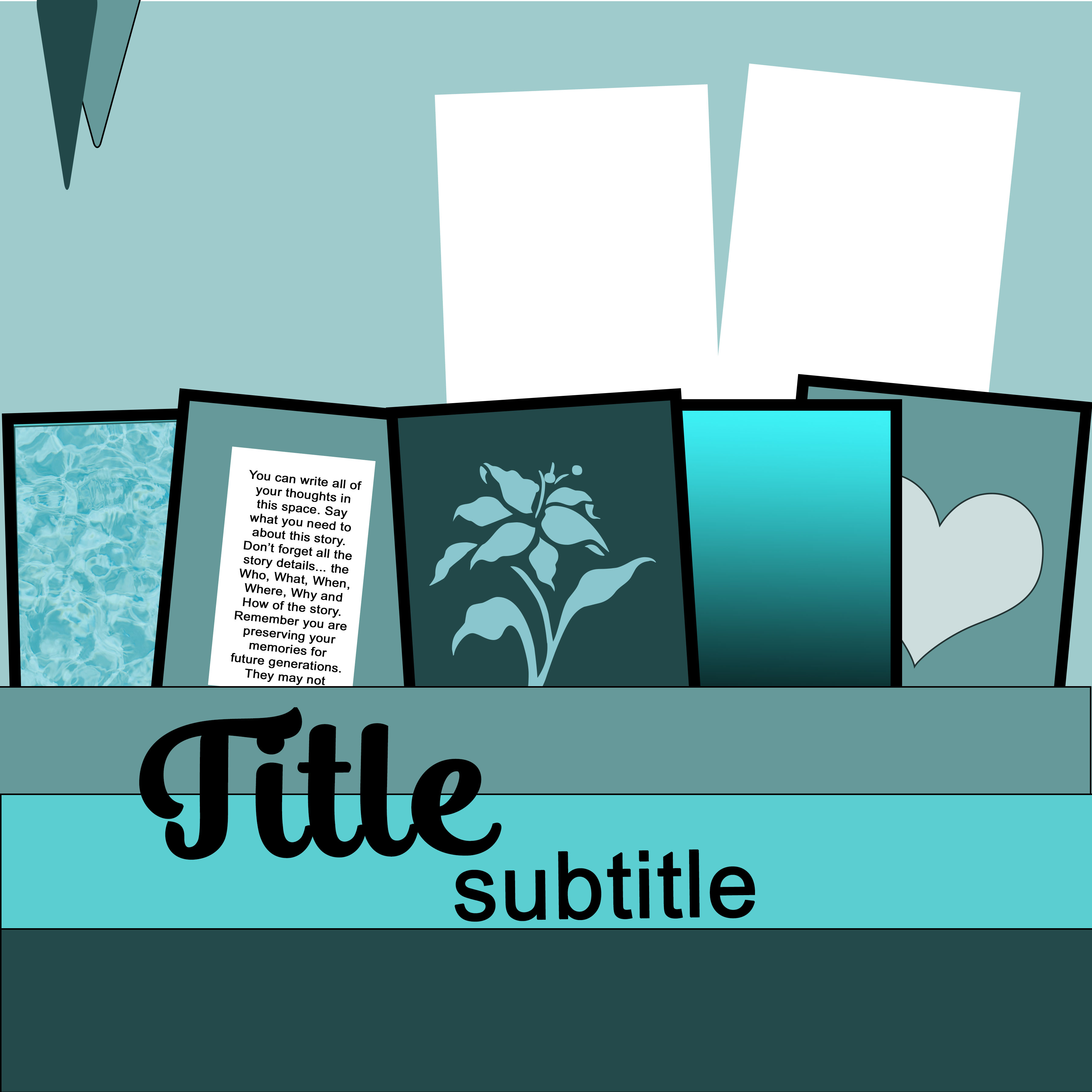
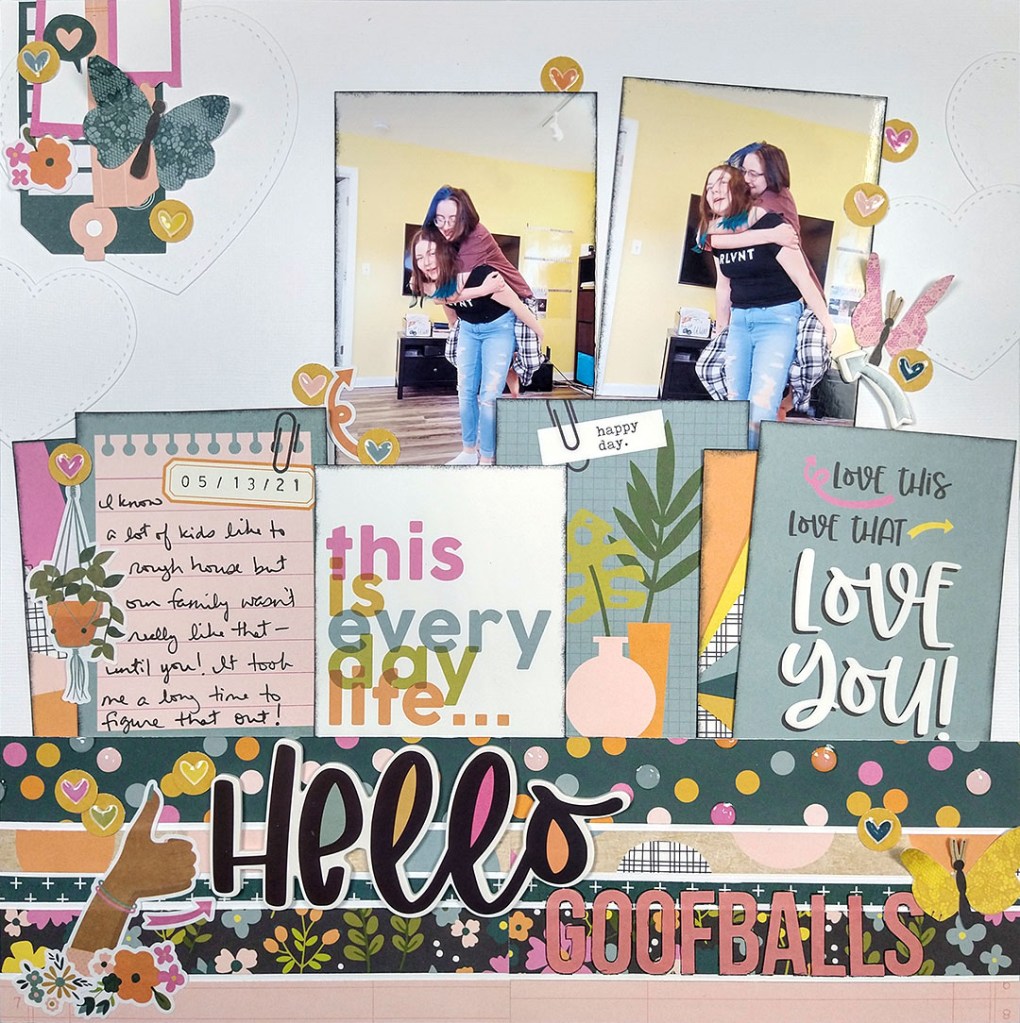
Here is a closer look at the sketch and the project I created based on this sketch.
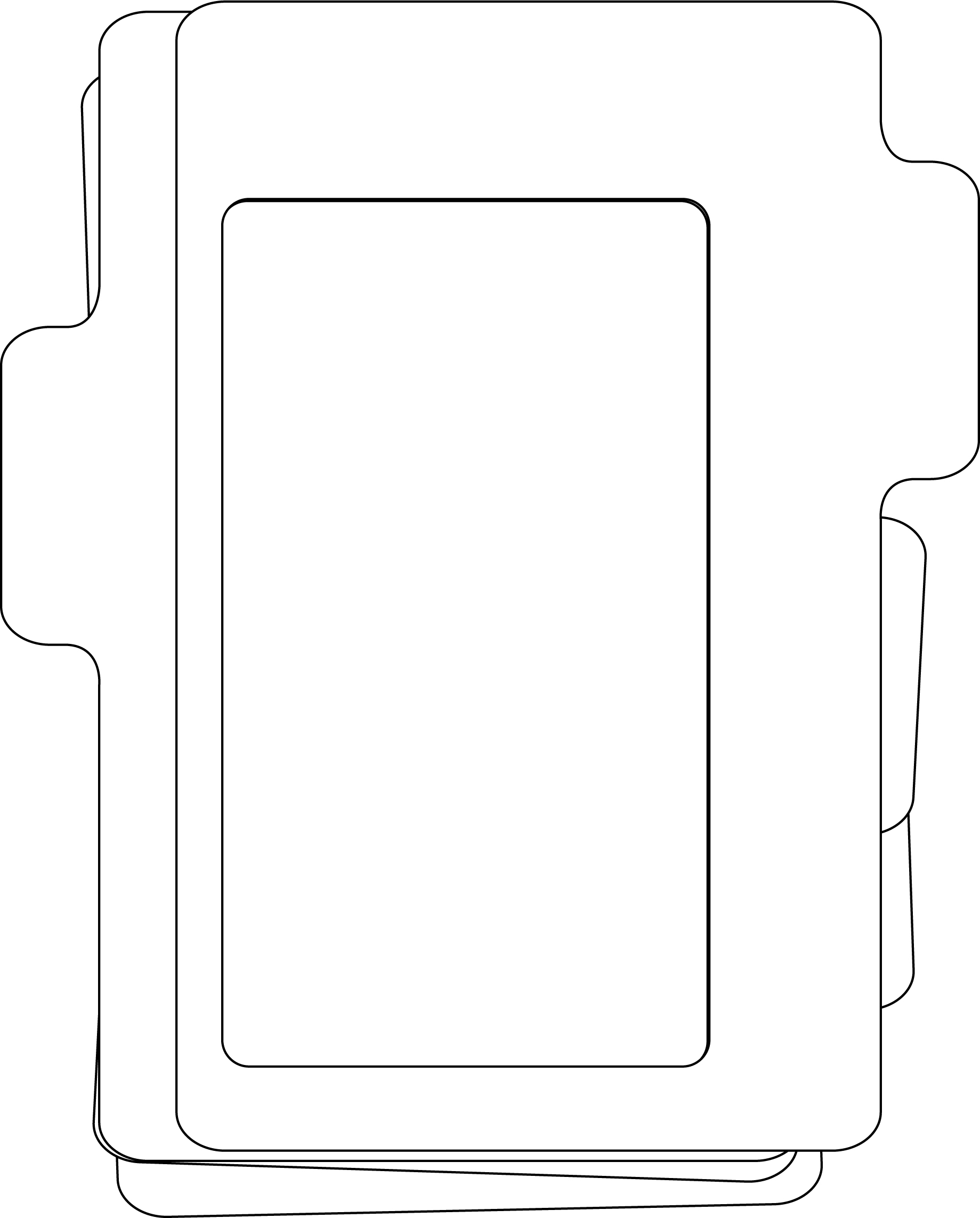
If you are a cut file lover, I’ve got you covered! I’ve actually got two files for you, the frame on the left, and the file cards, folder and tabs on the right. The video talks about how to use the first file card to layer over the file folder if you want to layer it will different pattern papers.

The photo frame on the left was described as part of my design team work over at the Counterfeit Kit Blog. It’s at the bottom of the post so be patient and scroll down! Plus I used the finished frame in a recent YouTube video, so you can check it out there as well.

Download the…

  • Sketch pdf version here
  • Sketch psd version here
  • File Frames cut file here
  • File Cards & Folder cut file here

OR… head over to my Freebies Page to peruse the catalog of files I have offered in the past. And if you have any ideas for sketch or cut files, I’d love to hear your ideas. I can’t make promises but I can take suggestions!

Until next time, have an artful day.


PRODUCTS USED**

** Disclaimer: I offer affiliate shopping linked products when possible. This shopping won’t cost you anything extra, but I get a small kick back from the companies for sending business their way. It is an easy way to tell me “Thank You” for the content I provide. I appreciate you using my links!

Freebie Friday — Storage Box cutfiles!

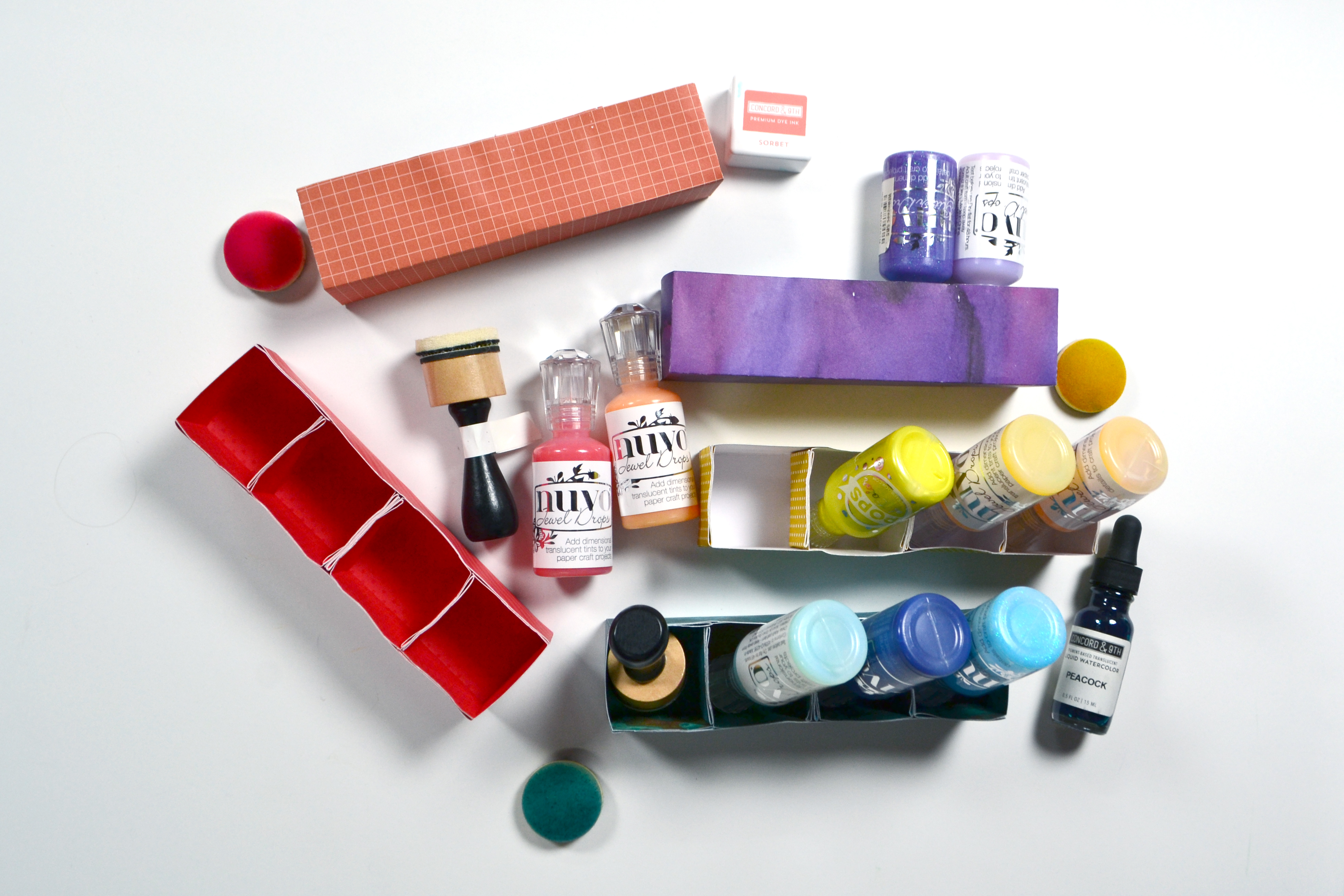
I love learning, creating and sharing. That is why I offer freebies up to you each month. Usually I offer both a layout sketch and and cut file, however this time around I’m working on a bigger, specific project. I am reorganizing my ink pads and other color products into an up-cycled CD “bookcase”.

Eventually all the colors of ink pads will share shelves with these little organizers for other color products! Since I needed to create many of these organization boxes, I decided to create a cut file and share it with you. (Links to the files below.) The video has all the details on the cut file, but if you don’t own a cutting machine, read on for a manual version of this project.

For the Manual Version

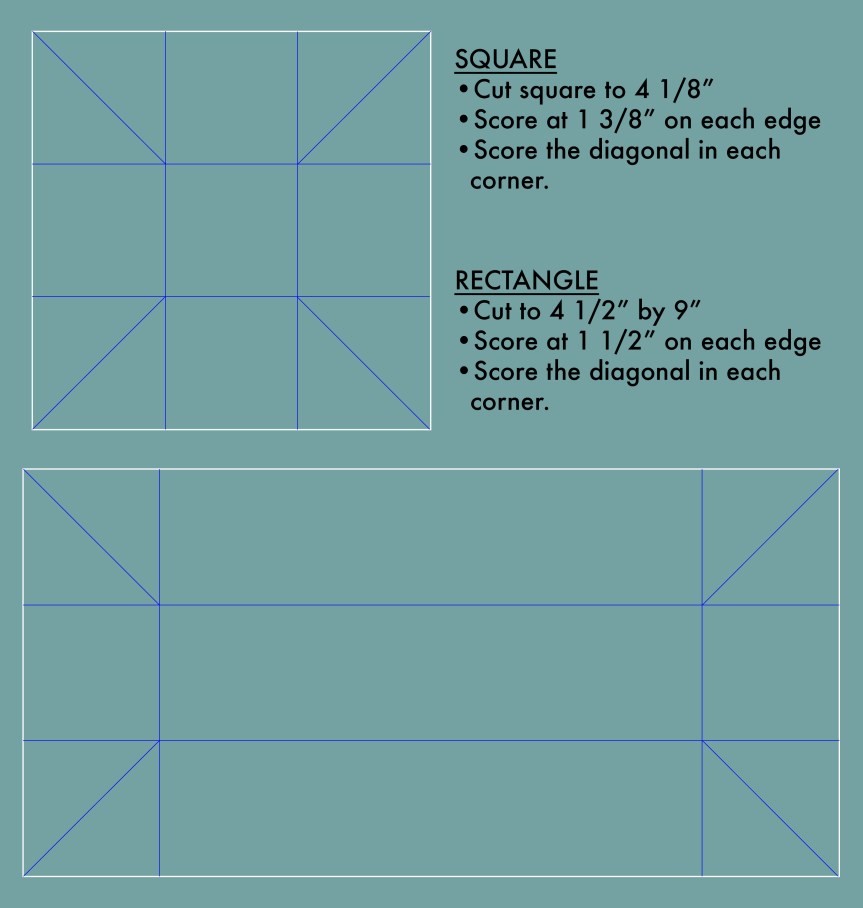
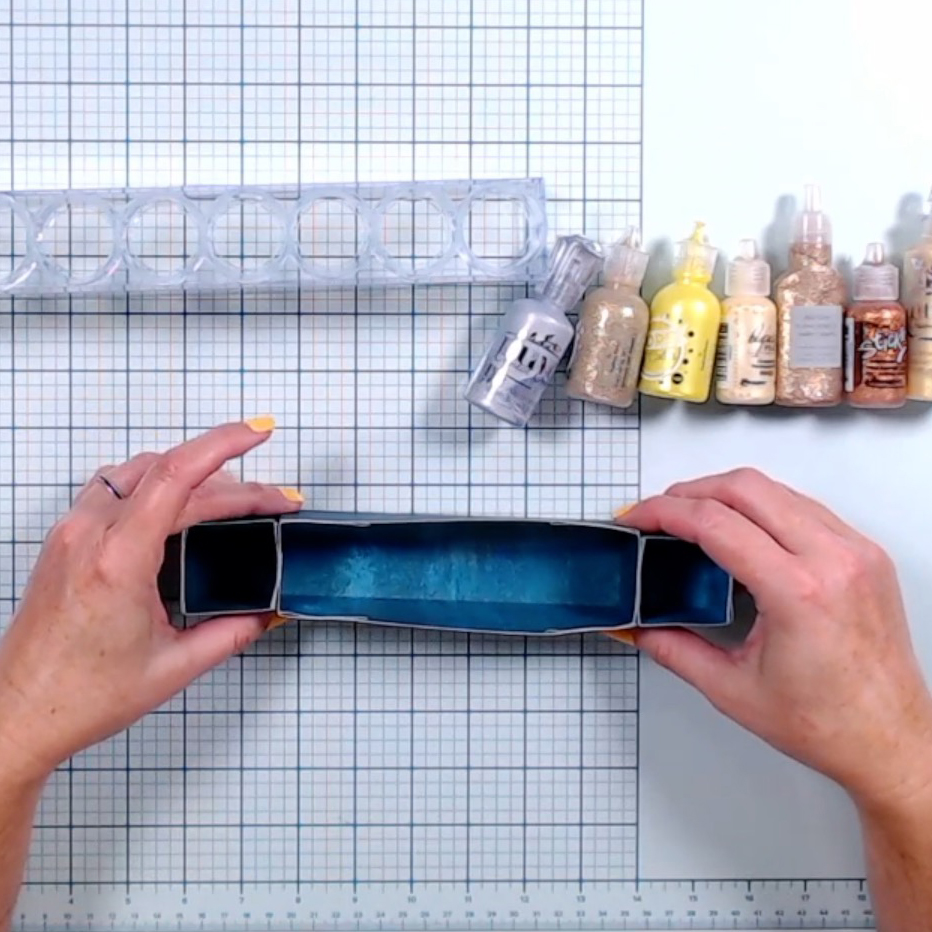
You will need to cut and score your boxes following the guide below. White lines are cutting and blue lines are scoring. The squares are cut slightly smaller than the rectangle to allow for stacking and gluing them into the rectangle. They can also be glued to the ends of the rectangle, or to each other for an array of configuration options (see pics below).

The video has a few tips and tricks to assembling these boxes, but really it is pretty straight forward. Fold along all the score lines. The corners will form little flaps. Tucks those flaps into the box and glue down to the sides of the box. Make however many boxes you need!

Get the Cut Files

I do offer a raw svg file for these cuts. However… in order to use the files with both cutting and scoring properties on a machine, you’d need to do some file manipulation to the svg. I do cover those manipulations in the video. But, if you want to skip the manipulation steps, then use the links below to access the Cricut or Silhouette brand specific files. Sorry, I don’t have access to other machine options; you’ll have to use the svg file and figure out how to manipulate it in your software. The video tells you WHAT to do, just not HOW to do it on all software. All links are right here for your conveniences, or you can pop over to my Freebies Page to see what other goodies I offer.

That is it for this week. I’ll see you all next week. Until then, have an artful day!

Freebie Friday, Aug ’22

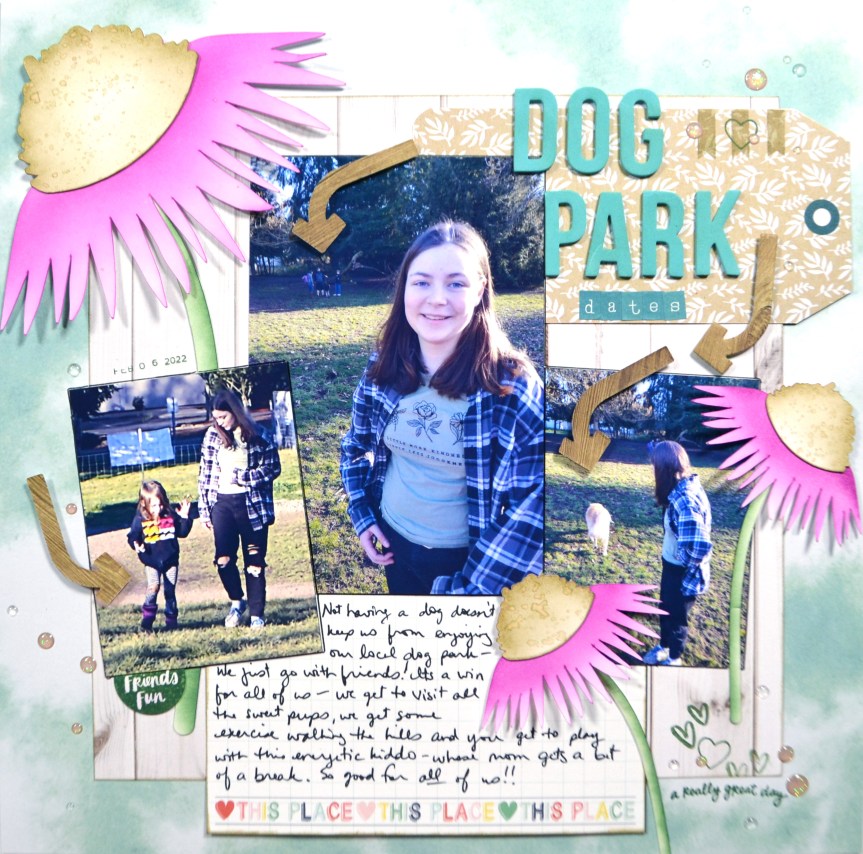
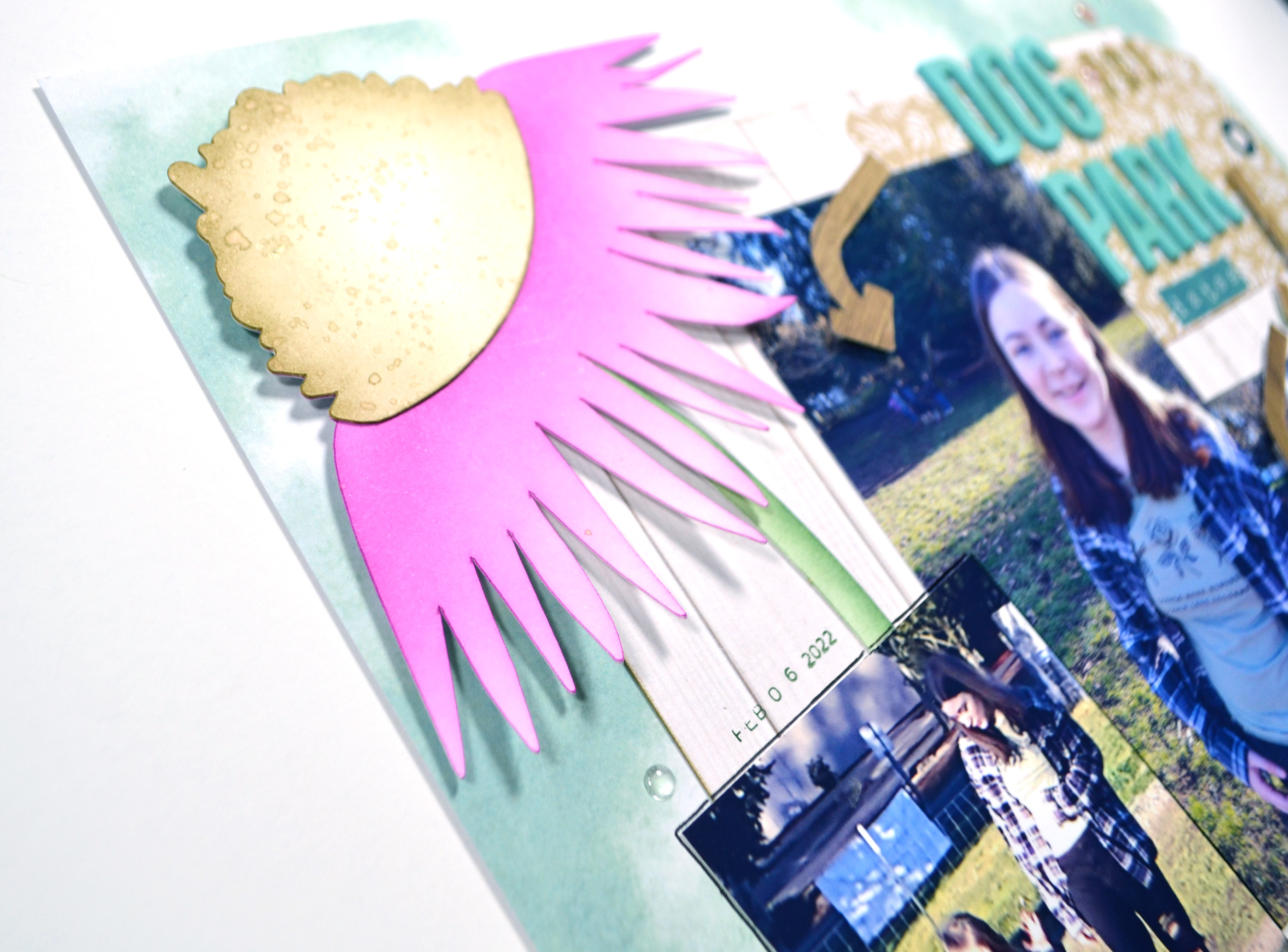
I love learning, creating and sharing. That is why I offer freebies up to you each month. I have both a layout sketch (in printable pdf as well as editable psd) and an electronic cut file (in svg). This month I was inspired by the late summer flowers in my garden to create a coneflower cut file. You can see all the details in my reveal video, or read on for the short version.

Here is a closer look at the sketch and the project I created based on this sketch.

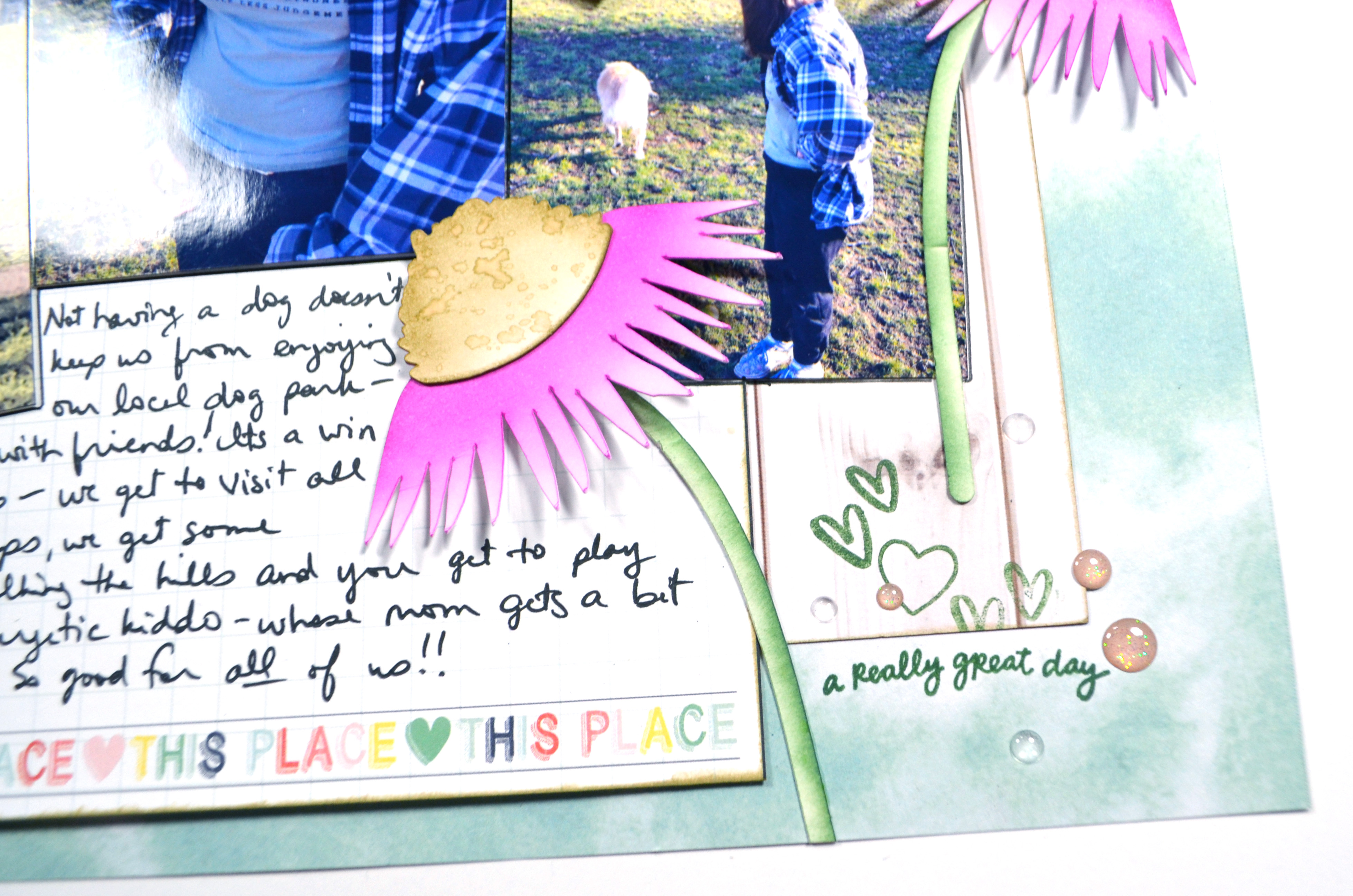
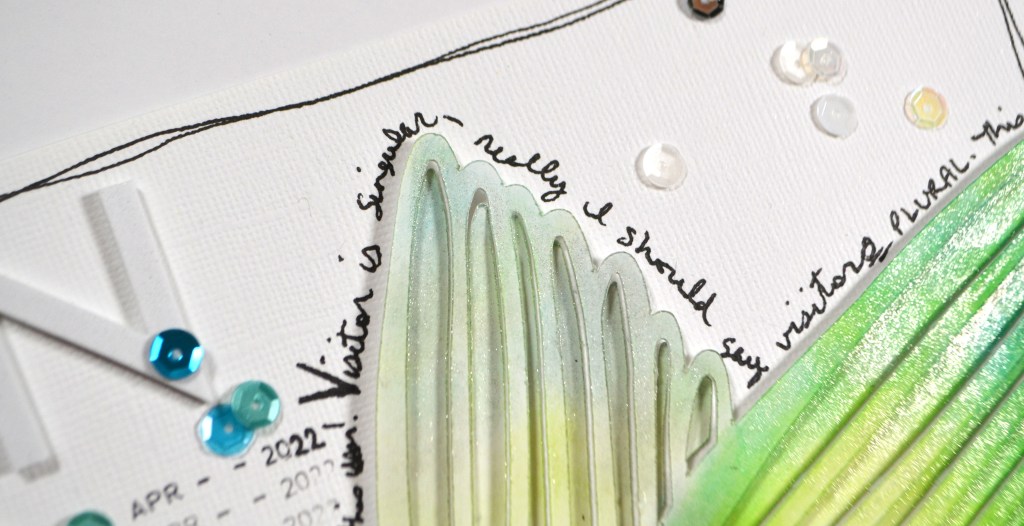
If you are a cut file lover, I’ve got you covered too! Here is the coneflower and it’s parts. The flower center layers over the flower to create the final image. I’ve cut my flowers out of heavy weight mixed media cardstock in several sizes and ink blended them for a soft feel.

Download the pdf sketch here, the psd version here, the cut file here or, head over to my Freebies Page to peruse the catalog of files I have offered in the past. And if you have any ideas for sketches or cut files, I’d love to hear your ideas. I can’t make promises but I can take suggestions!

Until next time, have an artful day!
Freebie Friday!

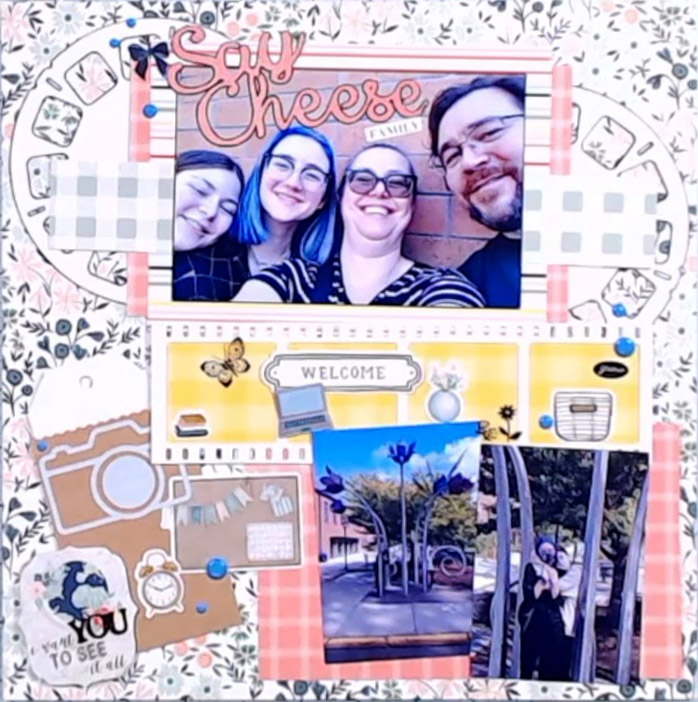
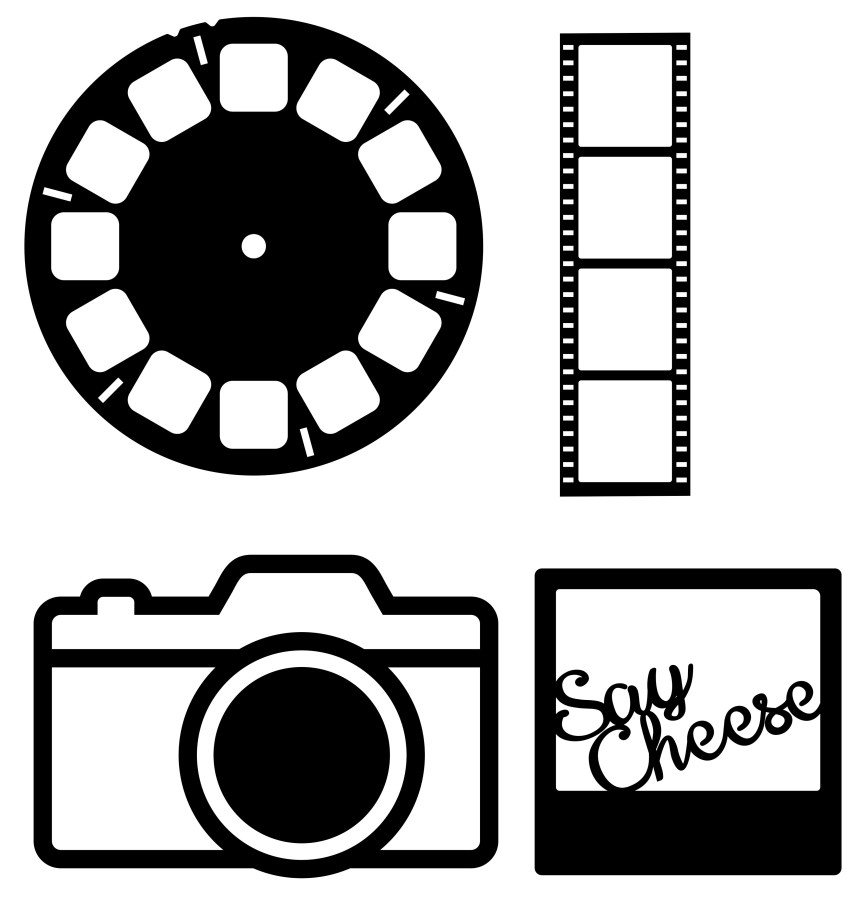
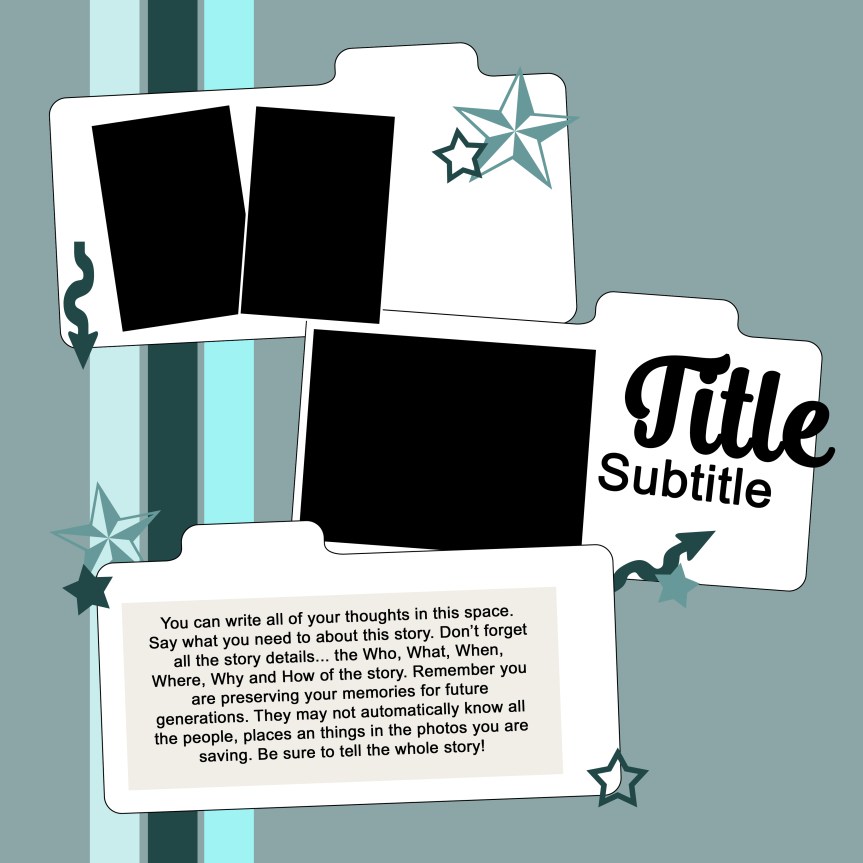
I love learning, creating and sharing. That is why I offer freebies up to you each month. I have both a layout sketch (in printable pdf as well as editable psd) and an electronic cut file (in svg). This month I was inspired by view finders and camera images. You can see all the details in my reveal video, or read on for the short version.

Here is a closer look at the sketch and the project I created based on this sketch.

If you are a cut file lover, I’ve got you covered too! My video covers any details for this file and any tips and tricks I have to share. Be sure to get all the info by watching above.

Download the pdf sketch here [coming soon], the psd version here [coming soon], the cut file here or, head over to my Freebies Page to peruse the catalog of files I have offered in the past. And if you have any ideas for sketch or cut files, I’d love to hear your ideas. I can’t make promises but I can take suggestions!

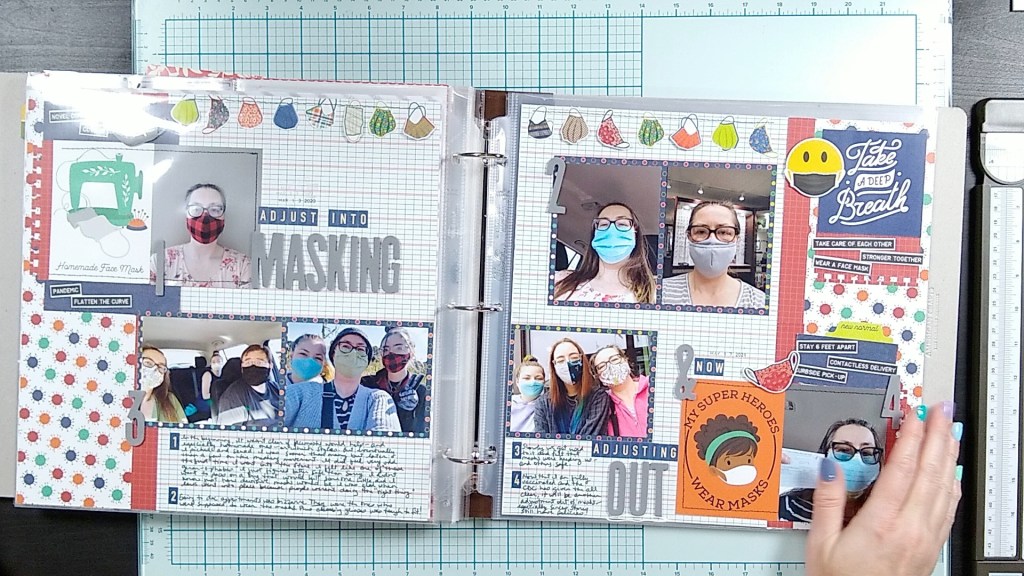
Documenting Covid: Mask mandates

I’m on a journey this year to get more stories in my covid album. I started this album during a Crop & Create event class where we created pocket pages using a calendar set up to document an entire year. I knew that this would be perfect for covid! I did purchase a second set of kit supplies since I knew that covid would last longer than a year!

The most details are outlined in this video

Here is a quick look at the base of my album.

I do have a few independent 12×12 pages in there already. In fact I have this t-page spread about when the mask mandates ended in 2021.

And those pages lead right into this new layout about how the mask mandates returned just a couple of months after ending thanks to the delta variant.

The key to this layout was using newspaper (can they really be called newspapers anymore??) headlines from the internet. I took screen shots of the headlines, sized them all the same and then printed them out on photo paper. I was sure to record the news source and the date as part of the layout flow.

The other piece to this layout was the title I created in Cricut using some of the newest features in the software. One of my biggest complaints about the Cricut has been the wimpy features in the software. Well, that seems to be changing! Here is a tutorial on how I created this title.

As always, I hope this gave you some ideas for your own scrappy life!

Freebie Friday, April ’22

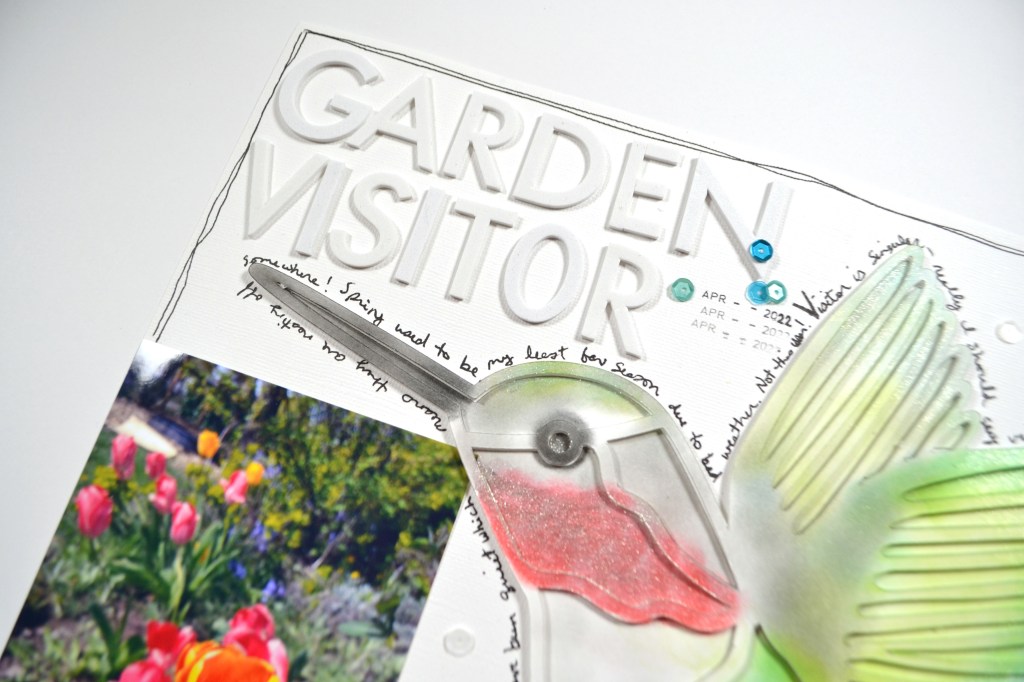
I love learning, creating and sharing. That is why I offer freebies up to you each month. I have both a layout sketch (in printable pdf as well as editable psd) and an electronic cut file (in svg). This month I was inspired by the birds in my garden! You can see all the details in my reveal video, or read on for the short version.

Here is a closer look at the sketch and the project I created based on this sketch.

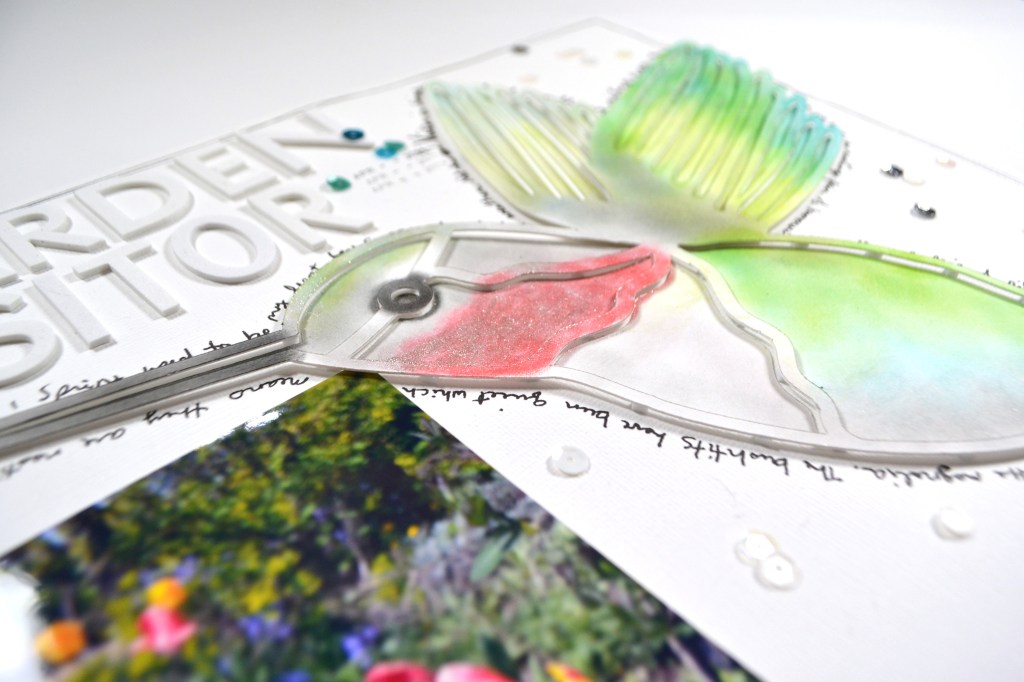
You may have noticed that I have a hummingbird cut file on the layout above. Sure enough, that is the cut file I have to offer you this month. My reveal video covers how I colored my hummingbird. Of course you could always back the bird with pattern papers.

Download the pdf sketch here, the psd version here, the cut file here or, head over to my Freebies Page to peruse the catalog of files I have offered in the past. And if you have any ideas for sketch or cut files, I’d love to hear your ideas. I can’t make promises but I can take suggestions!

Freebie Friday, March 2022

It is that time once again! I love learning, creating and sharing. That is why I offer freebies up to you each month. I have both a layout sketch (in printable pdf as well as editable psd) and an electronic cut file (in svg). This month I was inspired by the reawakening of all the plants and they burst into spring (and the sweat and dirt that goes into keeping the garden looking good!!). You can see all the details in my reveal video, or read on for the short version.

Here is a closer look at the sketch and the project I created based on this sketch.

If you are a cut file lover, I’ve got you covered too! My video covers any details for this file and any tips and tricks I have to share. Be sure to get all the info by watching above.

Download the pdf sketch here, the psd version here, the cut file here or, head over to my Freebies Page to peruse the catalog of files I have offered in the past. And if you have any ideas for sketch or cut files, I’d love to hear your ideas. I can’t make promises but I can take suggestions!

Freebie Friday is here again

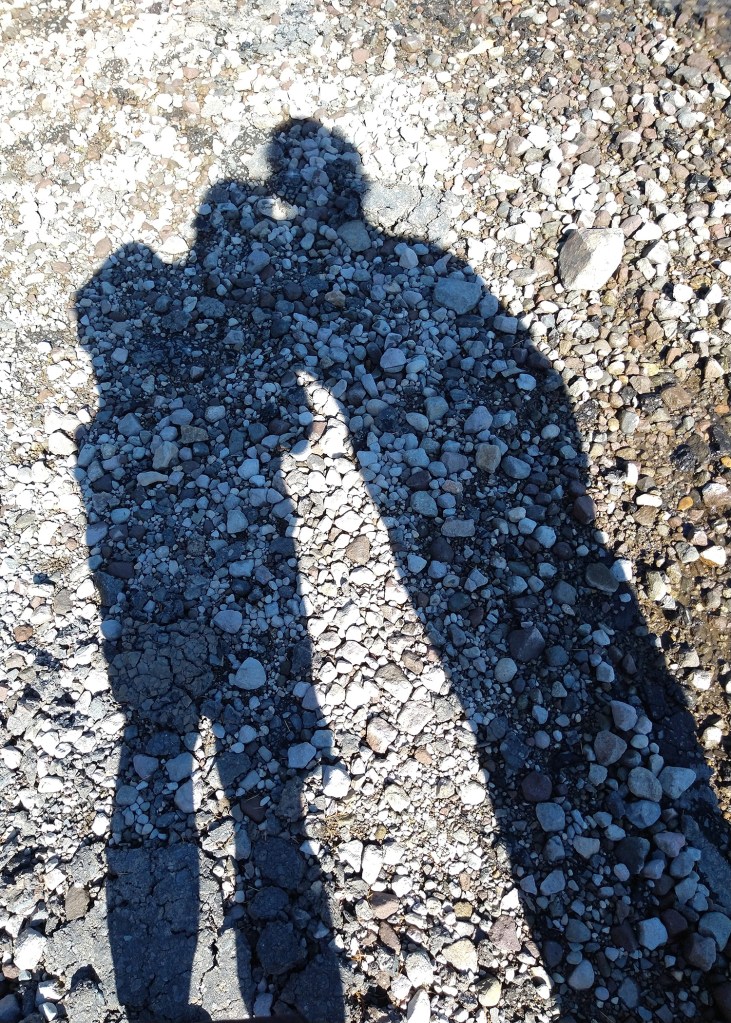
I love learning, creating and sharing. That is why I offer freebies up to you each month. I have both a layout sketch (in printable pdf as well as editable psd) and an electronic cut file (in svg). This month I was inspired by Valentine’s Day, and especially the photo below. I wanted something romantic but not overly sweet to highlight this moment with my husband.

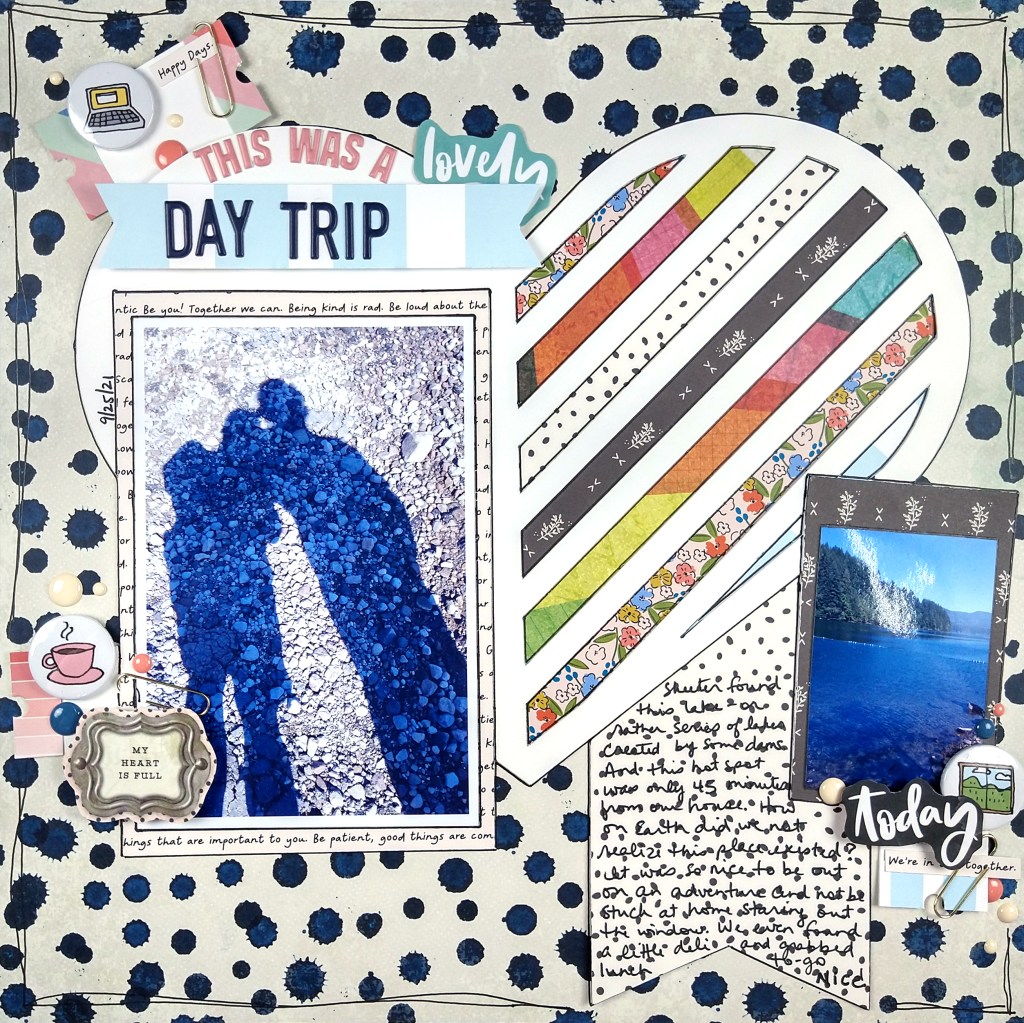
So this is what I came up with…

The stripy heart is just my favorite! Since I hate backing cut files I usually include the cutable fill-in pieces to save you hassle. You can see how I put it to use on this layout (although, small confession, I did back the file by hand. Go figure!)

I’m pretty honest when I love or dislike something I’ve created. This time I am in love. Those stripes filled with the mix of bright and chill patterns… oh my. Do you even get giddy with one of your creations?

So I went on to produce my sketch for the month from this layout. Here is a closer look at the sketch.

And as usual if you want the full detailed version I have that for you in my release video

Now if you want to get your hands on these freebies I have all the links for you right here.

Download the pdf sketch here, the psd version here, the cut file here or, head over to my Freebies Page to peruse the catalog of files I have offered in the past. And if you have any ideas for sketch or cut files, I’d love to hear your ideas. I can’t make promises but I can take suggestions!

Freebie Friday!

I revealed my freebies for this month over on YouTube, but failed to write up my post here. So here is the quick version…

This month’s sketch was based on a layout I shared on YouTube earlier when I did my SCT Sampler Kit unboxing.

For the cut file, I haven’t had a chance to use up my pieces on a project, but the video shows how they all turned out, as well as some tips on cutting intricate files. Here I cut them out of cardstock, vellum and silver mirror paper.

Download the sketch here, the cut file here or, head over to my Freebies Page to peruse all the files I have to offer.

Freebie Friday Jan 2022

I did take a break in December to get some other things in my life worked on. Nothing big, just stuff that needed doing that was being neglected. I had hoped despite the break that I’d be able to get a sketch and cut file out to you. Alas, life did not make that happen.

But… I am back and I have some freebies for you now. Be sure to check out the Freebies page to see all that I have to offer. I hope you enjoy! Now let’s see the new files for this New Year!

Free Sketch!

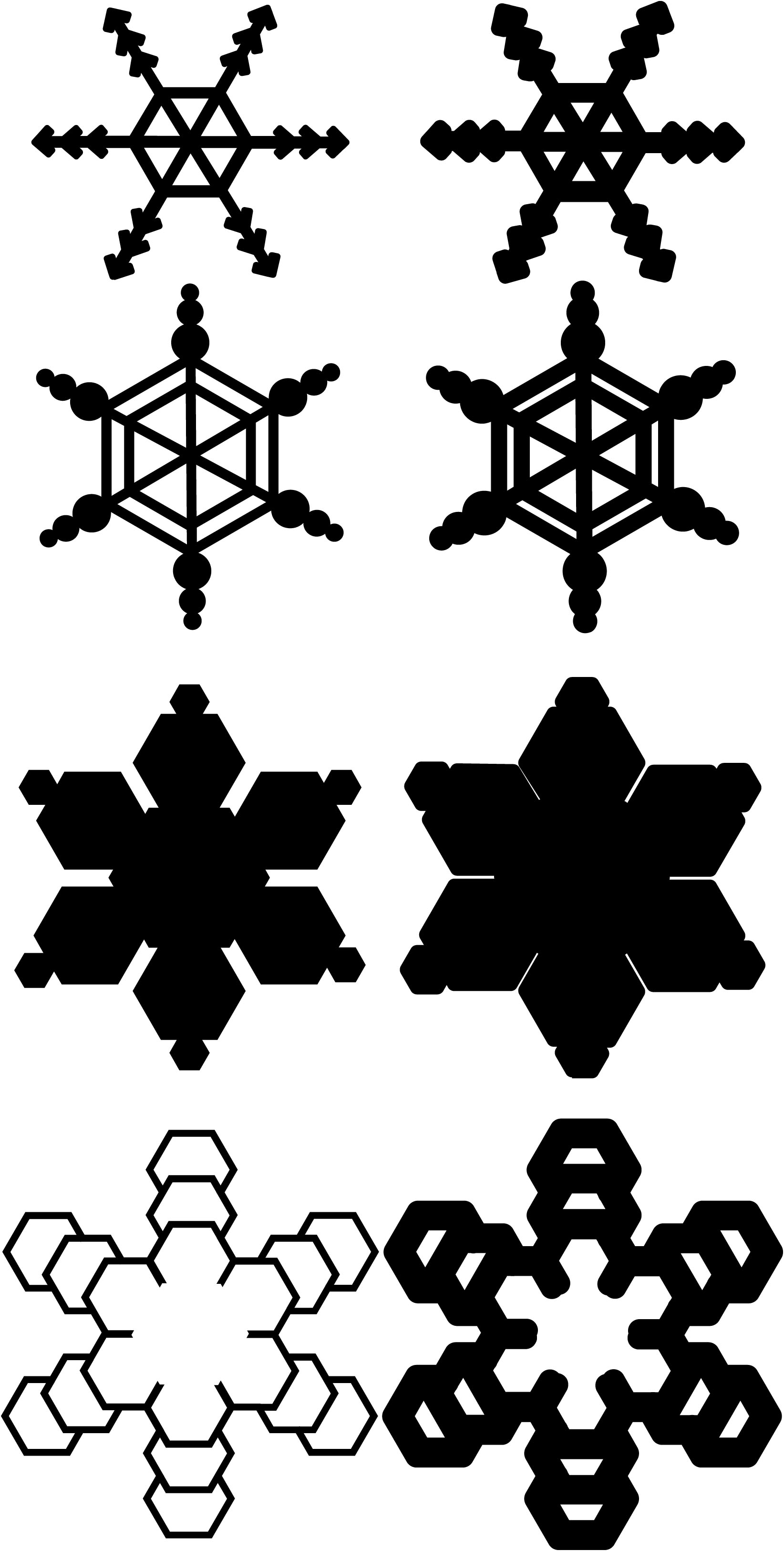
Free Cut File

Of course I’ve got a video. There are a couple of small tips in there on how to get better results when cutting intricate die cuts on your Cricut. And then I just play with those snowflakes in various materials.